1
Control level 2 – Contractor
Please note:
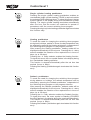
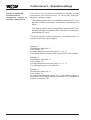
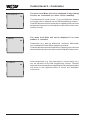
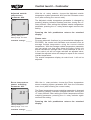
The current display can be changed by + / - 5 K, to match the
room temperature display to the installation conditions or other
thermometers. The corrected display value will be applied to all
calculations of relevant functions.
Example:
The remote control indicates a room temperature of 20 °C.
In the living area, a temperature of 22 °C is measured with a
thermometer.
The set value must be changed to +2 °C. That way, the actual
temperature measured by the remote control will always be
indicated 2 °C higher.
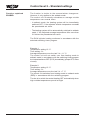
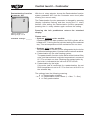
External sensor
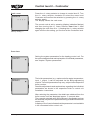
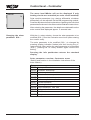
Parameter A06
A06
1
Factory setting: 1
Setting range: 0 to 1
Individual settings: _______
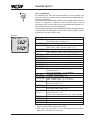
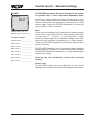
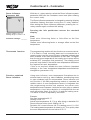
With the r.h. rotary selector, choose the External sensor system
parameter A06 from the Contractor menu level (after entering
the correct code).
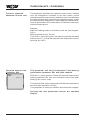
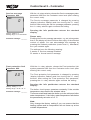
The External sensor parameter is changed by pressing (display
indication flashes) and then turning the r.h. rotary selector.
After setting the External sensor parameter, pressing the r.h.
rotary selector again confirms the setting.
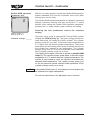
Pressing the Info pushbutton returns the standard
display.
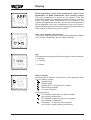
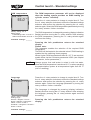
Please note:
If the programming module is used as remote control fitted into
a wall mounted base, the terminal 5 / 6 of the terminal strip inside
the wall mounting base (see chapter "Installation"), an external
room temperature sensor or an external outside temperature
sensor can be connected. This sensor can have a function
allocated via the External sensor system parameter A06.
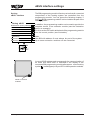
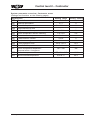
The settings have the following meaning:
0 ! External room temperature sensor
1 ! External outside temperature sensor
42
30 61 872_0407