1
Interpret profiling data
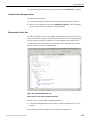
Copy to the clipboard
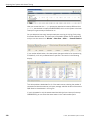
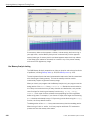
At any time, if you want to see the table or tree data in textual format, use your
development host's method of copying to obtain the text version of the visible data,
which will be copied to your clipboard.
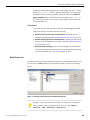
Filter
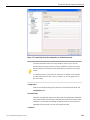
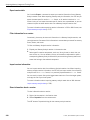
When grouping doesn't help reduce the amount of profiling data from the results, you
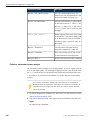
can use filters to remove some rows from the table. Component filtering lets you see
only those records related to the specified component, or you can use Data filtering
to filter based on timing values.
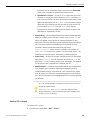
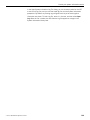
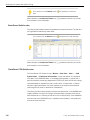
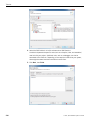
When filtering is applied, the <filtered> element remains in the view as a remainder
of the filtered elements, and the total number of these elements is visible in the Count
column.
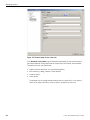
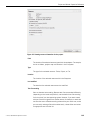
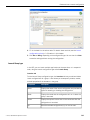
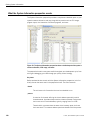
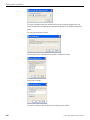
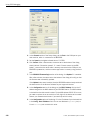
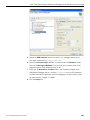
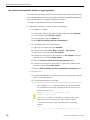
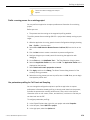
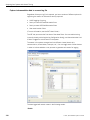
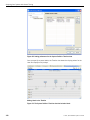
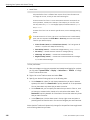
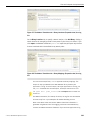
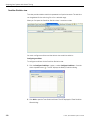
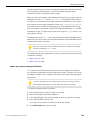
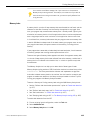
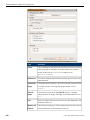
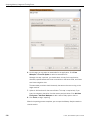
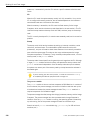
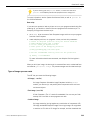
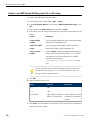
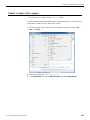
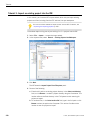
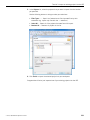
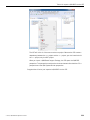
To filter results:
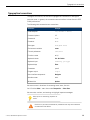
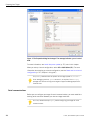
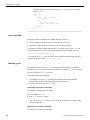
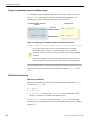
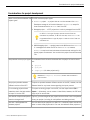
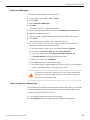
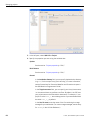
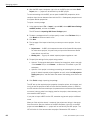
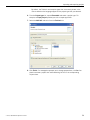
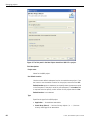
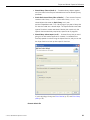
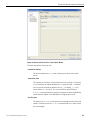
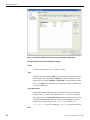
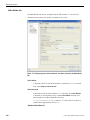
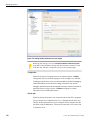
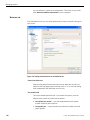
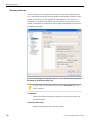
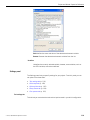
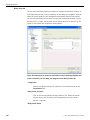
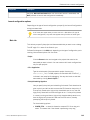
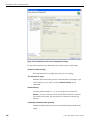
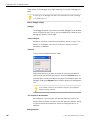
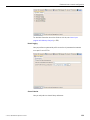
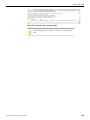
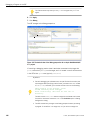
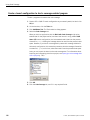
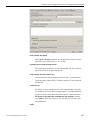
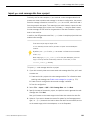
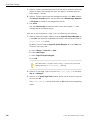
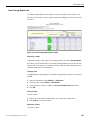
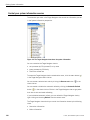
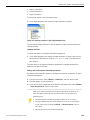
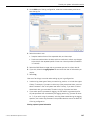
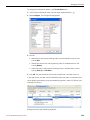
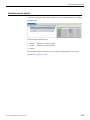
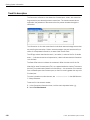
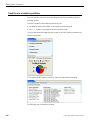
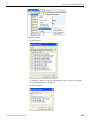
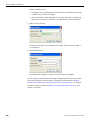
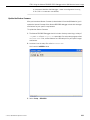
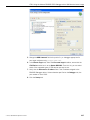
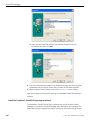
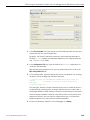
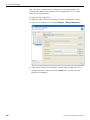
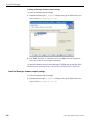
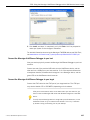
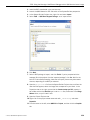
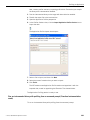
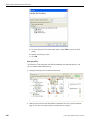
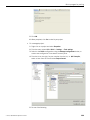
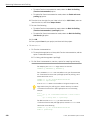
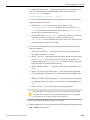
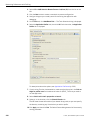
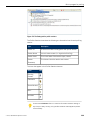
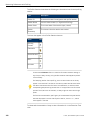
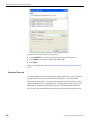
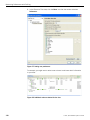
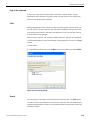
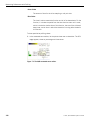
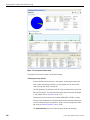
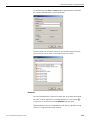
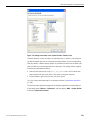
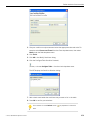
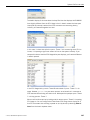
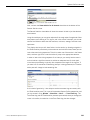
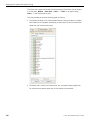
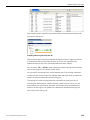
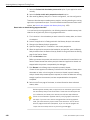
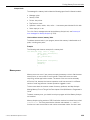
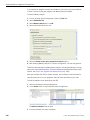
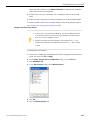
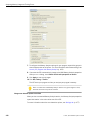
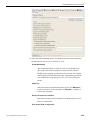
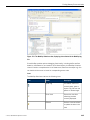
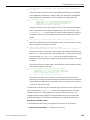
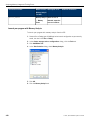
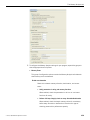
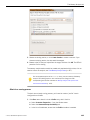
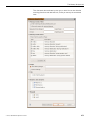
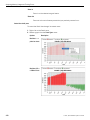
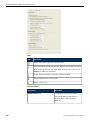
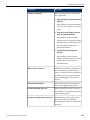
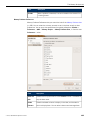
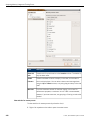
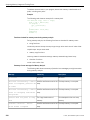
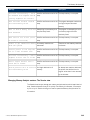
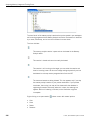
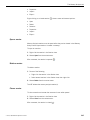
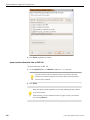
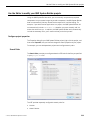
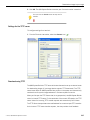
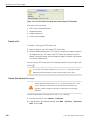
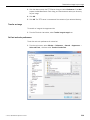
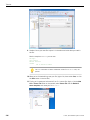
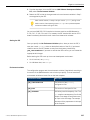
1. In the Execution Time view, click the Menu icon from the toolbar and select Filters.
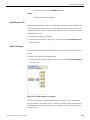
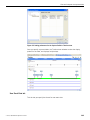
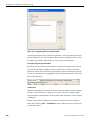
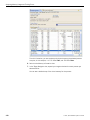
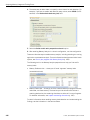
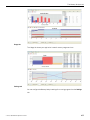
Figure 69: The Filtering dialog.
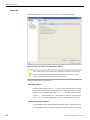
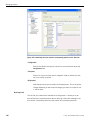
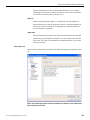
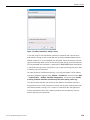
Search
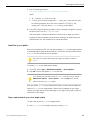
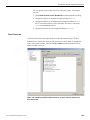
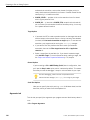
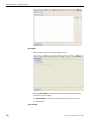
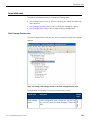
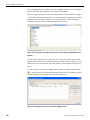
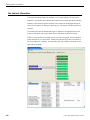
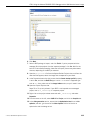
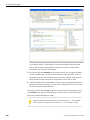
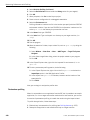
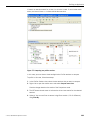
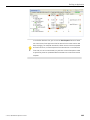
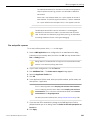
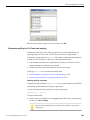
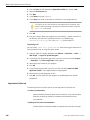
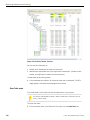
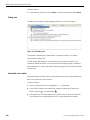
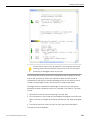
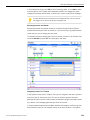
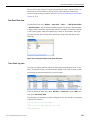
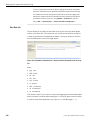
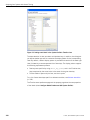
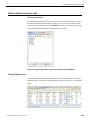
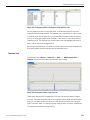
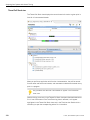
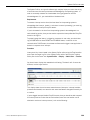
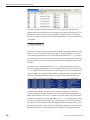
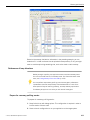
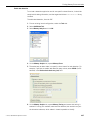
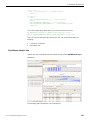
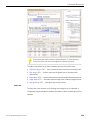
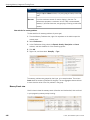
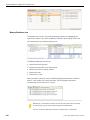
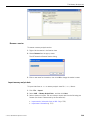
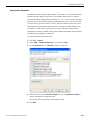
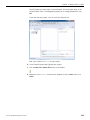
You can perform a text search on the data results from the profile. The Find feature
includes a Find bar at the bottom of the Execution Time view. The view automatically
expands and highlights the nodes in the tree when the search locates results matching
the search criteria.
©
2014, QNX Software Systems Limited
319