1
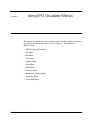
Using EPD.Visualizer Menus
File Menu
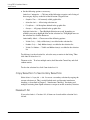
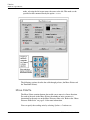
PostScript Graphics Output
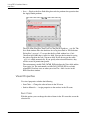
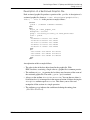
You can capture an image of a view displayed in the EPD.Visualizer graphics
window in PostScript, format the image, and print it. To do this, perform the
following steps:
1.
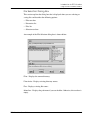
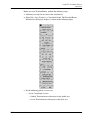
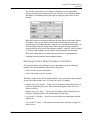
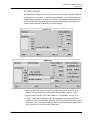
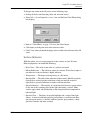
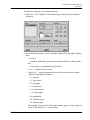
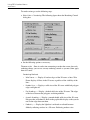
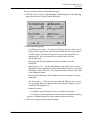
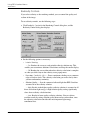
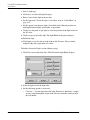
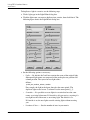
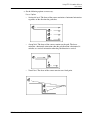
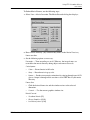
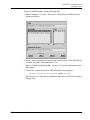
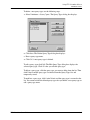
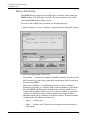
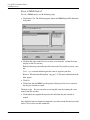
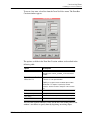
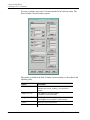
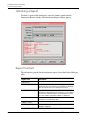
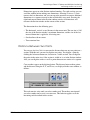
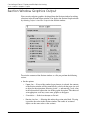
Select File > Graphics Output > PostScript to display the PostScript Output
dialog box.
2.
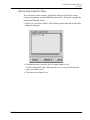
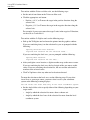
In the PostScript File Name field, enter the file name with or without a
directory path. You can overwrite an existing file name by entering its name.
3.
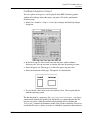
Select the paper size. The image is scaled to the paper size you select.
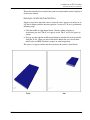
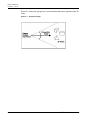
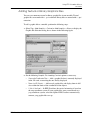
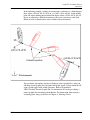
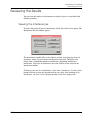
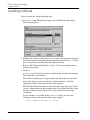
4.
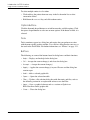
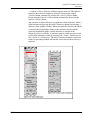
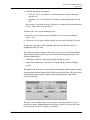
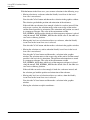
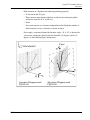
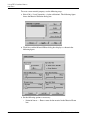
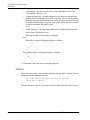
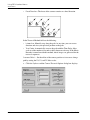
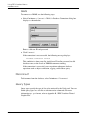
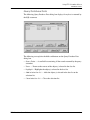
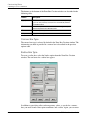
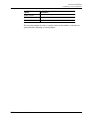
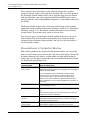
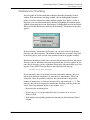
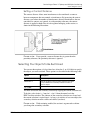
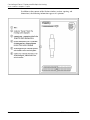
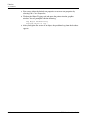
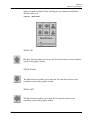
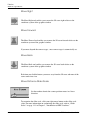
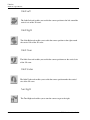
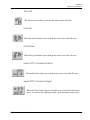
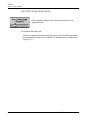
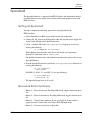
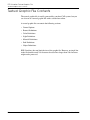
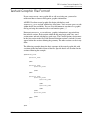
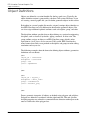
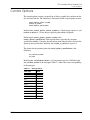
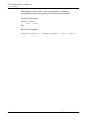
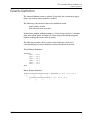
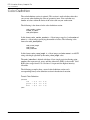
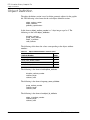
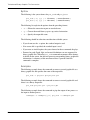
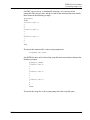
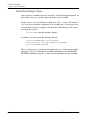
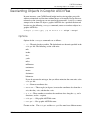
Select the orientation of the page. The options are shown below:
5.
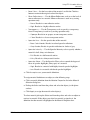
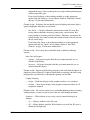
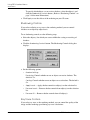
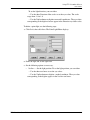
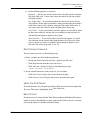
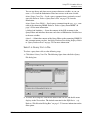
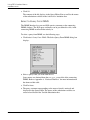
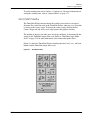
To save the file, click Write PostScript and then Close. You can print the file
from the operating system.
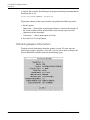
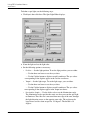
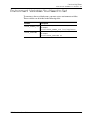
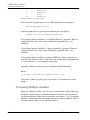
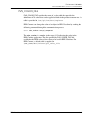
The file that prints is a temporary file (/usr/tmp/sectionoutput.tmp) that is
automatically deleted after printing. By default the lpr command prints the file,
but you can specify a different command for PostScript files by defining the
PVS_PRINT_COMMAND environment variable. You give the variable the value of an
executable file such as a binary or script; no additional argument for the command
EPD.Visualizer User Guide
3-11