1
Palettes
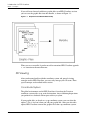
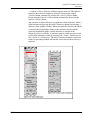
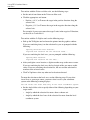
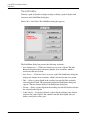
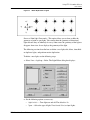
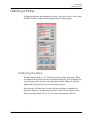
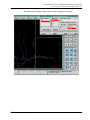
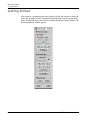
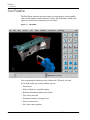
Tool Palette
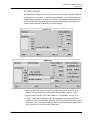
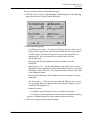
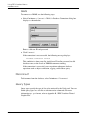
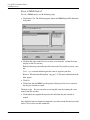
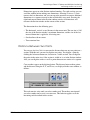
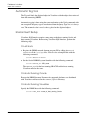
Tree Select and Scroll
Retrieve information about a selected item.
Select this command, then select a graphic component. In the EPD.Connect, the
product structure tree scrolls to the items associated with the selected component.
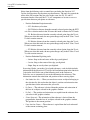
The selected component joins the selection list. To select multiple items, press the
Shift key and continue to select items with the Tree Select and Scroll Tool.
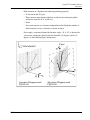
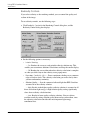
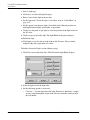
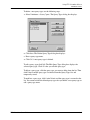
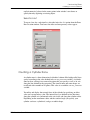
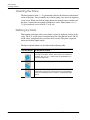
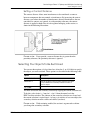
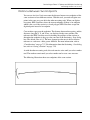
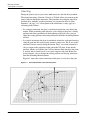
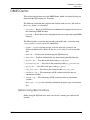
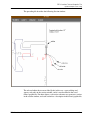
Permanent Zoom
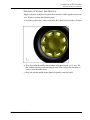
Selecting this icon enables you to define a rectangular area to be a permanent
close-up view of your 3D scene.
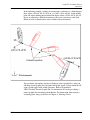
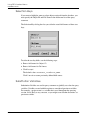
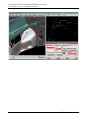
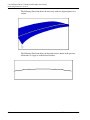
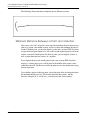
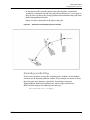
The Permanent Zoom moves the camera to the center of the selected rectangular
area and attaches it to the existing geometry. Selectable geometry must exist under
the center point of the rectangular area that you select.
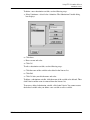
For more information about this feature, refer to “Zoom” on page 9-6.
EPD.Visualizer User Guide
9-5