1
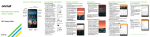
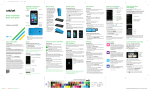
Phone setup
Inserting the battery, micro-SIM
card, and microSD™ card
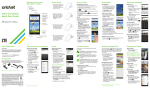
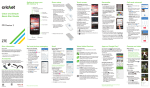
1.Remove the back cover
by pressing your thumb
against the center of the
back cover while using a
finger to pull from the bottom
center of the device.
2.Insert the micro-SIM with the
gold-colored contacts
facing down.
3.Insert the microSD
card (optional) with
the gold-colored
contacts facing down.
4.Insert the battery making
sure the connectors align.
5.Replace the back cover
and charge your phone.
Cricket services
These services make using Cricket even
better and easier!
My Cricket: Access billing, make
a quick payment, view usage and
access support from the palm of
your hand.
Cricket Wi-Fi: Automatically connect
to free and open Wi-Fi® hotspots,
helping you to maximize data usage
and enhance coverage.
Cricket Voicemail: Quickly view,
access and play back your
voicemail messages. Easily save
important numbers to your Favorites
list and respond to messages by
calling back or texting.
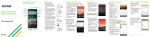
To update and use apps
1.From the home screen, tap Apps
the Cricket folder.
and tap
2.Tap a Cricket app.
3.You will be directed to Google Play™. Tap
Update and then tap Accept.
4.Once installed, you will see a notification in the
Notifications panel. Open the app from this
notification or by locating it in Apps
.