1
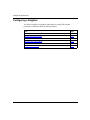
Configuring IP Services
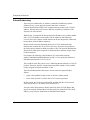
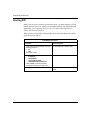
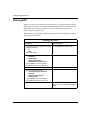
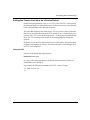
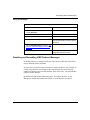
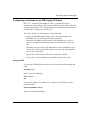
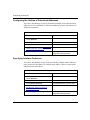
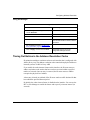
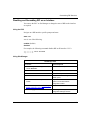
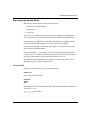
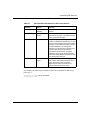
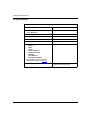
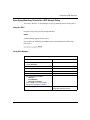
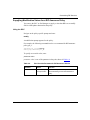
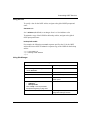
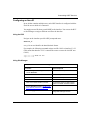
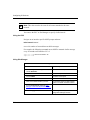
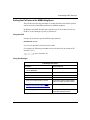
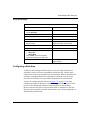
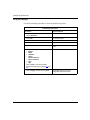
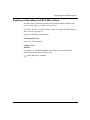
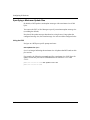
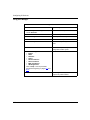
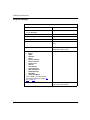
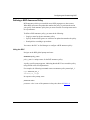
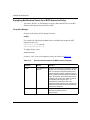
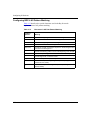
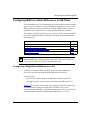
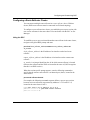
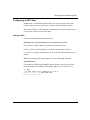
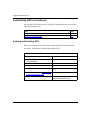
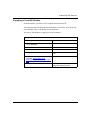
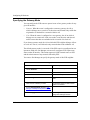
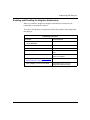
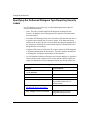
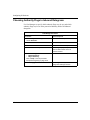
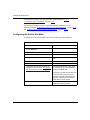
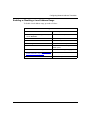
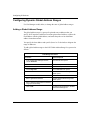
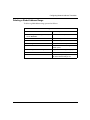
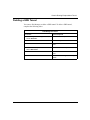
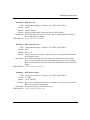
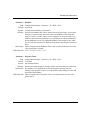
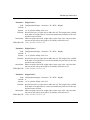
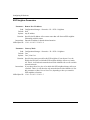
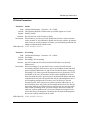
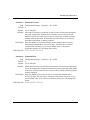
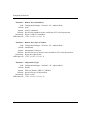
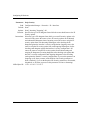
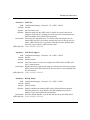
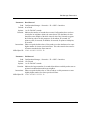
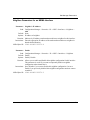
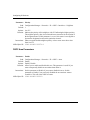
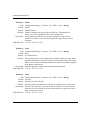
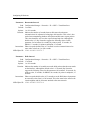
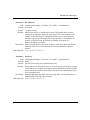
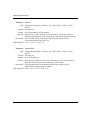
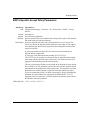
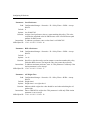
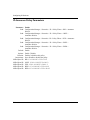
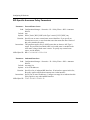
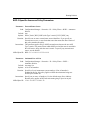
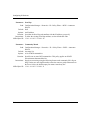
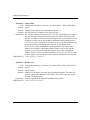
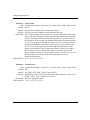
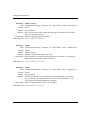
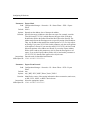
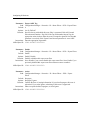
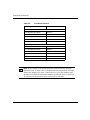
Configuring the Lifetime of Advertised Addresses
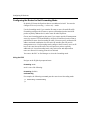
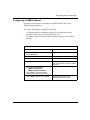
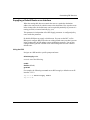
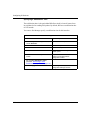
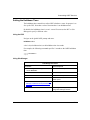
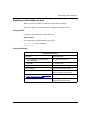
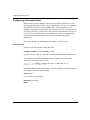
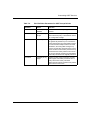
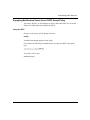
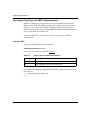
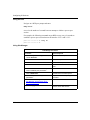
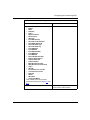
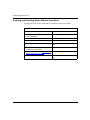
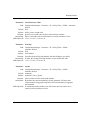
You can use Site Manager to specify the maximum length of time that advertised
addresses are to be considered as valid router addresses by hosts, in the absence of
further advertisements.
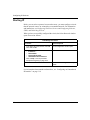
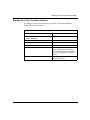
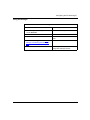
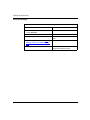
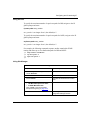
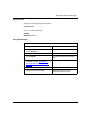
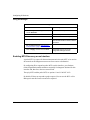
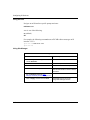
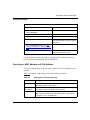
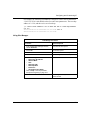
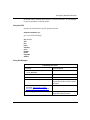
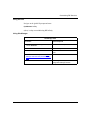
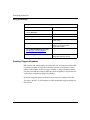
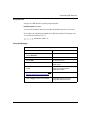
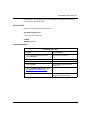
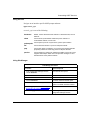
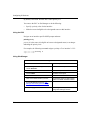
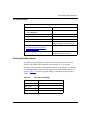
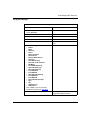
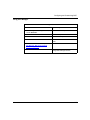
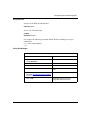
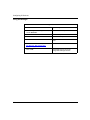
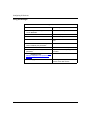
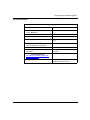
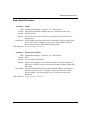
Site Manager Procedure
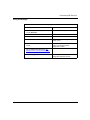
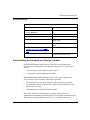
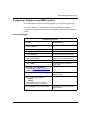
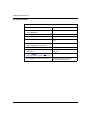
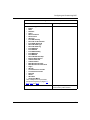
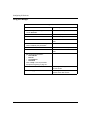
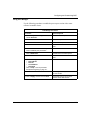
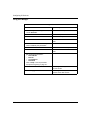
You do this
System responds
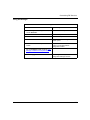
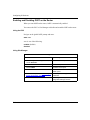
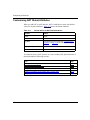
1. In the Configuration Manager window,
choose Protocols.
The Protocols menu opens.
2. Choose IP.
The IP menu opens.
3. Choose Router Discovery.
The IP Router Discovery window opens.
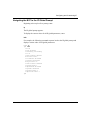
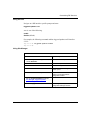
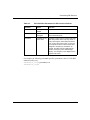
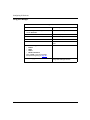
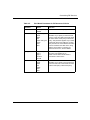
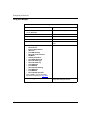
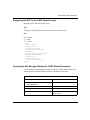
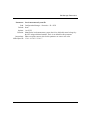
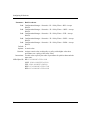
4. Set the Lifetime parameter. Site Manager:
Lifetime parameter: page A-64
5. Click on Apply, and then click on Done.
Site Manager returns you to the
Configuration Manager window.
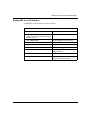
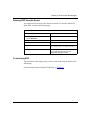
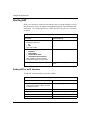
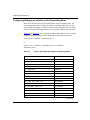
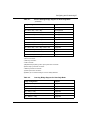
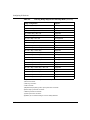
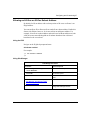
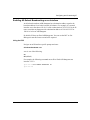
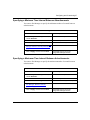
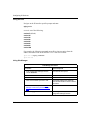
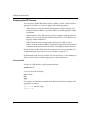
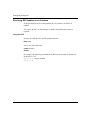
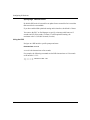
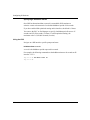
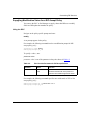
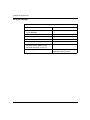
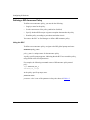
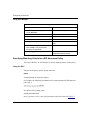
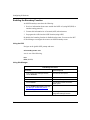
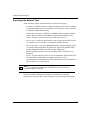
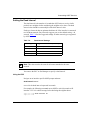
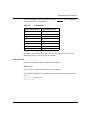
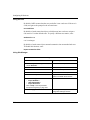
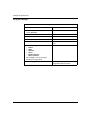
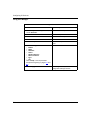
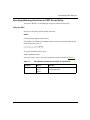
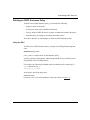
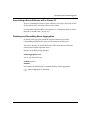
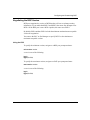
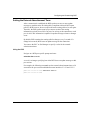
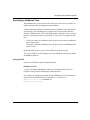
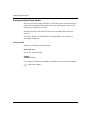
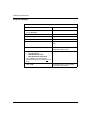
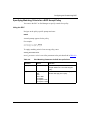
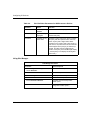
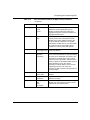
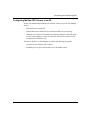
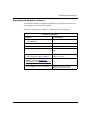
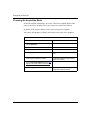
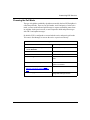
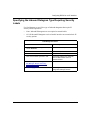
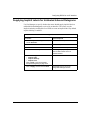
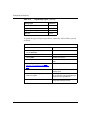
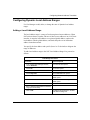
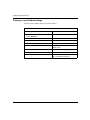
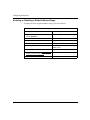
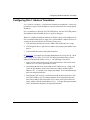
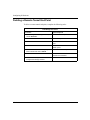
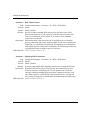
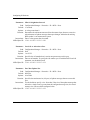
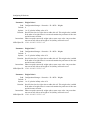
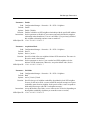
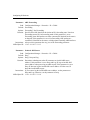
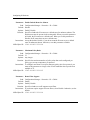
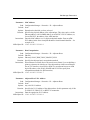
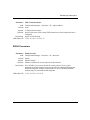
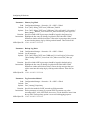
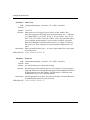
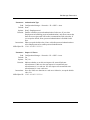
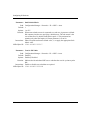
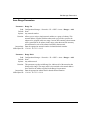
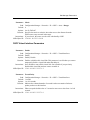
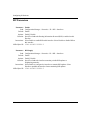
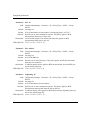
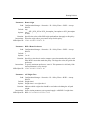
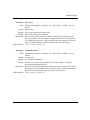
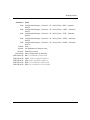
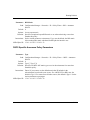
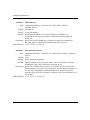
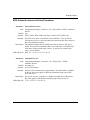
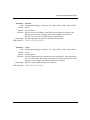
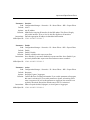
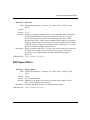
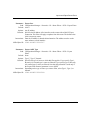
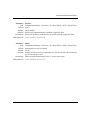
Specifying Interface Preference
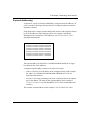
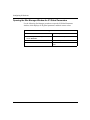
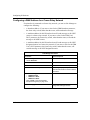
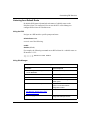
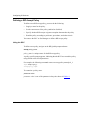
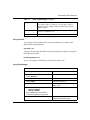
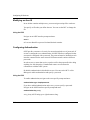
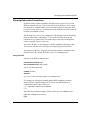
You can use Site Manager to specify the preferability (a higher number indicates
more preferred) of the address as a default router address, relative to other router
addresses on the same subnet.
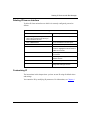
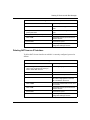
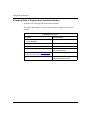
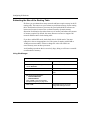
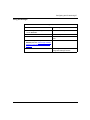
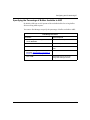
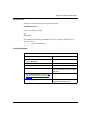
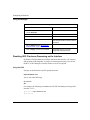
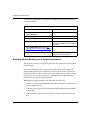
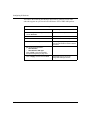
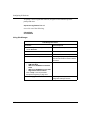
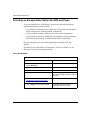
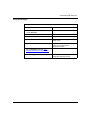
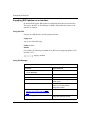
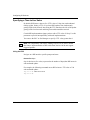
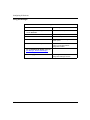
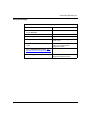
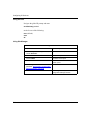
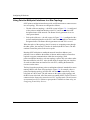
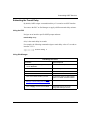
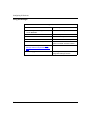
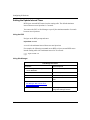
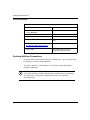
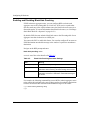
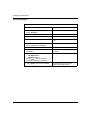
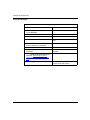
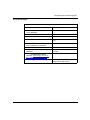
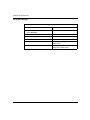
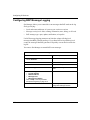
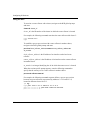
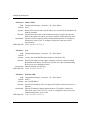
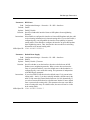
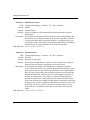
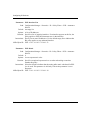
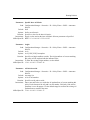
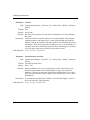
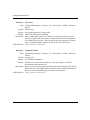
Site Manager Procedure
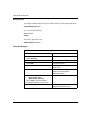
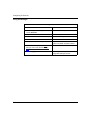
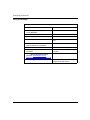
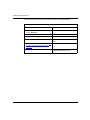
You do this
System responds
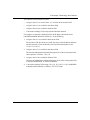
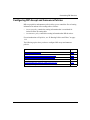
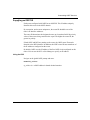
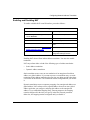
1. In the Configuration Manager window,
choose Protocols.
The Protocols menu opens.
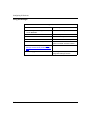
2. Choose IP.
The IP menu opens.
3. Choose Router Discovery.
The IP Router Discovery window opens.
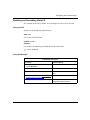
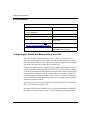
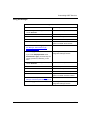
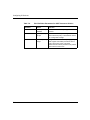
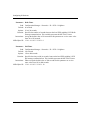
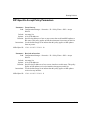
4. Set the Interface Preference parameter.
Site Manager: Interface Preference
parameter: page A-64
5. Click on Apply, and then click on Done.
4-64
Site Manager returns you to the
Configuration Manager window.
303528-A Rev 00