1
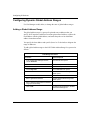
Configuring IP Services
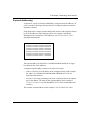
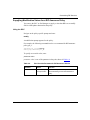
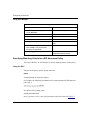
Configuring BGP-4 AS Pattern-Matching
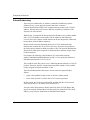
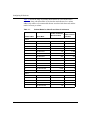
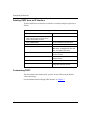
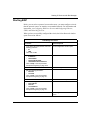
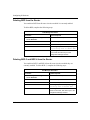
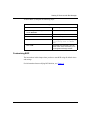
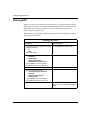
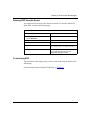
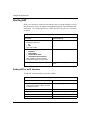
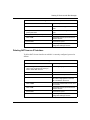
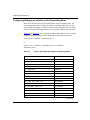
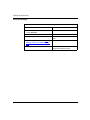
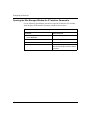
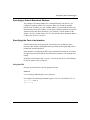
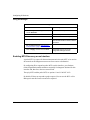
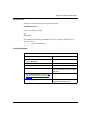
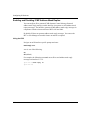
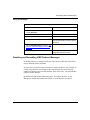
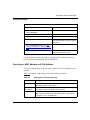
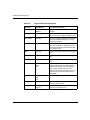
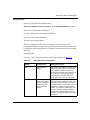
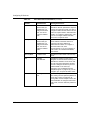
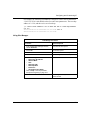
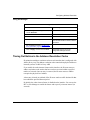
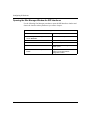
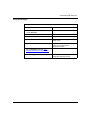
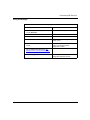
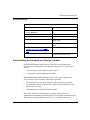
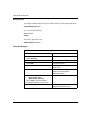
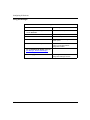
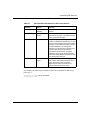
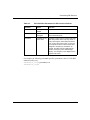
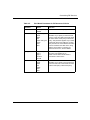
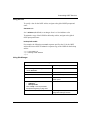
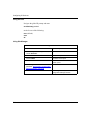
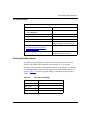
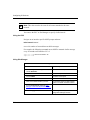
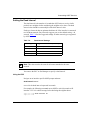
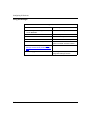
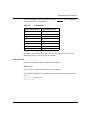
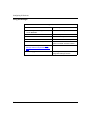
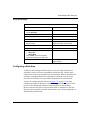
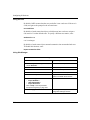
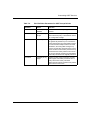
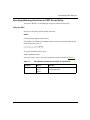
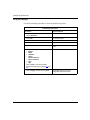
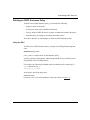
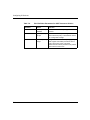
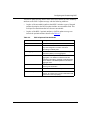
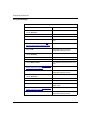
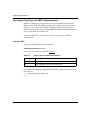
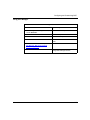
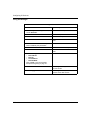
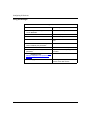
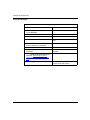
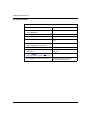
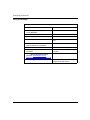
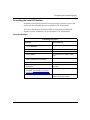
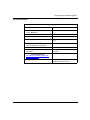
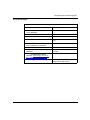
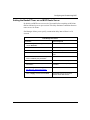
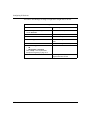
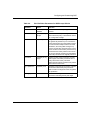
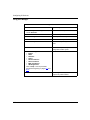
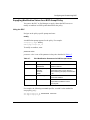
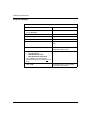
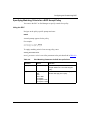
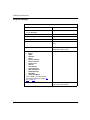
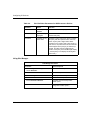
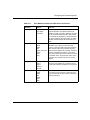
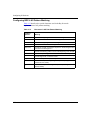
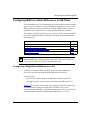
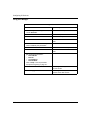
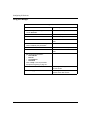
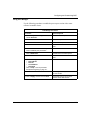
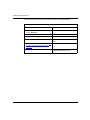
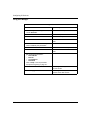
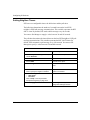
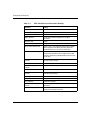
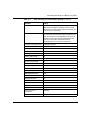
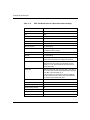
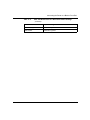
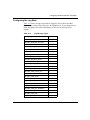
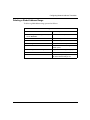
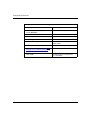
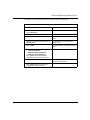
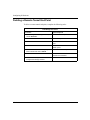
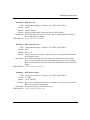
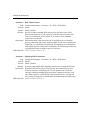
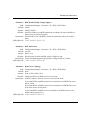
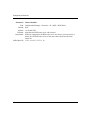
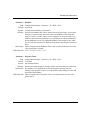
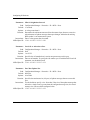
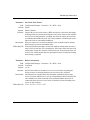
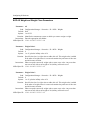
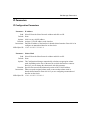
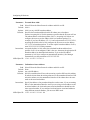
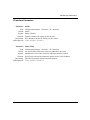
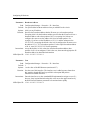
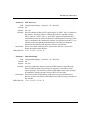
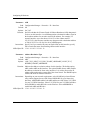
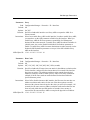
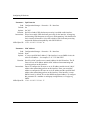
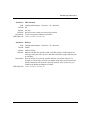
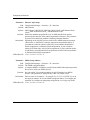
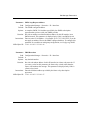
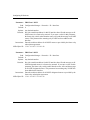
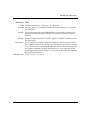
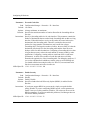
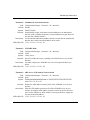
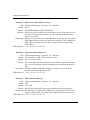
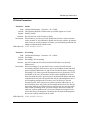
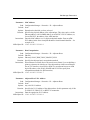
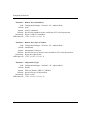
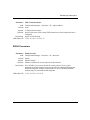
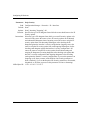
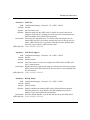
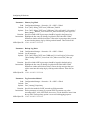
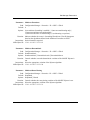
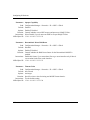
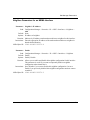
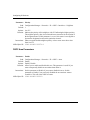
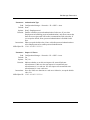
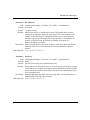
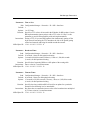
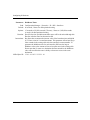
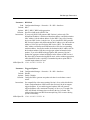
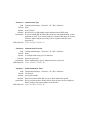
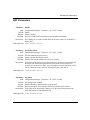
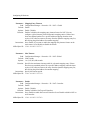
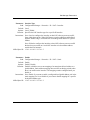
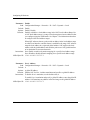
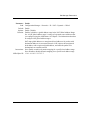
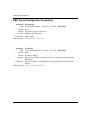
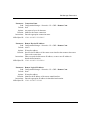
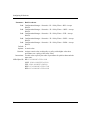
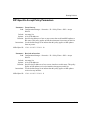
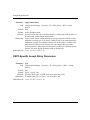
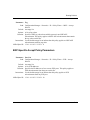
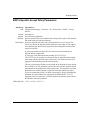
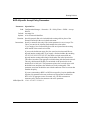
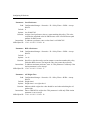
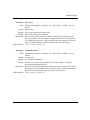
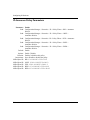
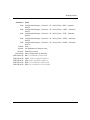
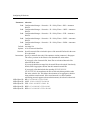
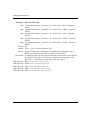
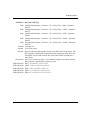
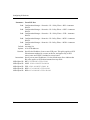
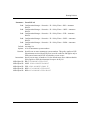
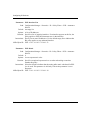
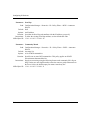
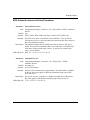
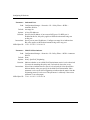
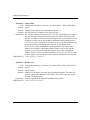
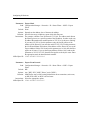
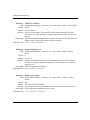
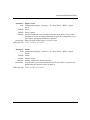
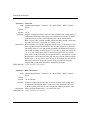
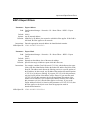
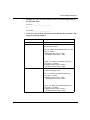
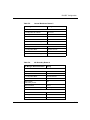
Table 8-12 describes the special characters used in the Bay Networks
implementation of AS pattern-matching.
Table 8-12.
8-74
Characters in AS Path Pattern-Matching
Symbol or
Operator
Meaning
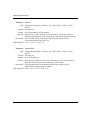
<
Denotes the beginning of an AS SEQUENCE segment
>
Denotes the end of an AS SEQUENCE segment
{
Denotes the beginning of an AS SET segment
}
Denotes the end of an AS SET segment
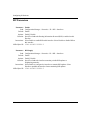
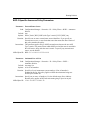
<seq>{set}
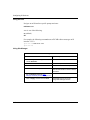
Denotes an AS path containing a sequence in the first segment and
a set in the second segment
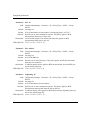
^
Denotes the following pattern occurs at the beginning of the AS path
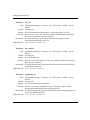
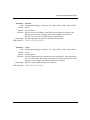
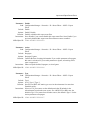
$
Denotes the preceding pattern occurs at the end of the AS path
|
Denotes logical OR - match this or that
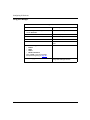
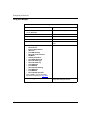
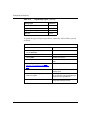
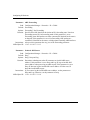
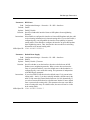
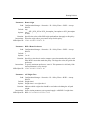
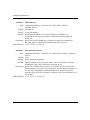
_X_
Matches exactly the AS specified by X
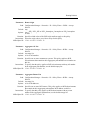
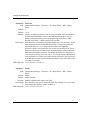
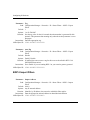
_X
Matches the AS pattern beginning with X (for example, “_99”
matches 99, 991, 9934)
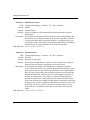
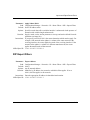
X_
Matches the AS pattern ending with X (for example, “99_” matches
99,199, 23299)
303528-A Rev 00