1
Configuring IP Services
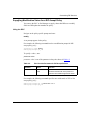
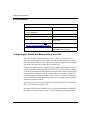
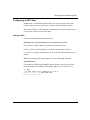
Configuring the Router for Not-Forwarding Mode
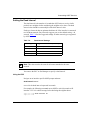
By default, IP forwards all packets that are not addressed to itself. You can also
configure IP in not-forwarding -- or host-only -- mode.
Use the forwarding mode if you want the IP router to route (forward) IP traffic.
Forwarding configures the IP router to process all broadcast packets and all IP
packets explicitly addressed to it, and to route all other IP packets.
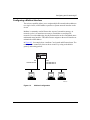
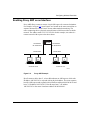
Choose not-forwarding mode on the router if you want to provide IP management
access (by means of TFTP and SNMP) to all active IP interfaces but also want to
prohibit the IP router from forwarding IP traffic. You must specify an identical IP
address and mask combination for each active IP interface that will provide
management access. Not-forwarding mode configures the IP router to act as an IP
host; it does not forward IP traffic, but it still processes packets explicitly
addressed to it. In not-forwarding mode, only static routes and adjacent-host
routes are allowed. No routing protocols are initiated.
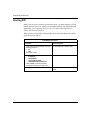
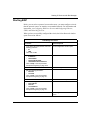
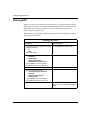
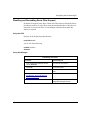
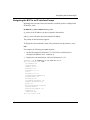
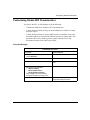
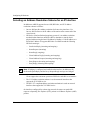
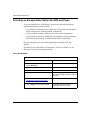
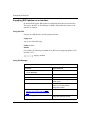
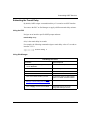
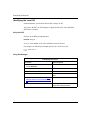
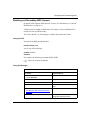
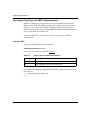
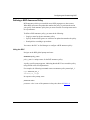
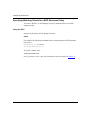
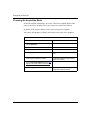
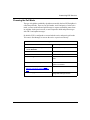
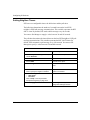
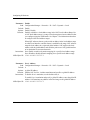
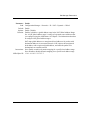
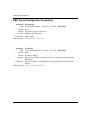
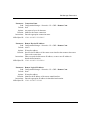
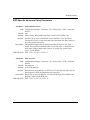
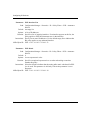
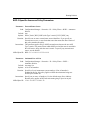
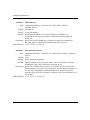
You can use the BCC or Site Manager to select the forwarding mode.
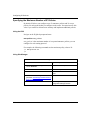
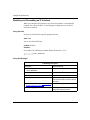
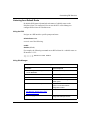
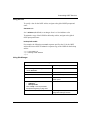
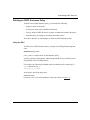
Using the BCC
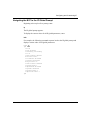
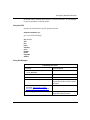
Navigate to the IP global prompt and enter:
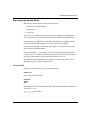
forwarding mode
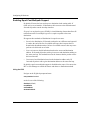
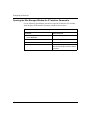
mode is one of the following:
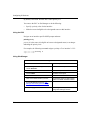
forwarding (default)
notforwarding
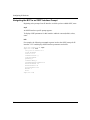
For example, the following command puts the router in not-forwarding mode:
ip# forwarding notforwarding
ip#
4-6
303528-A Rev 00