1
www.myelux.com
2.2
eLux® NG
First Configuration Wizard
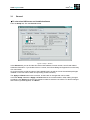
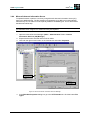
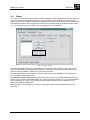
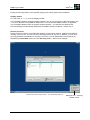
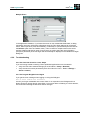
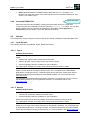
By default, the first time the Thin Client successfully boots, a Wizard appears to help you through the
configuration process.
You have the choice between entering the device in the management software Scout Enterprise or
configuring it by hand.
If a DHCP server was contacted, the IP address is displayed at the top. Otherwise, a default value is
displayed.
2.2.1
Managed Device
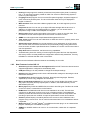
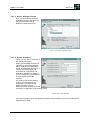
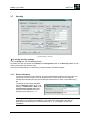
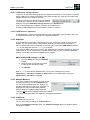
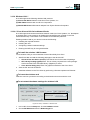
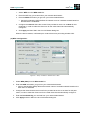
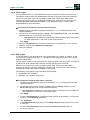
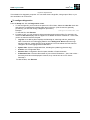
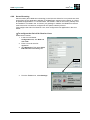
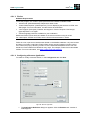
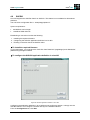
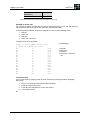
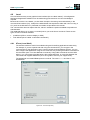
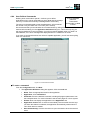
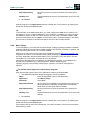
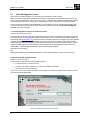
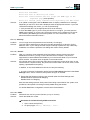
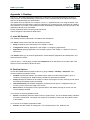
2.2.1.1 Step 1: Activating Manager
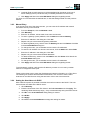
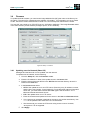
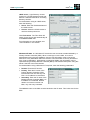
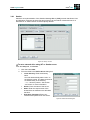
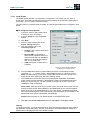
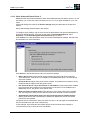
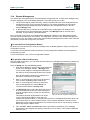
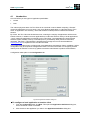
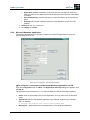
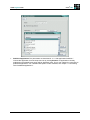
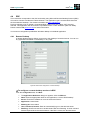
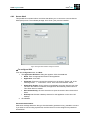
The Scout Enterprise server that
manages the Thin Clients is
referred to as the “manager.”
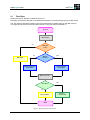
If the device is to be managed and
the IP address of the Scout
Enterprise server is known, select
Yes.
If the Thin Client will not be
managed, you can still configure
the device manually. Select No and
go to section “2.2.2 Manually
Configured Device”.
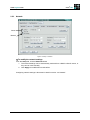
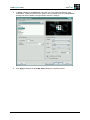
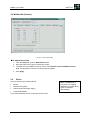
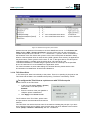
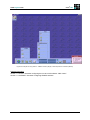
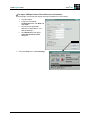
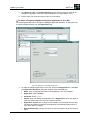
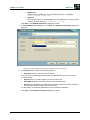
Figure 2: First contact: Activating manager
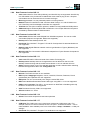
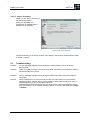
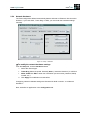
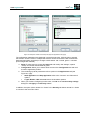
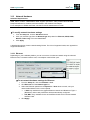
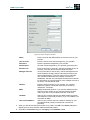
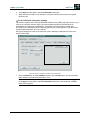
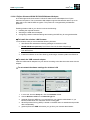
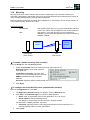
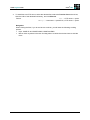
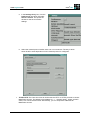
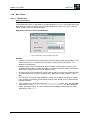
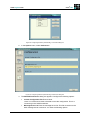
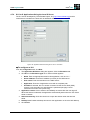
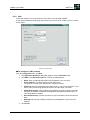
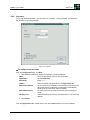
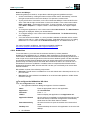
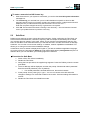
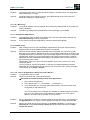
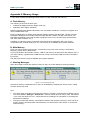
2.2.1.2 Step 2: Manager Address
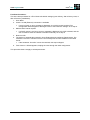
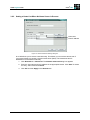
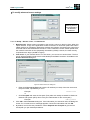
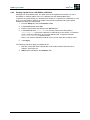
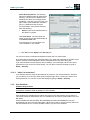
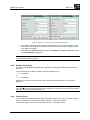
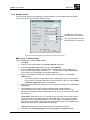
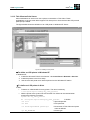
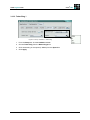
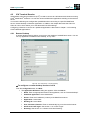
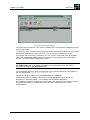
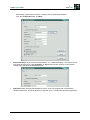
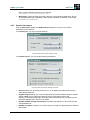
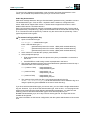
Enter the IP address or name of the
Scout Enterprise manager.
Entering information in the
Information fields is optional.
Click Next.
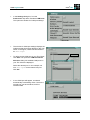
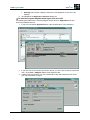
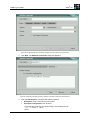
Figure 3: First contact: Entering manager IP address
Build # 27
15