1
eLux® NG
www.myelux.com
3.12
Hardware
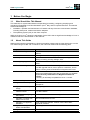
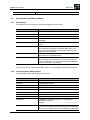
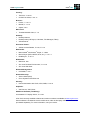
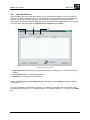
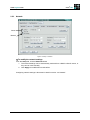
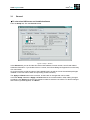
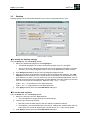
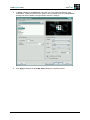
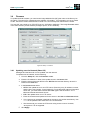
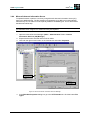
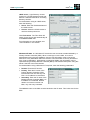
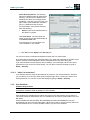
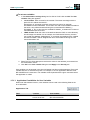
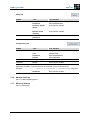
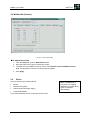
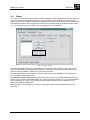
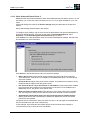
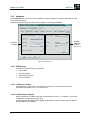
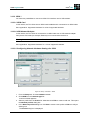
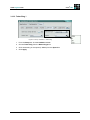
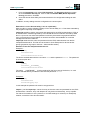
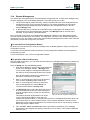
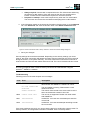
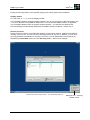
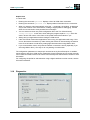
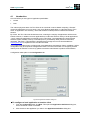
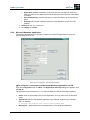
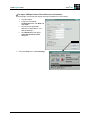
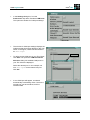
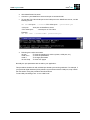
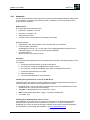
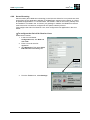
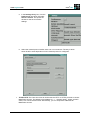
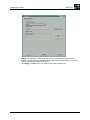
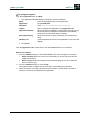
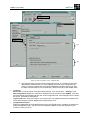
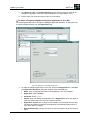
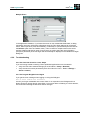
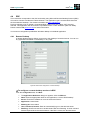
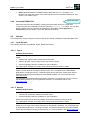
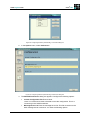
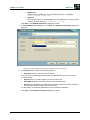
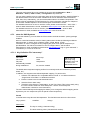
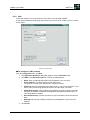
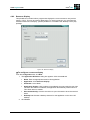
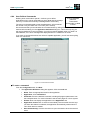
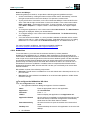
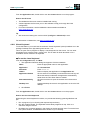
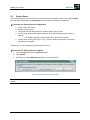
In the Hardware tab you can set various hardware settings: USB port activation, RAM disk size and
the number of monitors.
Network hardware settings are discussed in chapter “3.13 Network Hardware.”
Network
hardware
settings
(Ch. 3.13)
Hardware
settings
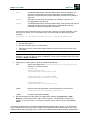
Figure 43: Hardware Tab
3.12.1 USB Devices
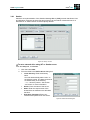
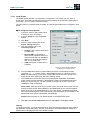
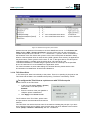
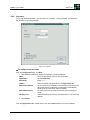
The following USB devices are supported:
•
card readers
•
network adapters
•
mass storage devices
•
mouse, keyboard
3.12.1.1 USB card readers
Card readers are used with smart cards. For information on smart cards and a list of
supported card readers, see “3.15 Smart Card.”
3.12.1.2 USB network adapter
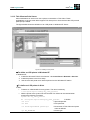
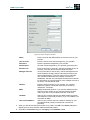
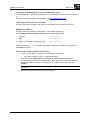
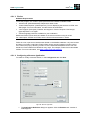
Define a profile for the ISDN connection as described in section “3.13.2 ISDN **.” No further
configuration is required (plug-and-play).
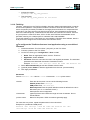
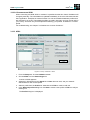
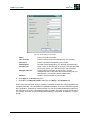
Configuring a WLAN USB network adapter is described in section “Fujitsu Siemens WLAN
D1700 USB Network Adapter.”
Build # 27
70