1
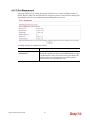
VoIP/ IPTV / Management WAN Setting
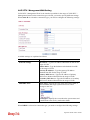
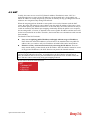
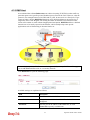
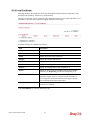
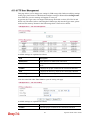
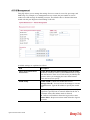
VoIP/ IPTV / Management WAN is the interface specified for the usage of VoIP/ IPTV /
Management. Based on the connection type selected, you need to specify different settings.
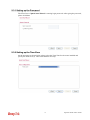
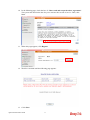
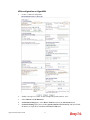
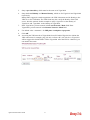
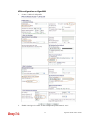
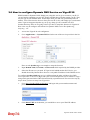
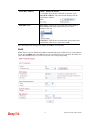
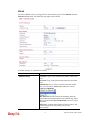
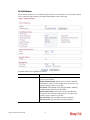
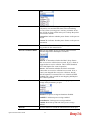
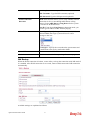
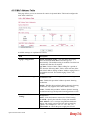
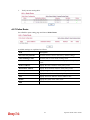
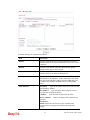
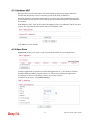
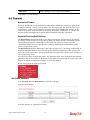
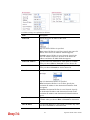
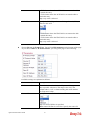
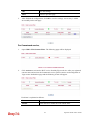
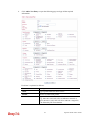
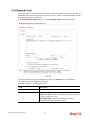
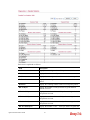
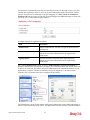
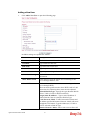
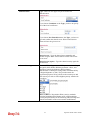
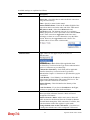
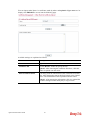
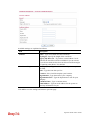
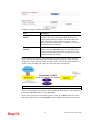
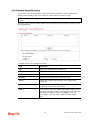
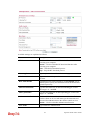
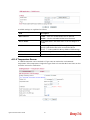
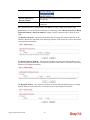
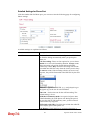
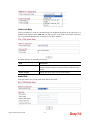
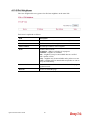
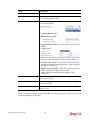
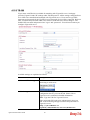
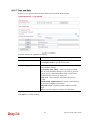
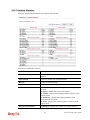
When Static IP is selected as connection type, you need to configure the following settings:
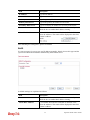
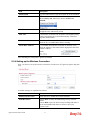
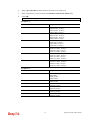
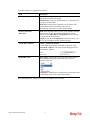
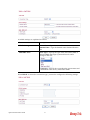
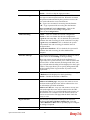
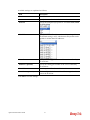
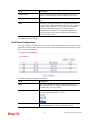
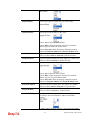
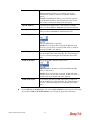
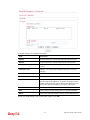
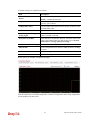
Available settings are explained as follows:
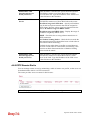
Item
Description
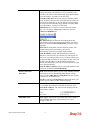
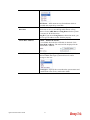
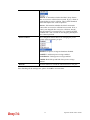
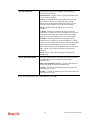
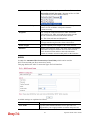
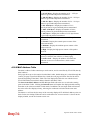
Static IP Settings
IP Address - Type the IP address obtained from ISP for the
usage of VoIP.
Subnet Mask - Type the Subnet mask obtained from ISP
for the usage of VoIP.
Gateway IP Address - Type the gateway IP address
obtained from ISP for the usage of VoIP.
Primary DNS Server - Type the IP address of primary
DNS server obtained from ISP for the usage of VoIP.
Secondary DNS Server - Type the IP address of secondary
DNS server obtained from ISP for the usage of VoIP.
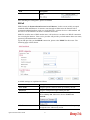
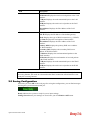
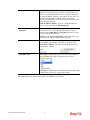
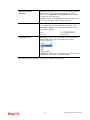
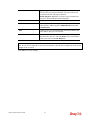
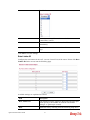
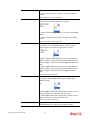
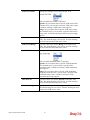
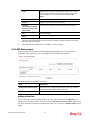
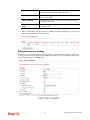
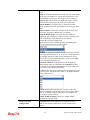
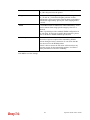
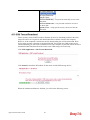
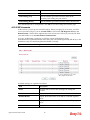
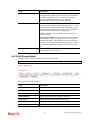
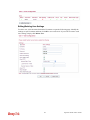
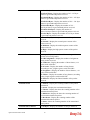
Mail/SMS Alert
Alert Types – Specify the type of the alert (mail, SMS, or
Mail and SMS) that Vigor system will use to send a
message to the user.
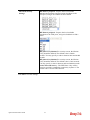
Event types – Specify the event when the system must send
a notification to the user by mail and/or SMS.
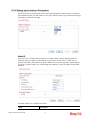
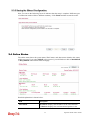
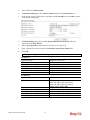
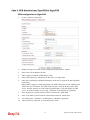
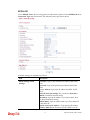
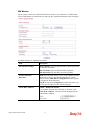
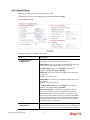
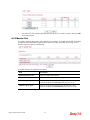
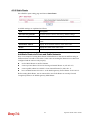
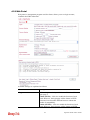
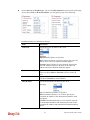
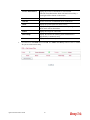
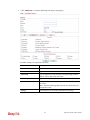
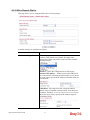
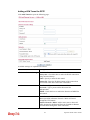
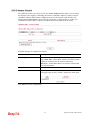
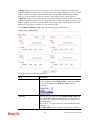
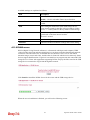
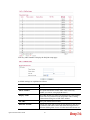
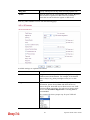
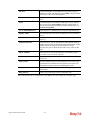
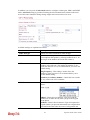
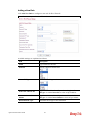
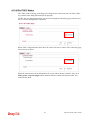
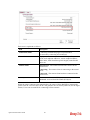
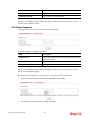
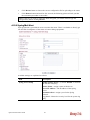
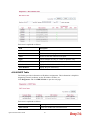
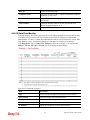
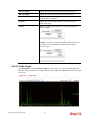
When DHCP is selected as connection type, you need to configure the following settings:
86
Vigor2130 Series User’s Guide