1
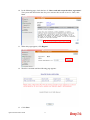
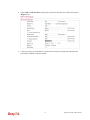
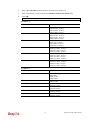
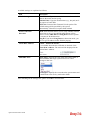
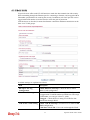
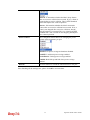
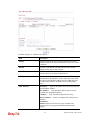
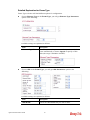
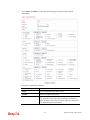
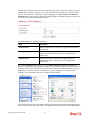
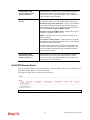
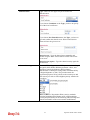
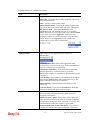
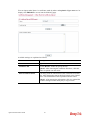
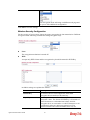
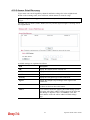
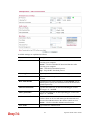
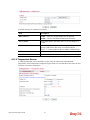
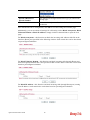
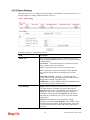
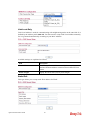
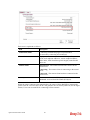
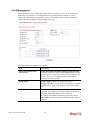
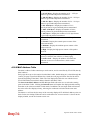
selection you choose, we will explain it in detailed later.
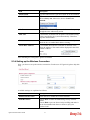
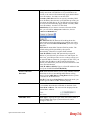
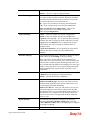
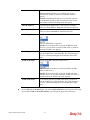
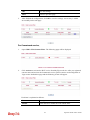
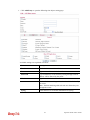
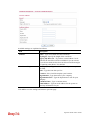
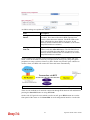
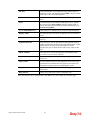
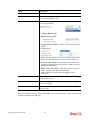
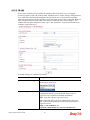
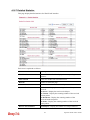
Action – it means the session limitation for this access
control list will be applied to if matching with the rule
defined in this page.
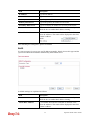
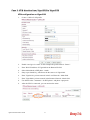
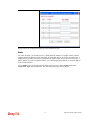
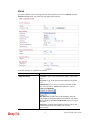
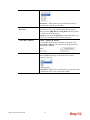
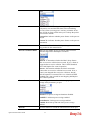
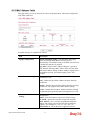
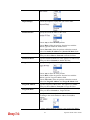
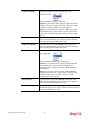
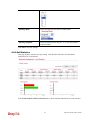
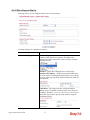
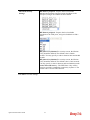
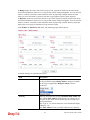
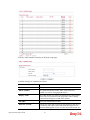
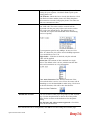
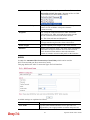
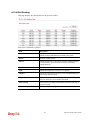
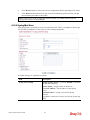
Rate Limiter
- Select a rate
limiter to apply to this port. Available settings include
Disabled, and 1 to 10. The default value is Disabled. Click
the Rate Limiter link to configure different rates for each
ID.
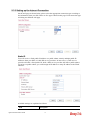
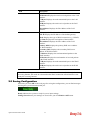
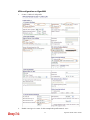
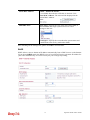
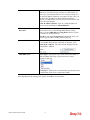
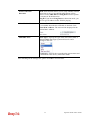
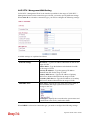
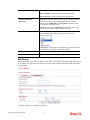
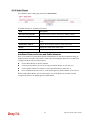
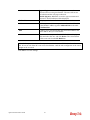
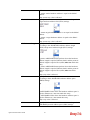
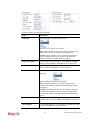
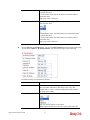
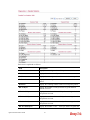
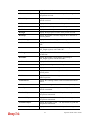
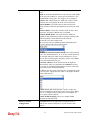
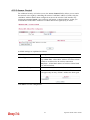
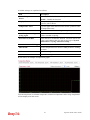
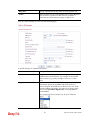
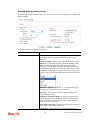
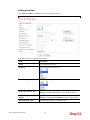
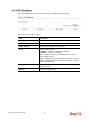
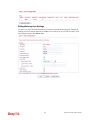
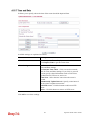
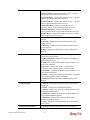
IP Parameters
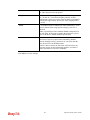
Parameters displayed here will be changed according to the
Frame Type you select.
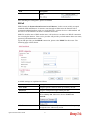
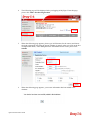
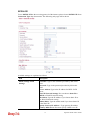
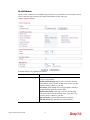
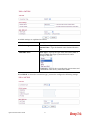
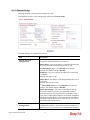
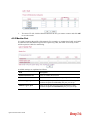
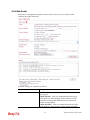
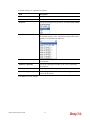
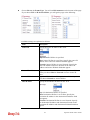
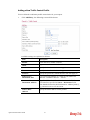
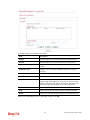
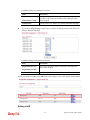
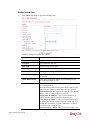
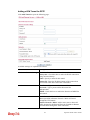
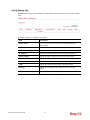
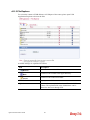
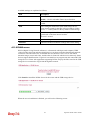
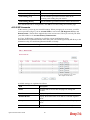
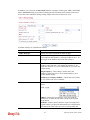
When you finish the setting, click OK to save the settings. A new ACL profile is created.
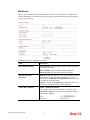
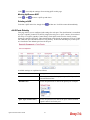
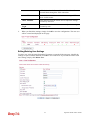
You can click
selected profile.
to open the selected profile for any modification; click
120
to delete the
Vigor2130 Series User’s Guide