1
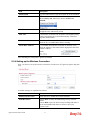
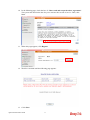
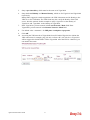
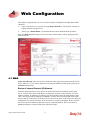
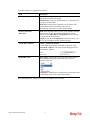
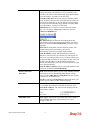
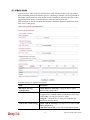
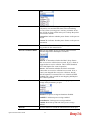
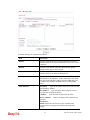
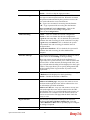
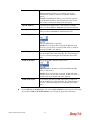
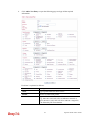
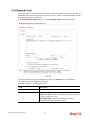
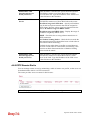
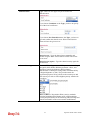
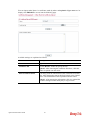
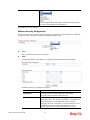
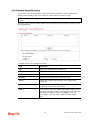
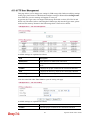
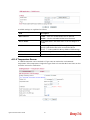
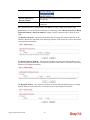
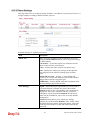
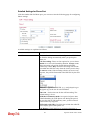
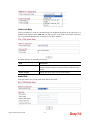
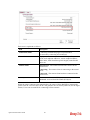
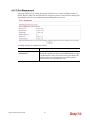
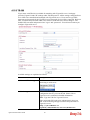
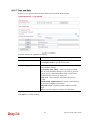
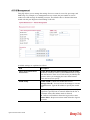
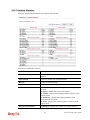
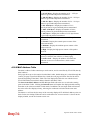
Fixed IP (IPCP) - Usually ISP dynamically assigns IP
address to you each time you connect to it and request. In
some case, your ISP provides service to always assign you
the same IP address whenever you request. In this case, you
can fill in this IP address in the Fixed IP field. Please
contact your ISP before you want to use this function. Click
Yes to use this function
Fixed IP Address (IPCP) -Type in a fixed IP address in
the box if you click Yes for Fixed IP(IPCP).
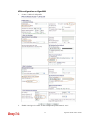
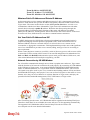
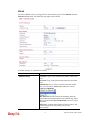
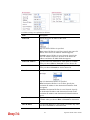
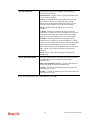
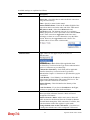
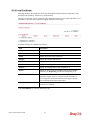
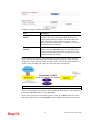
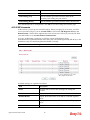
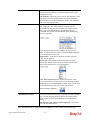
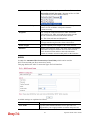
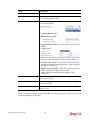
WAN Connection
Detection
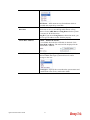
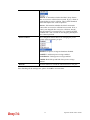
Mode -Such function allows you to verify whether network
connection is alive or not through ARP Detect or Ping
Detect. Choose ARP Detect or Ping Detect for the system
to execute for WAN detection.
Ping IP-If you choose Ping Detect as detection mode, you
have to type IP address in this field for pinging.
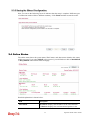
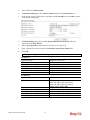
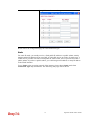
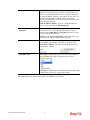
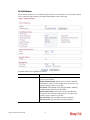
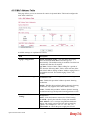
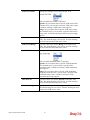
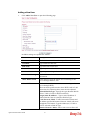
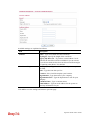
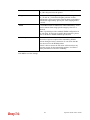
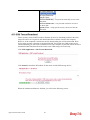
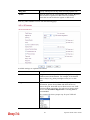
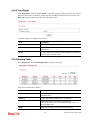
Clone MAC Address
Enable – Enable the feature.
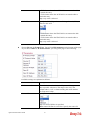
It is available when the box of Enable is checked. Click
Clone MAC Address. The result will be displayed in the
field of MAC Address.
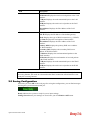
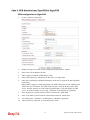
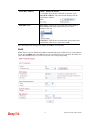
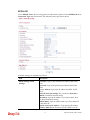
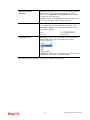
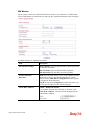
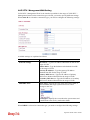
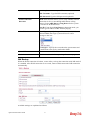
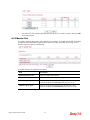
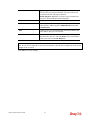
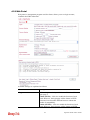
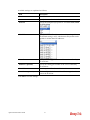
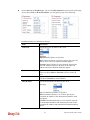
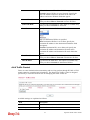
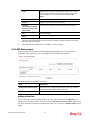
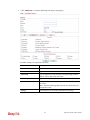
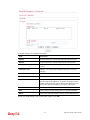
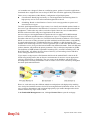
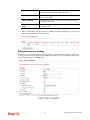
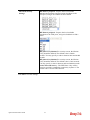
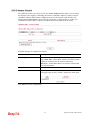
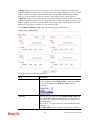
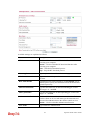
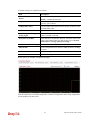
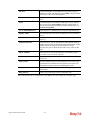
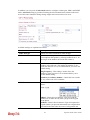
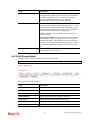
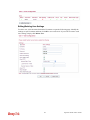
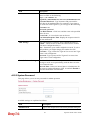
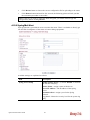
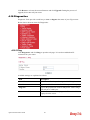
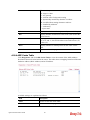
Mail/SMS Alert
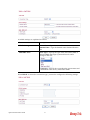
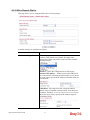
Alert Types – Specify the type of the alert (mail, SMS, or
Mail and SMS) that Vigor system will use to send a
message to the user.
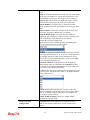
Event types – Specify the event when the system must send
a notification to the user by mail and/or SMS.
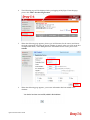
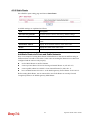
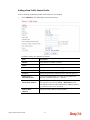
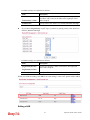
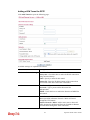
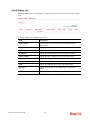
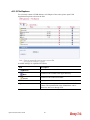
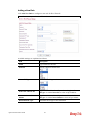
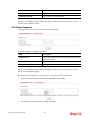
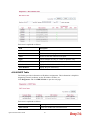
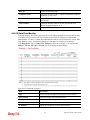
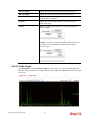
After finishing all the settings here, please click OK to activate them.
Vigor2130 Series User’s Guide
75