1
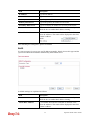
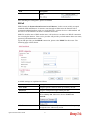
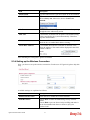
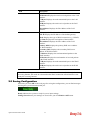
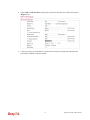
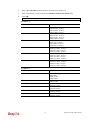
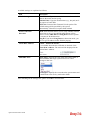
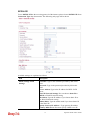
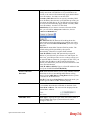
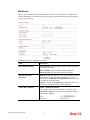
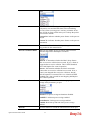
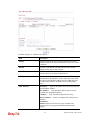
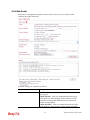
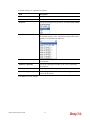
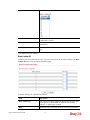
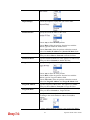
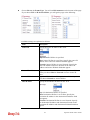
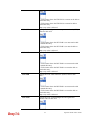
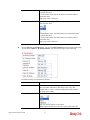
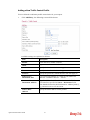
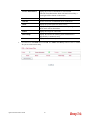
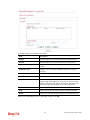
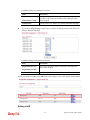
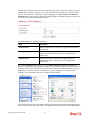
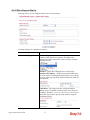
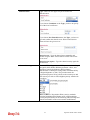
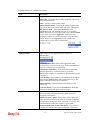
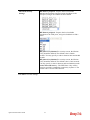
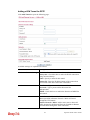
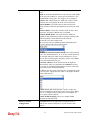
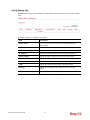
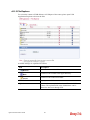
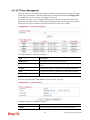
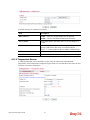
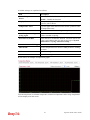
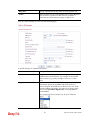
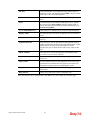
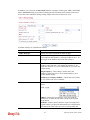
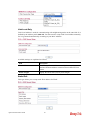
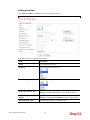
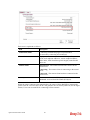
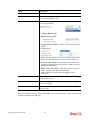
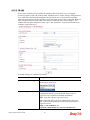
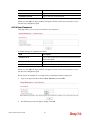
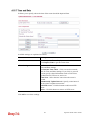
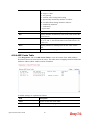
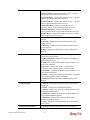
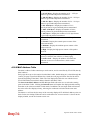
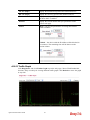
Available settings are explained as follows:
Item
Description
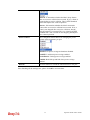
iTunes Server
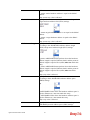
Enable – Click it to enable iTunes Server function.
Disable – Click it to disable iTunes Server function.
Server Name
The default name is the router name. You can change it if
needed.
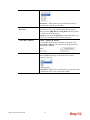
Path
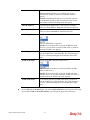
After storing the media files in the USB storage device,
please specify a path for the files to be accessed for iTunes
service. “/” is the symbol for the top folder of USB storage.
Rescan Interval
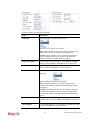
The USB storage disk will be scanned by iTunes Server
again based on the time interval set here.
The unit is second.
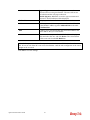
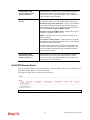
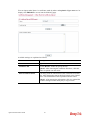
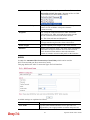
OK
Save the settings.
Uninstall
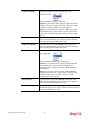
Cancel the module installation settings and exit the dialog.
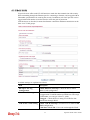
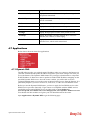
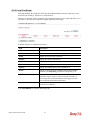
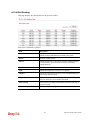
4.11.8 DLNA server
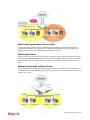
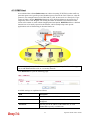
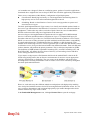
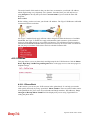
DLNA (Digital Living Network Alliance) is a framework which personal computer, HDD
video recorder, television and other digital devices can share each other data through network
connection. The DLNA devices are divided into two functions. One is server side which
transmits images, music and video, and the other is client side which receives data only. Some
devices support both functions. Vigor2130 can install server program onto the connected USB
storage device. Clients with equipments supporting DLNA can play the files stored in the USB
storage device connected to Vigor2130 through the network.
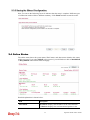
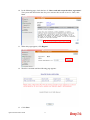
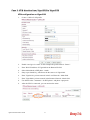
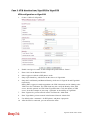
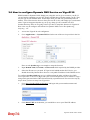
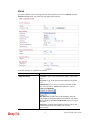
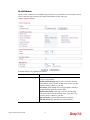
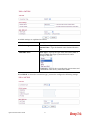
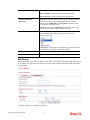
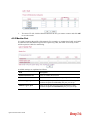
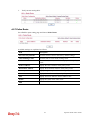
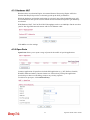
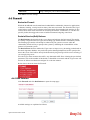
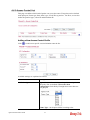
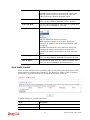
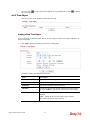
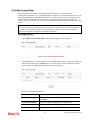
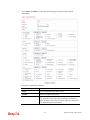
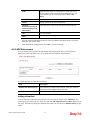
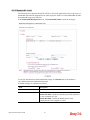
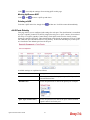
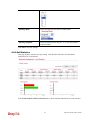
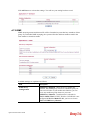
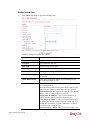
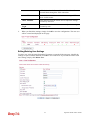
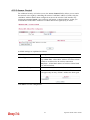
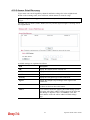
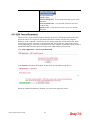
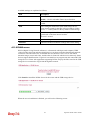
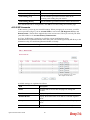
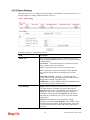
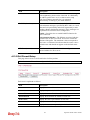
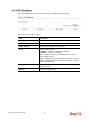
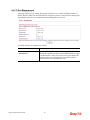
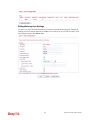
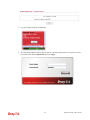
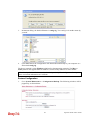
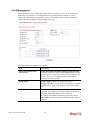
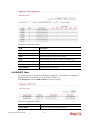
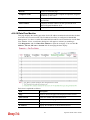
Click Install to install the DLNA Server for the router and the USB storage device.
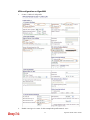
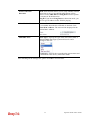
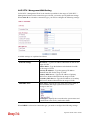
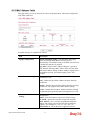
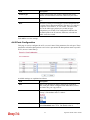
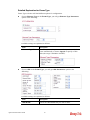
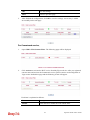
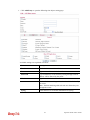
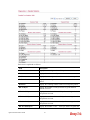
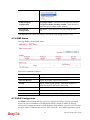
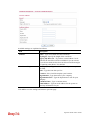
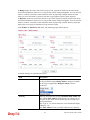
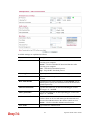
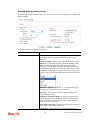
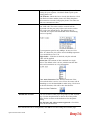
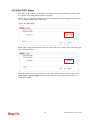
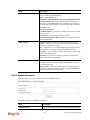
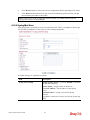
When the server installation is finished, you will see the following screen:
212
Vigor2130 Series User’s Guide