1
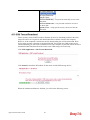
3.6 How to configure Dynamic DNS Service on Vigor2130
DDNS stands for Dynamic DNS. Simply put, using this service gives a name to your IP. If
you are hosting something on your line, people wouldn't have to bother typing your IP. They
can just type in your domain name. It also helps when your ISP only provides dynamic IP
address. Users won't need to discover what your new IP is, they can simply type your domain
name. Vigor2130 supports dyndns.org, no-ip.org, chang-ip.com, zoneedit.com, and
freedns.afraid.org. Here we are going to show you how to setup this function on Vigor2130.
Here is the way to configure well known free dynamic DNS service like dyndns.org,
no-ip.org …etc.
1.
Access into Vigor2130 web configurator.
2.
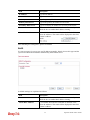
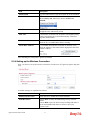
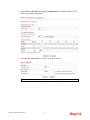
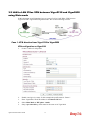
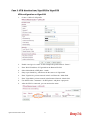
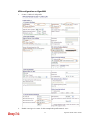
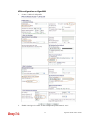
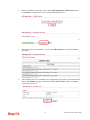
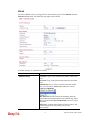
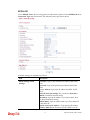
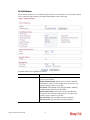
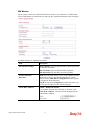
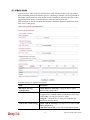
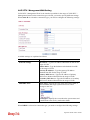
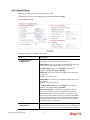
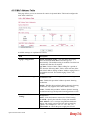
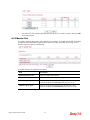
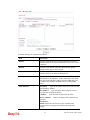
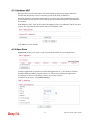
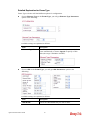
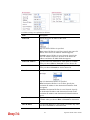
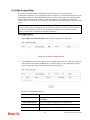
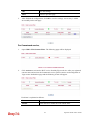
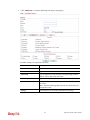
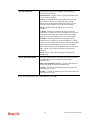
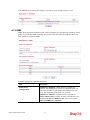
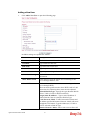
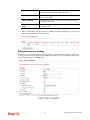
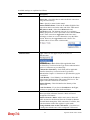
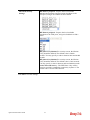
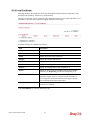
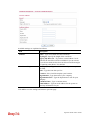
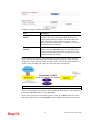
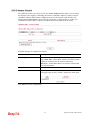
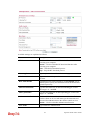
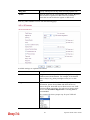
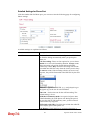
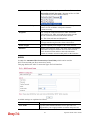
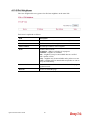
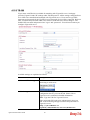
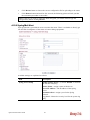
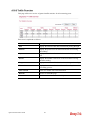
Go to Applications >> Dynamic DNS and select one of the service provider in the list.
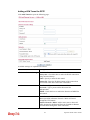
Here we take dyndns.org as an example to setup the function.
3.
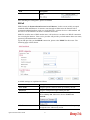
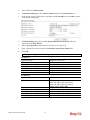
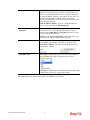
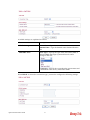
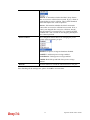
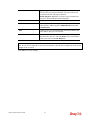
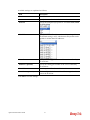
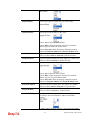
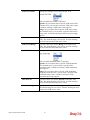
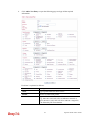
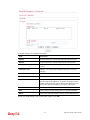
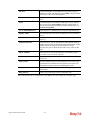
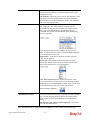
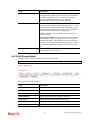
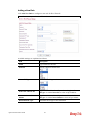
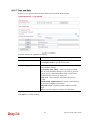
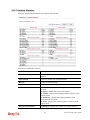
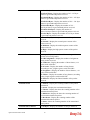
Input Domain name, Username, and Password which required by the DDNS provider.
4.
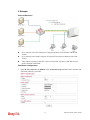
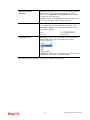
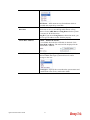
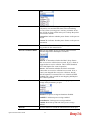
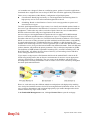
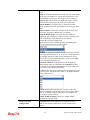
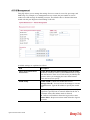
Select the IP source as you need. If Vigor2130 is behind another NAT device, you
should choose My Internet IP to discover a real public IP address for the DDNS service.
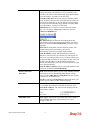
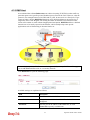
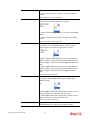
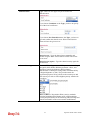
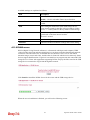
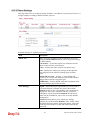
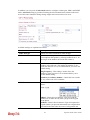
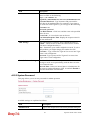
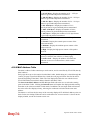
To configure freedns.afraid.org service is different than the other well know free DNS
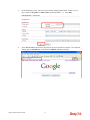
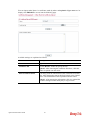
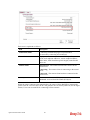
service providers. You have to login with your account and password on its website to copy a
string which generated in the URL field and lead by a question mark. The next is the step by
step to show you how to setup it on Vigor2130.
1.
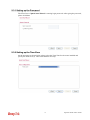
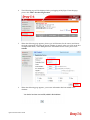
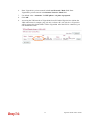
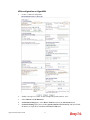
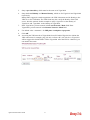
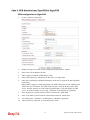
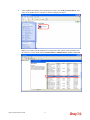
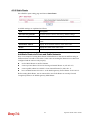
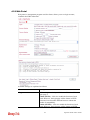
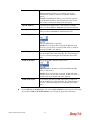
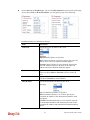
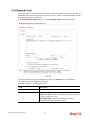
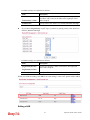
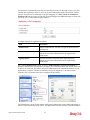
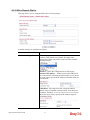
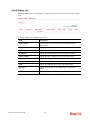
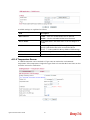
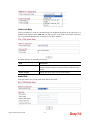
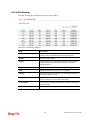
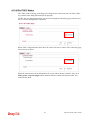
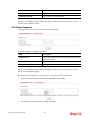
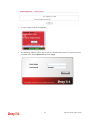
Go to http://freedns.afraid.org/dynamic/ and login with your normal username and
password for the FreeDNS service.
2.
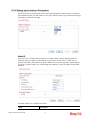
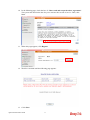
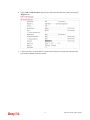
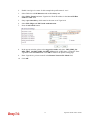
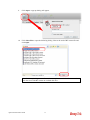
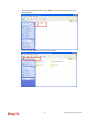
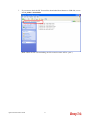
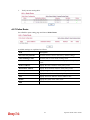
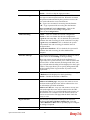
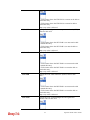
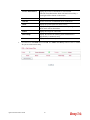
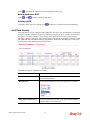
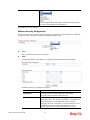
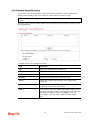
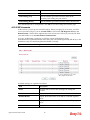
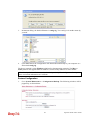
Click Direct URL on the domain, you would like to set to your WAN IP address.
64
Vigor2130 Series User’s Guide