1
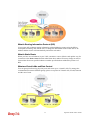
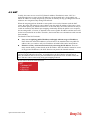
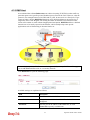
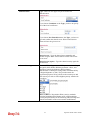
The major benefit of this mode is that you don’t have to memorize your friend’s IP address,
which might change very frequently if it’s dynamic. Instead of that, you will only have to
using dial plan or directly dial your friend’s account name if you are with the same SIP
Registrar.
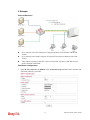
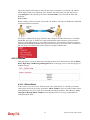
Peer-to-Peer
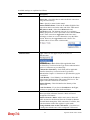
Before calling, you have to know your friend’s IP Address. The Vigor VoIP Routers will build
connection between each other.
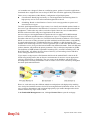
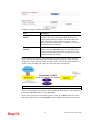
Our Vigor V models firstly apply efficient codecs designed to make the best use of available
bandwidth, but Vigor V models also equip with automatic QoS assurance. QoS Assurance
assists to assign high priority to voice traffic via Internet. You will always have the required
inbound and outbound bandwidth that is prioritized exclusively for Voice traffic over Internet
but you just get your data a little slower and it is tolerable for data traffic.
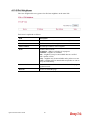
4.12.1 DialPlan
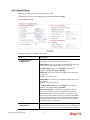
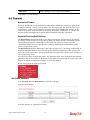
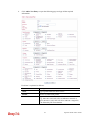
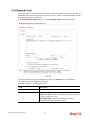
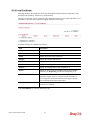
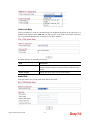
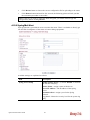
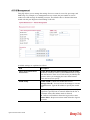
This page allows you to set phone book and digit map for the VoIP function. Click the Phone
Book, Digit Map, Call Barring and Regional links on the page to access into next pages for
dialplan settings.
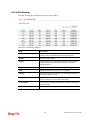
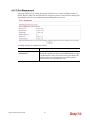
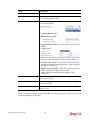
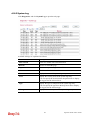
4.12.1.1 Phone Book
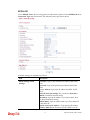
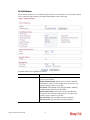
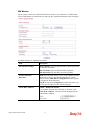
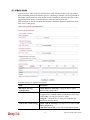
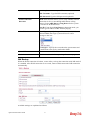
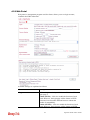
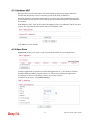
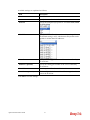
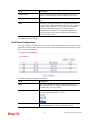
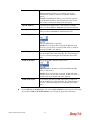
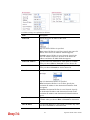
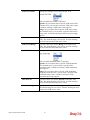
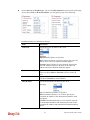
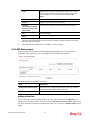
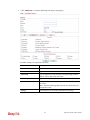
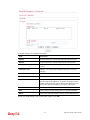
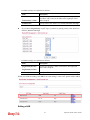
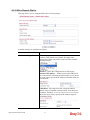
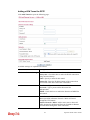
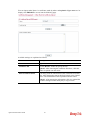
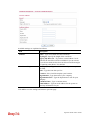
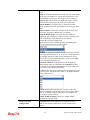
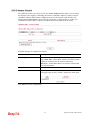
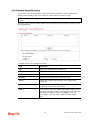
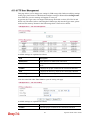
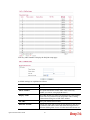
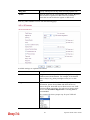
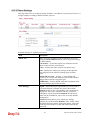
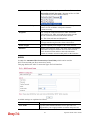
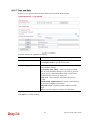
In this section, you can set your VoIP contacts in the “phonebook”. It can help you to make
calls quickly and easily by using “speed-dial” Phone Number. There are total 60 index entries
in the phonebook for you to store all your friends and family members’ SIP addresses. Loop
through and Backup Phone Number will be displayed if you are using Vigor2820V for
setting the phone book.
216
Vigor2130 Series User’s Guide