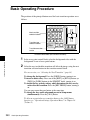
1
Y
Z
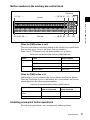
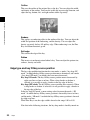
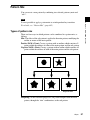
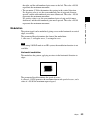
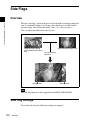
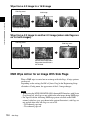
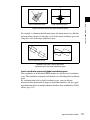
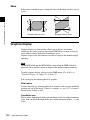
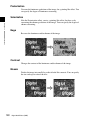
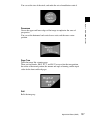
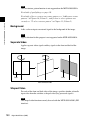
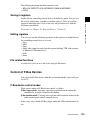
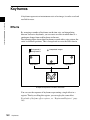
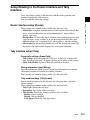
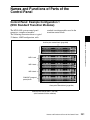
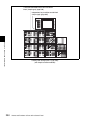
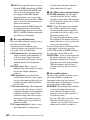
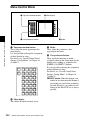
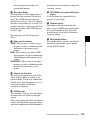
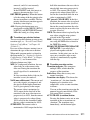
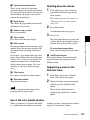
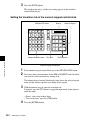
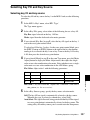
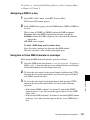
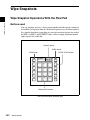
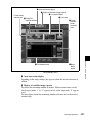
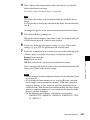
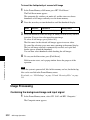
Wire frame
X
1F
Chapter 1 MVS-8000 Functions
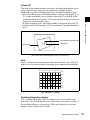
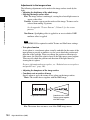
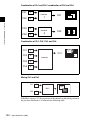
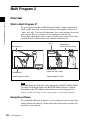
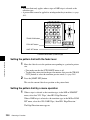
Channel ID
This displays the channel number so that you can check which channel you are
using, a useful feature when you are working with multiple channels.
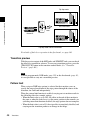
Channel IDs are displayed differently in local and global coordinate space.
• In local coordinate space, the channel number is displayed along with “F” or
“B” to indicate whether you are looking at the front (F) or back (B) of the
current wire frame. For example, “1F” means the front of the wire frame on
channel 1 in local coordinate space.
• In global coordinate space, the channel number is displayed along with “G”
to indicate global. For example, “G2” means channel 2 in global coordinate
space.
Local coordinate space axes
Channel ID
Wire frame, local coordinate space axes, and channel ID
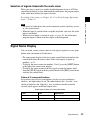
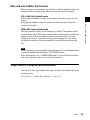
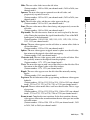
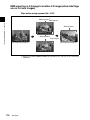
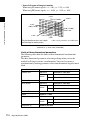
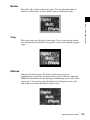
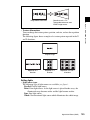
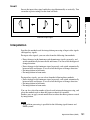
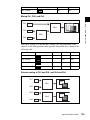
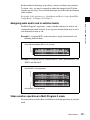
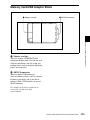
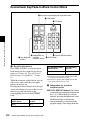
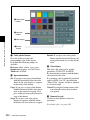
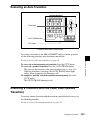
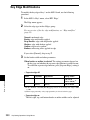
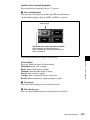
Grid
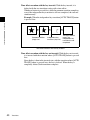
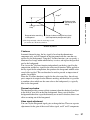
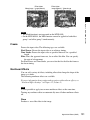
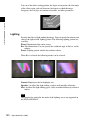
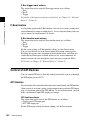
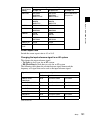
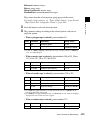
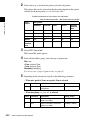
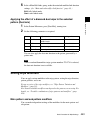
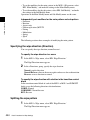
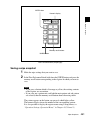
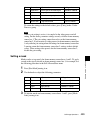
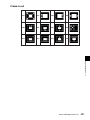
This is a grid pattern representing the whole of the monitor screen. The grid
makes it easy to set the position of an image in two-dimensional coordinates.
–4 –3 –2 –1 0 +1 +2 +3 +4
+3
+2
+1
0
–1
–2
–3
Grid (SD format, 4:3 mode)
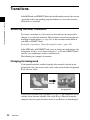
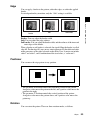
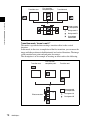
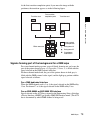
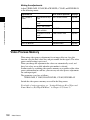
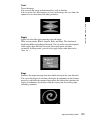
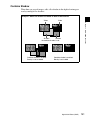
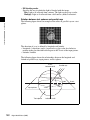
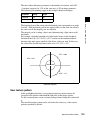
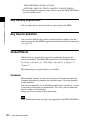
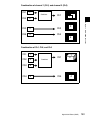
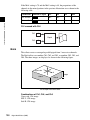
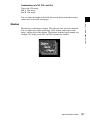
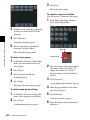
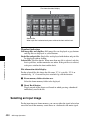
Shrinking the graphics display
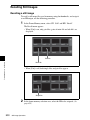
You can shrink the graphics display so that you can see beyond the range
displayed on the normal monitor screen. This makes it possible to visually set
the location of images in a larger space. The range displayed on a normal
monitor screen is indicated by a frame.
Digital Multi Effects (DME)
121