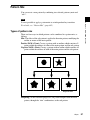
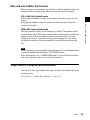
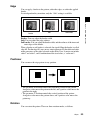
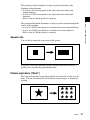
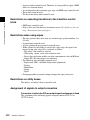
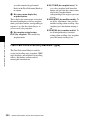
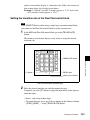
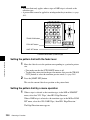
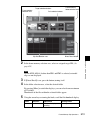
1
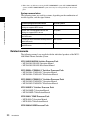
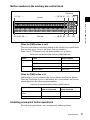
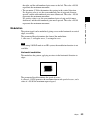
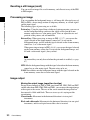
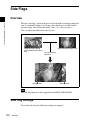
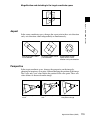
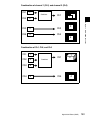
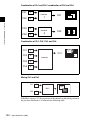
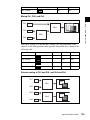
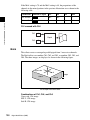
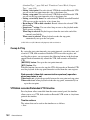
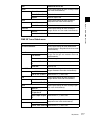
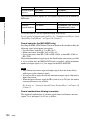
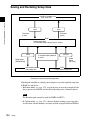
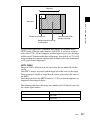
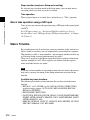
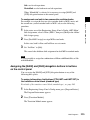
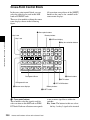
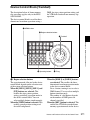
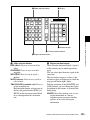
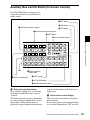
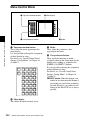
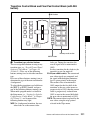
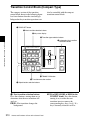
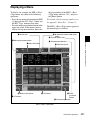
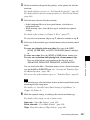
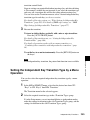
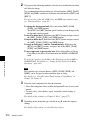
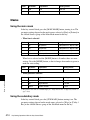
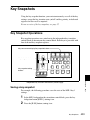
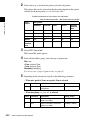
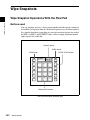
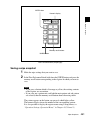
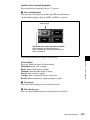
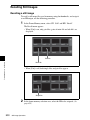
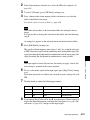
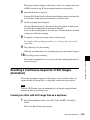
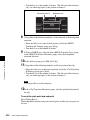
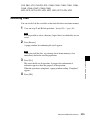
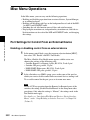
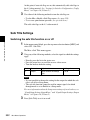
Frame memory
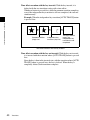
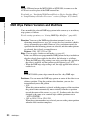
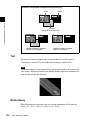
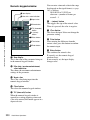
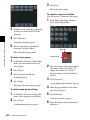
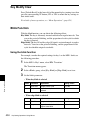
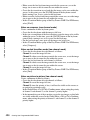
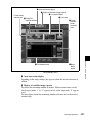
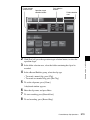
selection area
Frame memory
folder selection area
Target selection buttons
Pair selection buttons
Clip file selection area
Chapter 7 Frame Memory
2
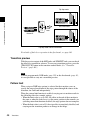
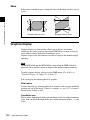
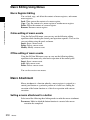
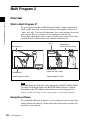
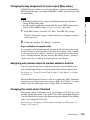
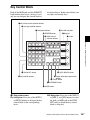
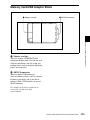
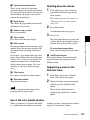
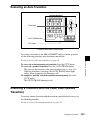
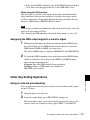
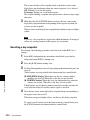
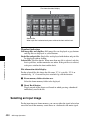
Direct Recall button
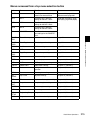
In the frame memory selection area, select an assigned target FM. (See
page 495)
Note
For the MVS-8000A, if other than FM1 and FM2 is selected, extended
clips are not displayed.
3
4
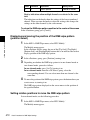
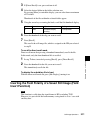
If [Direct Recall] is on, press the button, turning it off.
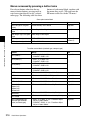
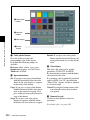
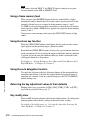
In the folder selection area, select the desired folder.
By pressing [More] to switch the displays, you can select from a maximum
of 12 folders.
Thumbnails of the files within the selected folder appear.
5
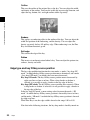
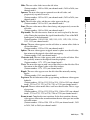
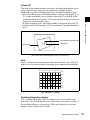
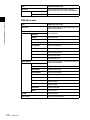
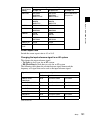
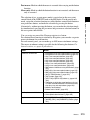
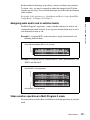
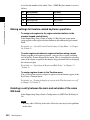
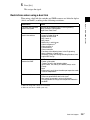
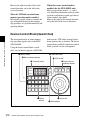
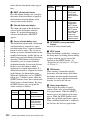
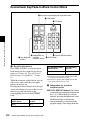
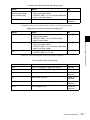
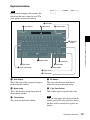
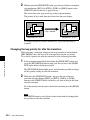
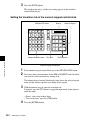
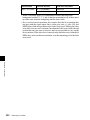
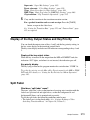
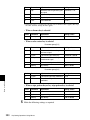
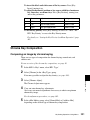
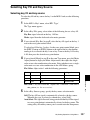
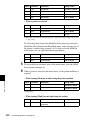
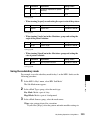
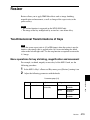
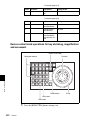
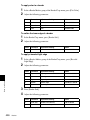
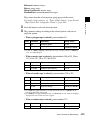
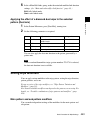
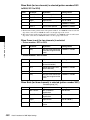
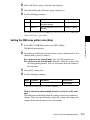
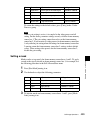
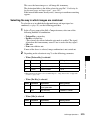
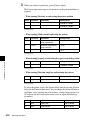
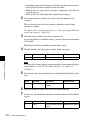
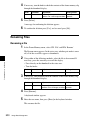
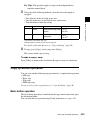
Using the arrow keys or turning the knob, scroll the file thumbnail display.
Knob
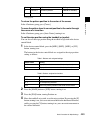
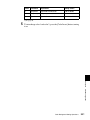
Parameter
Adjustment
Setting values
1
Scroll
Thumbnail display
scrolling
1 and upwards
Frame Memory Clip Operations
513