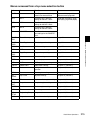
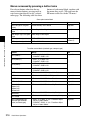
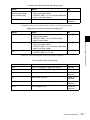
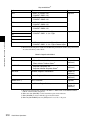
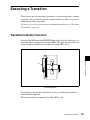
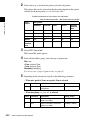
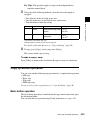
1
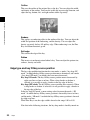
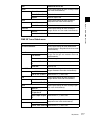
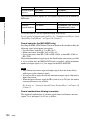
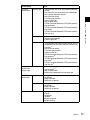
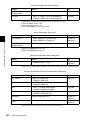
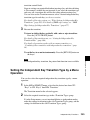
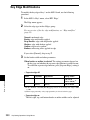
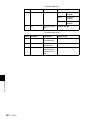
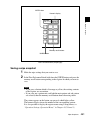
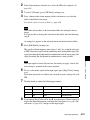
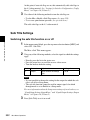
Knob
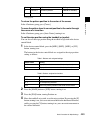
Parameter
Adjustment
Setting values
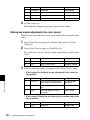
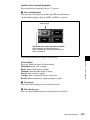
1
Transition Rate
Transition rate
0 to 999 (frames)
Note
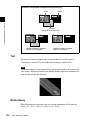
When a clip transition is selected as the transition type, it is not possible to
change the transition rate in this menu.
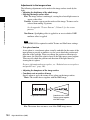
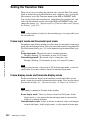
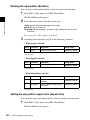
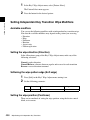
To set the independent key transition rate
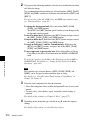
1
2
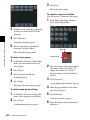
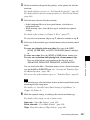
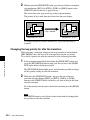
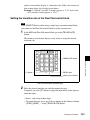
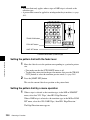
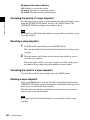
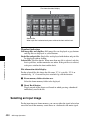
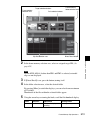
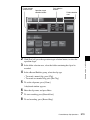
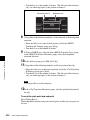
In the <M/E-1 Transition Rate> group of the Misc >Transition menu, press
[Key].
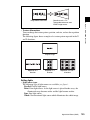
To set the key On direction or Off direction independently, press Key(On)
or Key(Off).
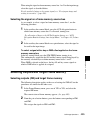
Turn the knobs to set the number of frames.
Chapter 10 Misc Menu, Etc.
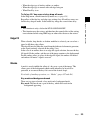
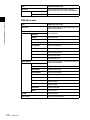
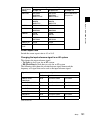
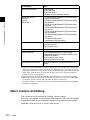
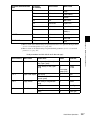
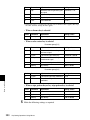
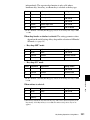
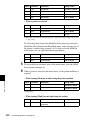
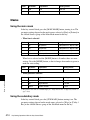
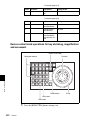
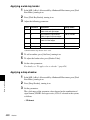
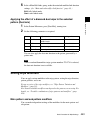
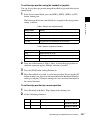
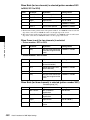
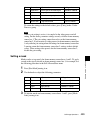
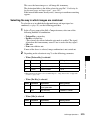
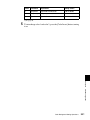
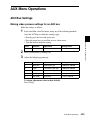
Knob
Parameter
Adjustment
Setting values
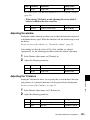
1
Key1 Trans Rate
Key 1 transition rate
0 to 999 (frames)
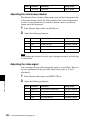
2
Key2 Trans Rate
Key 2 transition rate
0 to 999 (frames)
3
Key3 Trans Rate
Key 3 transition rate
0 to 999 (frames)
4
Key4 Trans Rate
Key 4 transition rate
0 to 999 (frames)
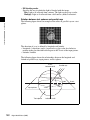
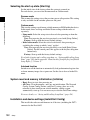
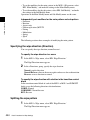
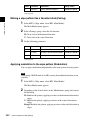
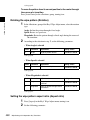
To set the fade-to-black transition rate in the Transition menu
1
2
554
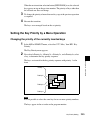
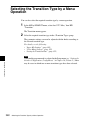
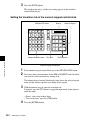
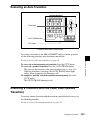
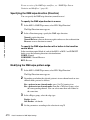
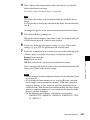
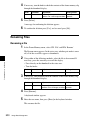
In the Misc >Transition menu, press [FTB].
Turn the knob to set the number of frames.
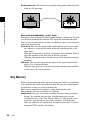
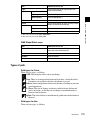
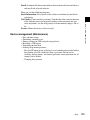
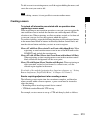
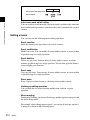
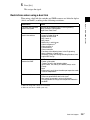
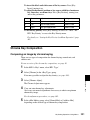
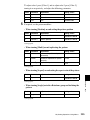
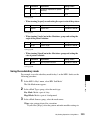
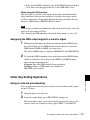
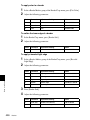
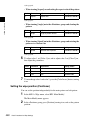
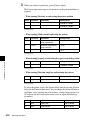
Knob
Parameter
Adjustment
Setting values
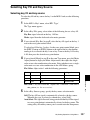
1
Transition Rate
Transition rate
0 to 999 (frames)
Misc Menu Operations