1
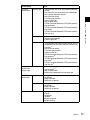
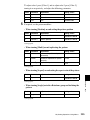
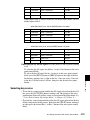
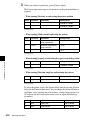
CON, PRN, AUX, CLOCK$, NUL, COM0, COM1, COM2, COM3, COM4,
COM5, COM6, COM7, COM8, COM9
LPT0, LPT1, LPT2, LPT3, LPT4, LPT5, LPT6, LPT7, LPT8, LPT9
Recalling Files
You can recall all of the saved files on the hard disk drive into frame memory.
1
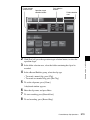
Carry out steps 1 and 2 of the procedure “Saving Files” (page 533).
Note
It is not possible to select a directory (logical drive) on which files are not
saved.
2
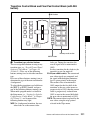
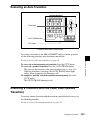
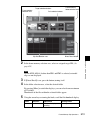
Press [Restore].
A popup window for confirming file recall appears.
Note
When you recall the files, any existing data in frame memory is lost
immediately before the recalling operations.
3
Press [Yes].
Chapter 7 Frame Memory
This starts the file recall operation. A progress bar and numerical
indication appear to show the progress of the operation.
When the operation is completed, a popup window reading “Completed.”
appears.
4
Press [OK].
External Hard Disk Drive Access
535