1
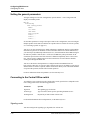
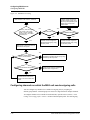
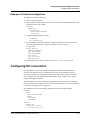
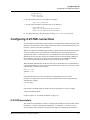
Configuring Individual WAN Connections
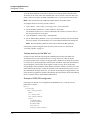
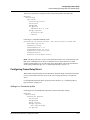
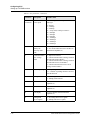
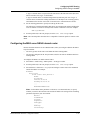
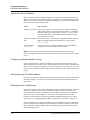
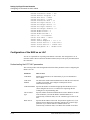
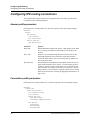
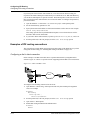
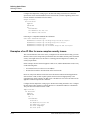
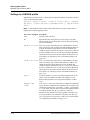
The Connection profile
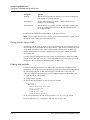
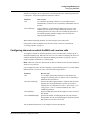
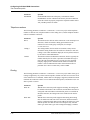
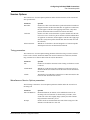
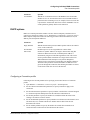
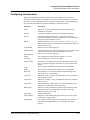
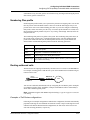
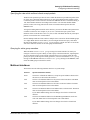
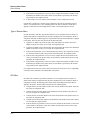
Parameter
Specifies
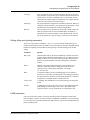
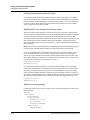
Acct-ID Base
Whether or not the numeric base of the RADIUS Acct-Session-ID
attribute is 10 or 16. It controls how the Acct-Session-ID attribute is
presented to the accounting server; for example, a base-10 session ID
is presented as 1234567890, and a base-16 ID as 499602D2. You can
set this parameter globally and for each connection.
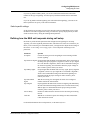
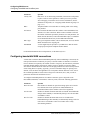
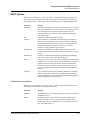
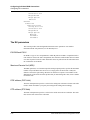
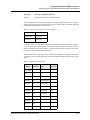
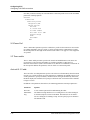
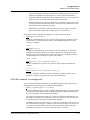
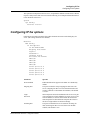
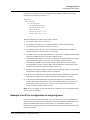
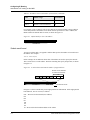
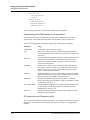
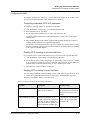
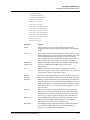
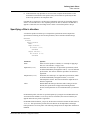
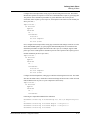
DHCP options
DHCP is a TCP/IP protocol that enables a client to obtain a temporary IP address from a
central server (known as a DHCP server). The Ethernet > Connections > Connection profile >
DHCP Options subprofile includes the following parameters that define DHCP servers, IP
address pools and dynamic addresses:
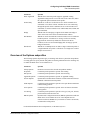
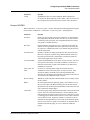
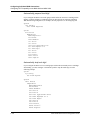
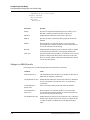
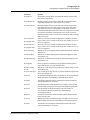
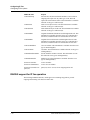
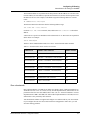
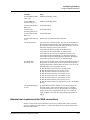
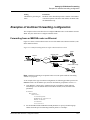
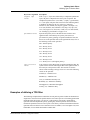
Parameter
Specifies
Reply Enabled
Whether the MAX unit processes DHCP packets and acts as a DHCP
server on this connection.
Pool Number
IP address pool to use to assign addresses to NAT clients.
Max Leases
Number of dynamic addresses to assign to NAT clients using this
connection. When NAT is used, an initial dynamic address is
automatically assigned via the PPP negotiations. This value can be
used to perform address translation for a single client on the LAN.
When additional clients attempt to route packets through this
connection, they must first be assigned their own dynamic addresses.
The Max Leases parameter restricts the number of addresses to be
given out through this connection, thus limiting the number of clients
on the remote LAN who can access the Internet.
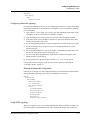
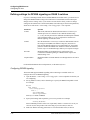
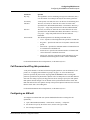
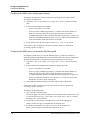
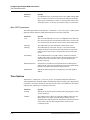
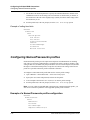
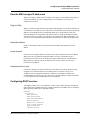
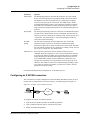
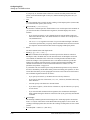
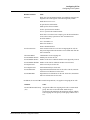
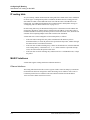
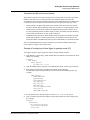
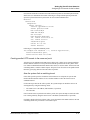
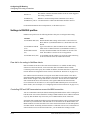
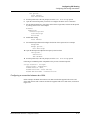
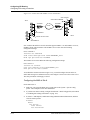
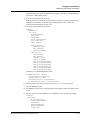
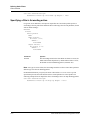
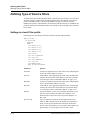
Configuring a Connection profile
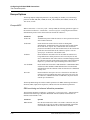
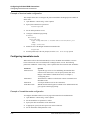
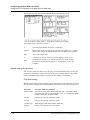
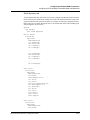
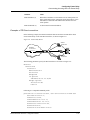
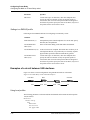
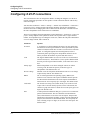
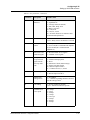
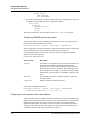
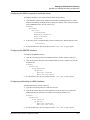
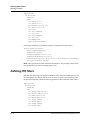
Following are the relevant parameters for specifying session time limits in a Connection
profile:
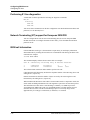
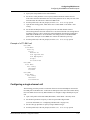
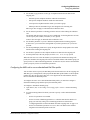
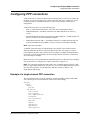
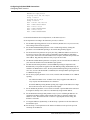
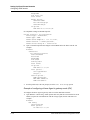
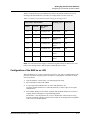
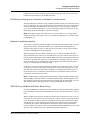
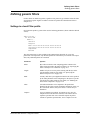
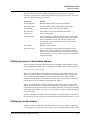
1
Open Ethernet > Connections > Connection profile > Session Options.
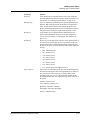
2
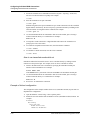
Set the Call Filter and Data Filter parameters to specify a number to apply to the
connection.
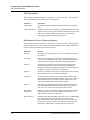
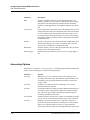
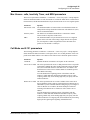
3
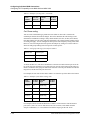
Set the Filter Persistence parameter to specify whether or not the filter or firewall assigned
to a Connection profile should persist after the call has been disconnected.
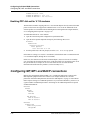
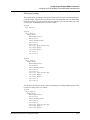
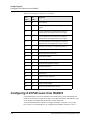
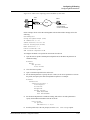
4
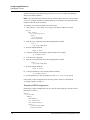
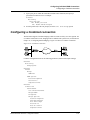
Set the Idle parameter to specify the number of seconds the MAX unit waits before
clearing a call when a session is inactive.
5
Set the TS Idle Mode parameter to specify whether or not the unit uses the terminal- server
idle timer and, if so, whether both the user and host must be idle before the unit
disconnects the session.
6
Set the TS Idle parameter to specify the number of seconds that a terminal-server
connection must be idle before the unit disconnects the session.
MAX 6000/3000 Network Configuration Guide
4-41