1
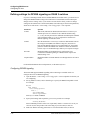
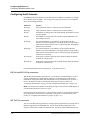
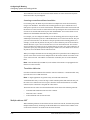
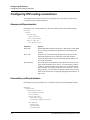
Configuring IPX Routing
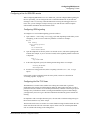
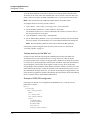
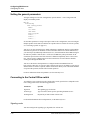
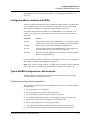
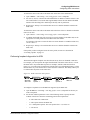
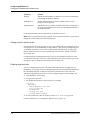
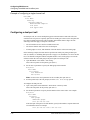
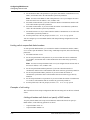
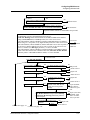
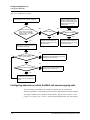
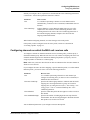
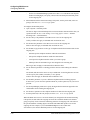
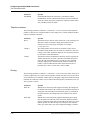
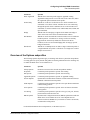
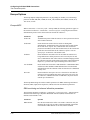
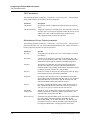
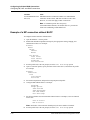
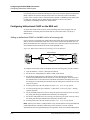
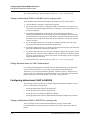
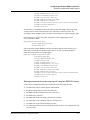
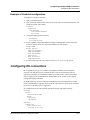
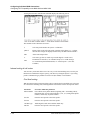
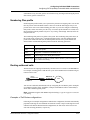
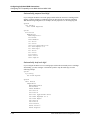
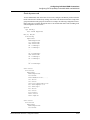
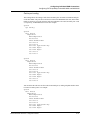
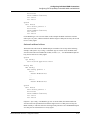
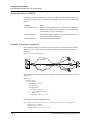
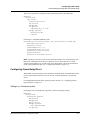
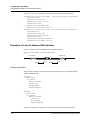
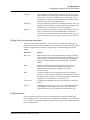
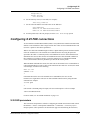
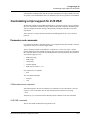
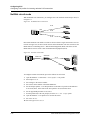
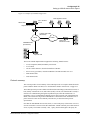
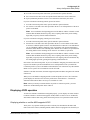
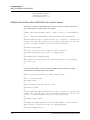
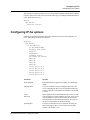
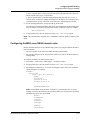
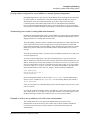
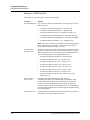
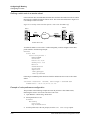
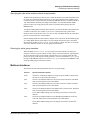
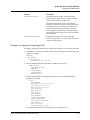
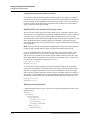
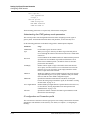
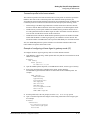
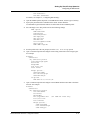
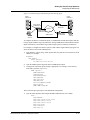
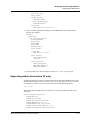
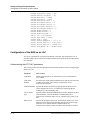
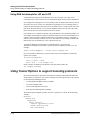
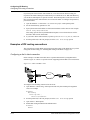
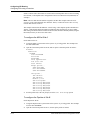
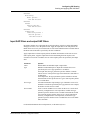
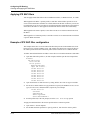
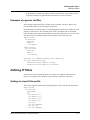
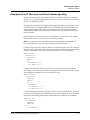
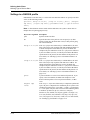
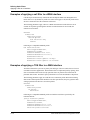
Creating and applying IPX SAP filters
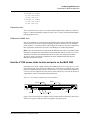
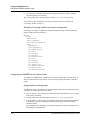
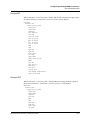
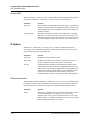
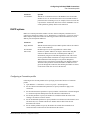
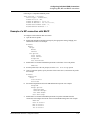
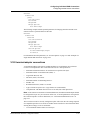
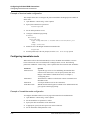
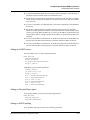
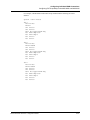
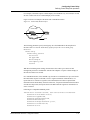
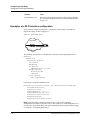
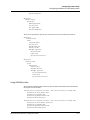
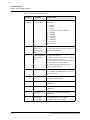
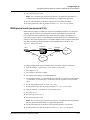
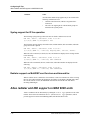
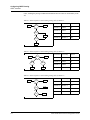
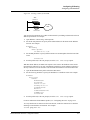
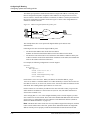
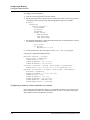
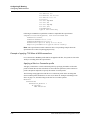
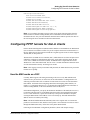
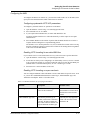
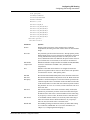
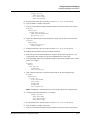
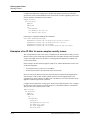
Ethernet
Answer
Session options...
IPX SAP Filter=1
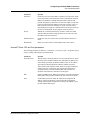
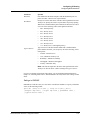
3
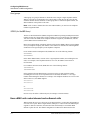
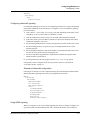
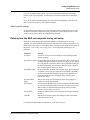
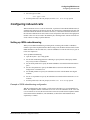
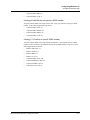
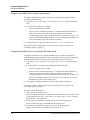
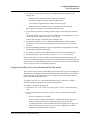
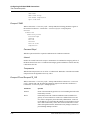
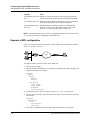
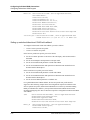
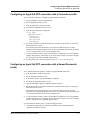
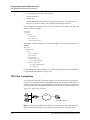
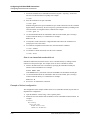
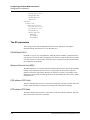
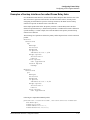
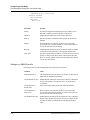
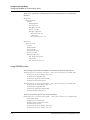
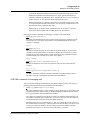
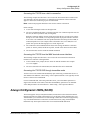
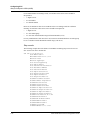
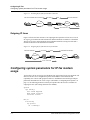
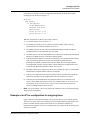
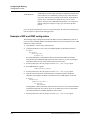
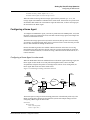
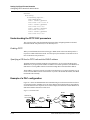
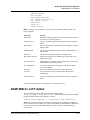
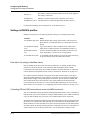
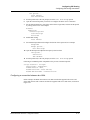
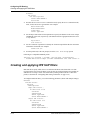
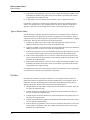
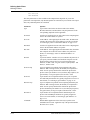
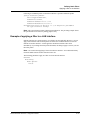
Repeat the same assignment in Connections > Connection profile > Session Options.
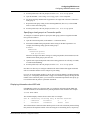
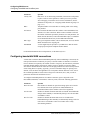
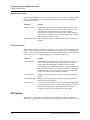
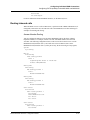
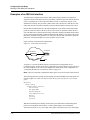
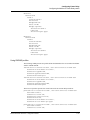
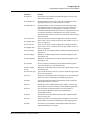
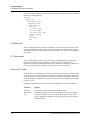
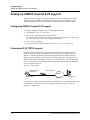
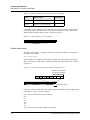
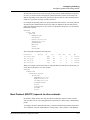
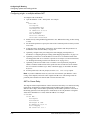
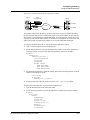
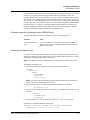
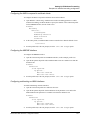
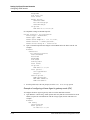
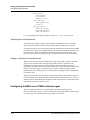
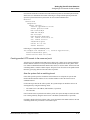
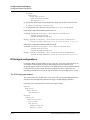
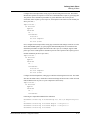
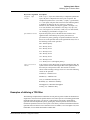
Ethernet
Connections
Connection profile
Session options...
IPX SAP Filter=1
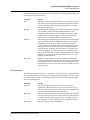
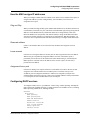
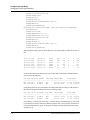
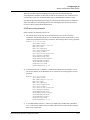
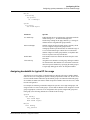
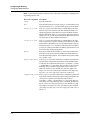
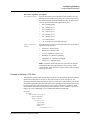
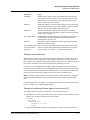
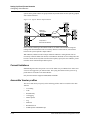
4
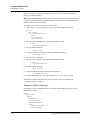
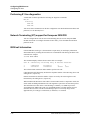
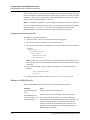
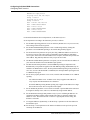
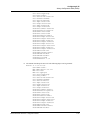
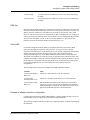
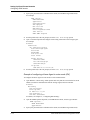
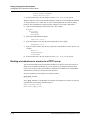
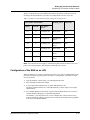
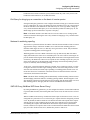
Exit the profile and, at the exit prompt, select the exit and accept option.
MAX 6000/3000 Network Configuration Guide
12-25