1
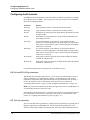
Configuring WAN Access
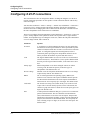
Configuring E1 lines
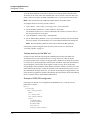
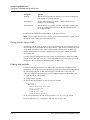
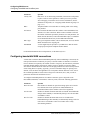
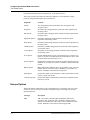
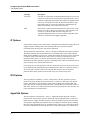
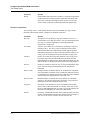
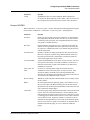
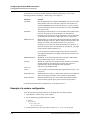
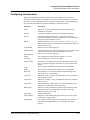
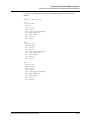
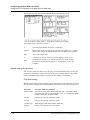
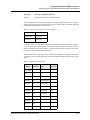
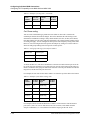
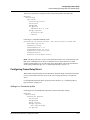
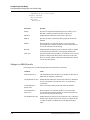
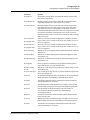
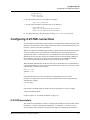
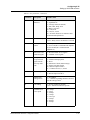
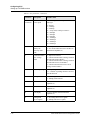
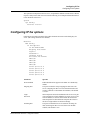
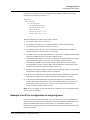
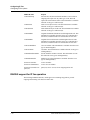
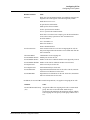
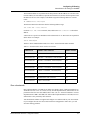
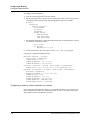
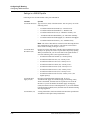
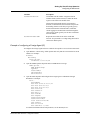
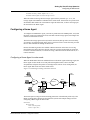
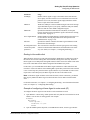
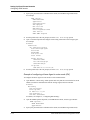
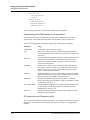
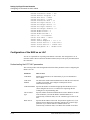
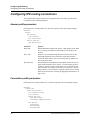
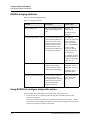
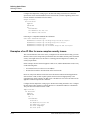
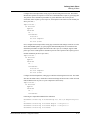
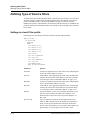
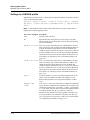
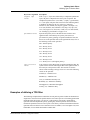
Following are the relevant parameters, which are in each Net/E1 > Line Config > Line Config
profile > Line N subprofile. (In the parameter names, N represents a number distinguishing an
individual parameter from other parameters of the same type).
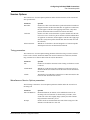
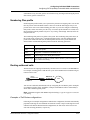
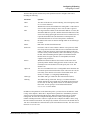
Parameter
Specifies
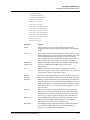
Ch N
Type of connection that uses the channel.
Ch N #
Any add-on telephone number associated with a switched channel
only. The Ch N parameters are repeated for each channel in the
line (as described in “Add-on numbers” on page 3-5).
Ch N Slot
A slot number for switched calls to be routed to and from this
channel.
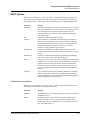
Ch N Prt/Grp
For switched calls, a port number to be used with the Ch N Slot
parameter for call routing purposes. For nailed channels, the
group number of the nailed channels used for the connection.
Ch N Trnk/Grp
Trunk group to which a nailed channel is assigned to make it
available for outbound calls.
Hunt-N #
A hunt-group number (a telephone number) associated with the
E1 line in a specific Line N profile. Your carrier assigns the huntgroup number.
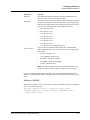
For detailed information about each parameter, see the MAX Reference.
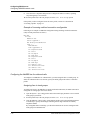
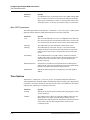
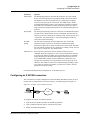
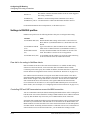
Associating a channel with a slot/port in the MAX unit
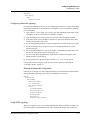
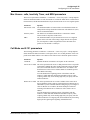
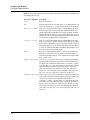
With the Ch N Slot and Ch N Prt/Grp parameters, you can assign a switched channel to a slot or
slot/port combination for a digital modem, AIM port, or Ethernet network. This configuration
affects both inbound call routing and outbound calls. In effect, it reserves the channel for calls
to and from the specified slot or port. (For details, see “Configuring inbound calls” on
page 3-59 and “Configuring outbound calls” on page 3-69.)
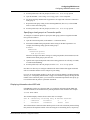
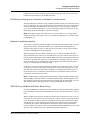
Assigning nailed channels to groups
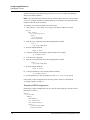
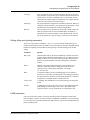
If the channel is nailed, Ch N Prt/Grp specifies a group number. To make use of this nailed
connection, a Connection or call profile references the group number. (For the definition of call
profile, see “Assigning nailed channels to groups” on page 3-12.)
You can assign trunk-group numbers 4–9 to channels to make them available for outbound
calls. (For details, see “Configuring outbound calls” on page 3-69.)
Assigning channels to hunt groups
You can assign a hunt-group number (a telephone number) associated with the E1 line in a
specific Line N profile. Assign this value to the Hunt-N # parameter.
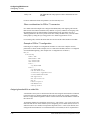
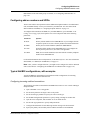
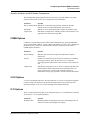
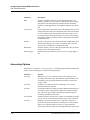
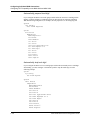
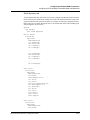
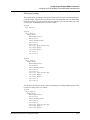
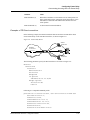
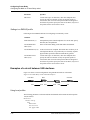
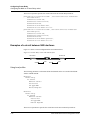
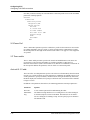
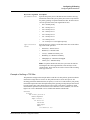
Typical E1 configurations, with examples
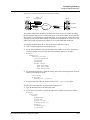
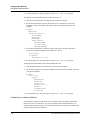
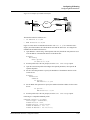
Typical E1-line configurations for MAX units include configurations for ISDN signaling,
DPNSS signaling, and nailed connections.
MAX 6000/3000 Network Configuration Guide
3-25