1
Setting Up Virtual Private Networks
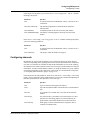
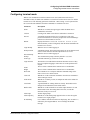
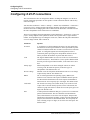
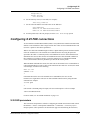
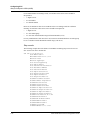
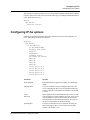
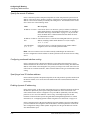
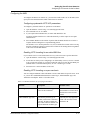
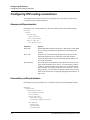
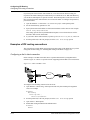
Configuring ATMP tunnels
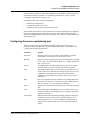
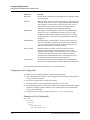
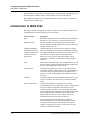
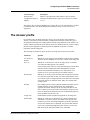
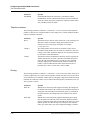
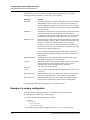
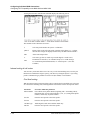
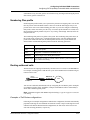
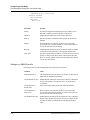
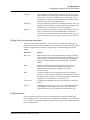
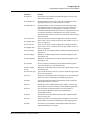
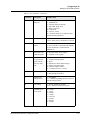
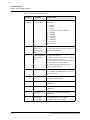
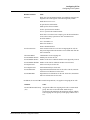
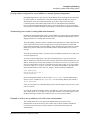
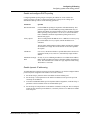
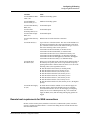
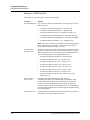
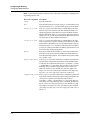
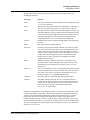
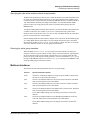
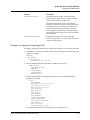
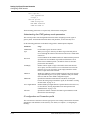
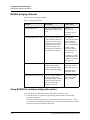
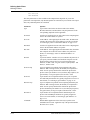
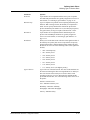
Attribute
Description
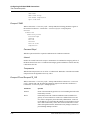
Framed-IPX-Network
Virtual IPX network number. Assigned to dial-in
NetWare clients (mobile clients) to enable the Home
Agent to route back to the mobile client.
This IPX network number must be represented in
decimal, not hexadecimal, and it must be unique in the
IPX routing domain. (Note that you typically specify
IPX network numbers in hexadecimal.) All mobile
clients logging into an IPX home network through the
same Foreign Agent typically use the same virtual IPX
network number.
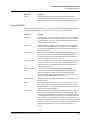
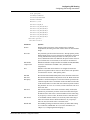
Ascend-IPX-Node-Addr
Represents the mobile client on the virtual IPX
network. Is represented as a 12-digit string that must be
enclosed in double-quotes.
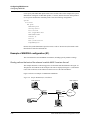
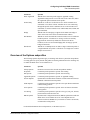
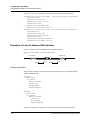
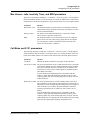
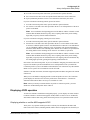
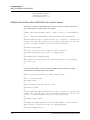
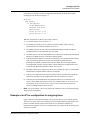
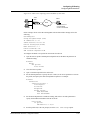
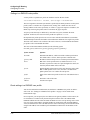
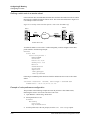
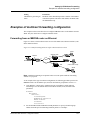
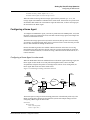
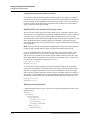
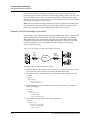
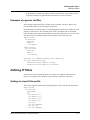
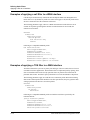
Example of configuring a Foreign Agent (IP)
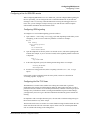
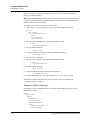
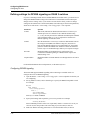
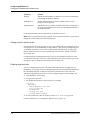
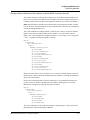
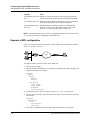
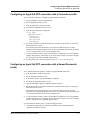
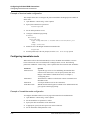
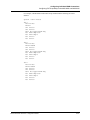
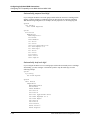
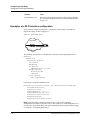
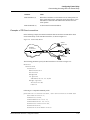
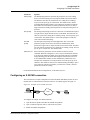
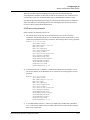
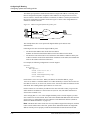
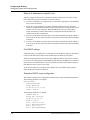
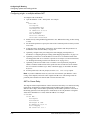
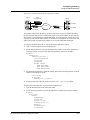
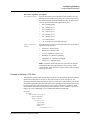
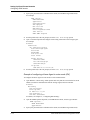
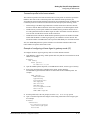
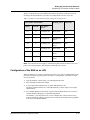
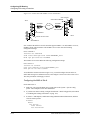
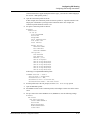
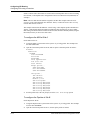
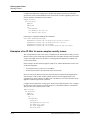
To configure the Foreign Agent and create a mobile client profile to access a home IP network:
1
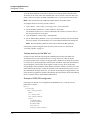
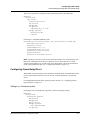
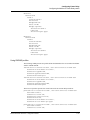
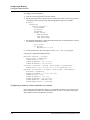
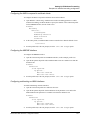
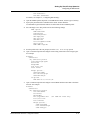
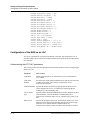
Open Ethernet > Mod Config > Ether Options and verify that the LAN interface has an IP
address. For example:
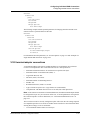
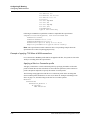
Ethernet
Mod Config
Ether options...
IP Adrs=10.65.212.226/24
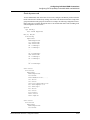
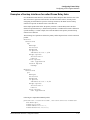
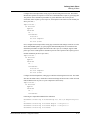
2
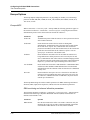
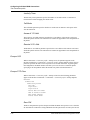
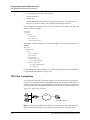
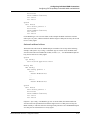
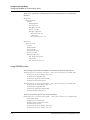
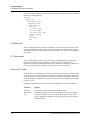
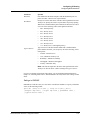
Open the ATMP Options subprofile and set ATMP Mode to Foreign:
ATMP options...
ATMP Mode=Foreign
Type=N/A
Password=N/A
SAP Reply=N/A
UDP Port=5150
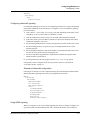
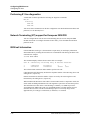
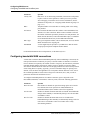
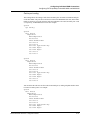
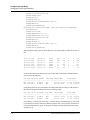
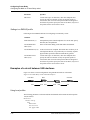
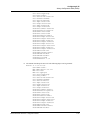
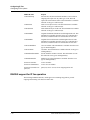
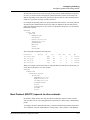
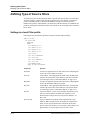
3
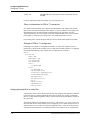
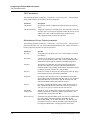
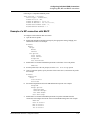
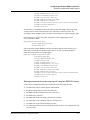
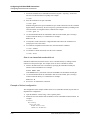
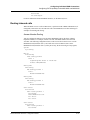
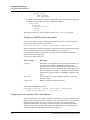
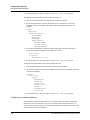
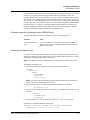
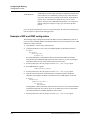
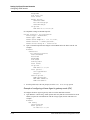
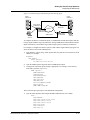
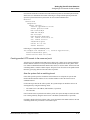
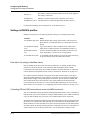
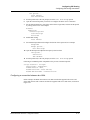
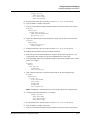
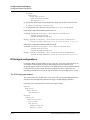
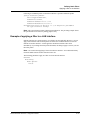
Open the Auth subprofile and configure the Foreign Agent to authenticate through
RADIUS. For example:
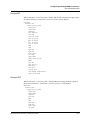
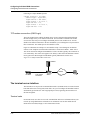
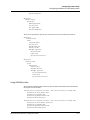
Auth...
Auth=RADIUS
Auth Host #1=10.23.45.11/24
Auth Host #2=0.0.0.0/0
Auth Host #3=0.0.0.0/0
Auth Port=1645
Auth Timeout=1
Auth Key-=[]
Auth Pool=No
Auth Req=Yes
Password Server=No
Password Port=N/A
Local Profile First=No
Sess Timer=0
Auth Src Port=0
Auth Send Attr 6,7=Yes
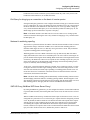
For detailed information about each parameter, see the MAX Reference.
MAX 6000/3000 Network Configuration Guide
11-9