1
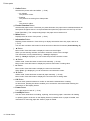
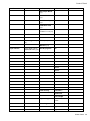
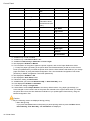
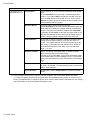
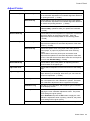
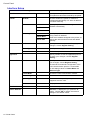
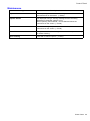
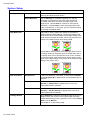
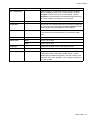
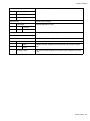
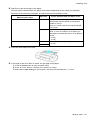
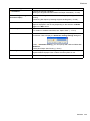
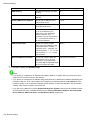
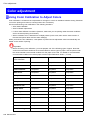
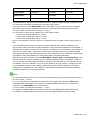
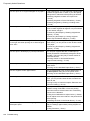
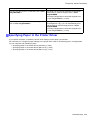
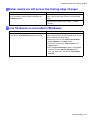
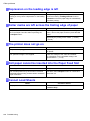
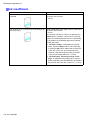
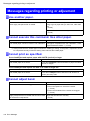
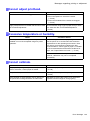
Messages regarding printing or adjusment Cannot adjust printhead. Cause The Printhead nozzles are clogged. Corrective Action Follow the steps below to check the nozzles. 1. Print a test pattern to check the nozzles. (→P.623) 2. Clean the Printhead if the nozzles are clogged. (→P.624) Highly transparent lm is loaded that cannot be used We recommend using a type of paper that you often for Printhead adjustment. use, other than lm, for Printhead adjustment. (→P.584) Excessive temperature or humidity. Cause The temperature or humidity where the printer is installed is out of the acceptable range for printer operation. Corrective Action Press the Stop button and stop printing. Use the printer in an environment that meets the requirements for the operating environment. Note that various environmental conditions are also recommended for various types of paper. For details on the recommended environmental conditions for paper, see "Paper Reference Guide ." (→P.108) Press the OK button and complete color calibration. However, calibration may not be completed successfully. Cannot calibrate. Cause Corrective Action The paper for printing a test pattern for adjustment is Load unused paper compatible with color calibration. soiled. Otherwise, colored paper is loaded. (→P.108) The printed test pattern is faint. Take steps to remedy the faint printing. (→P.663) Direct sunlight or strong lighting may be shining on the printer and causing the sensor to malfunction. Take steps to ensure the printer is not used when exposed to direct sunlight or strong lighting. Error Message 705