1
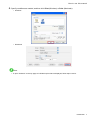
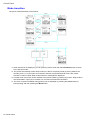
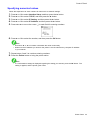
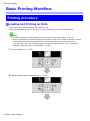
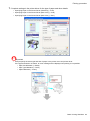
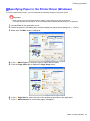
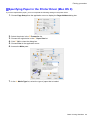
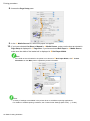
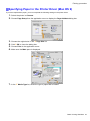
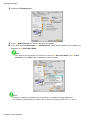
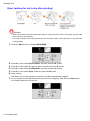
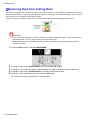
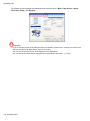
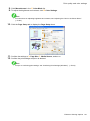
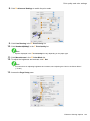
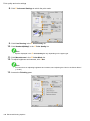
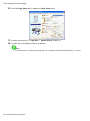
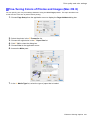
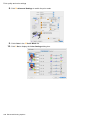
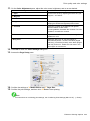
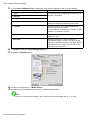
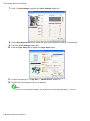
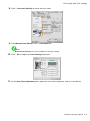
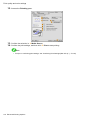
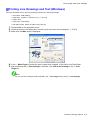
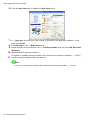
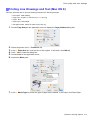
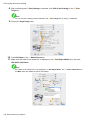
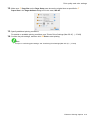
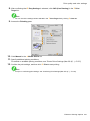
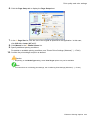
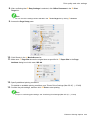
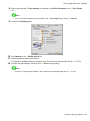
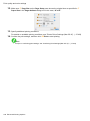
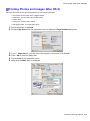
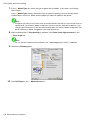
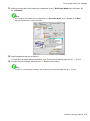
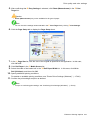
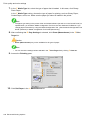
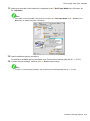
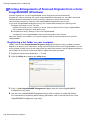
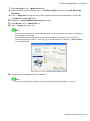
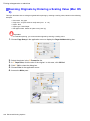
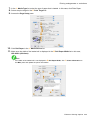
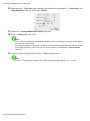
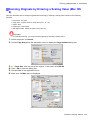
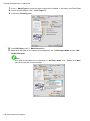
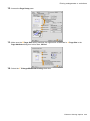
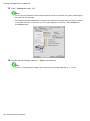
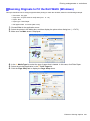
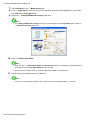
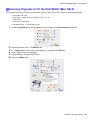
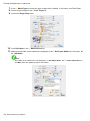
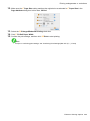
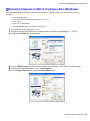
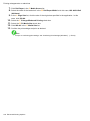
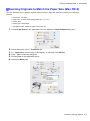
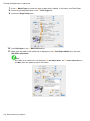
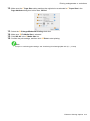
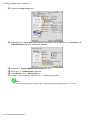
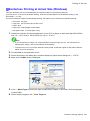
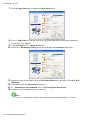
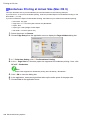
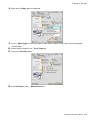
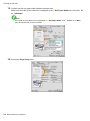
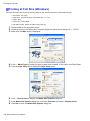
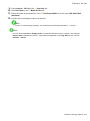
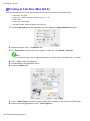
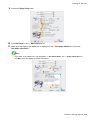
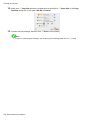
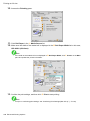
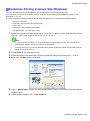
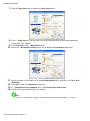
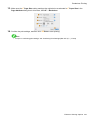
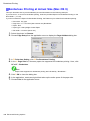
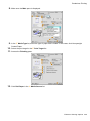
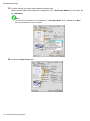
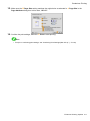
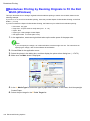
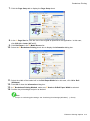
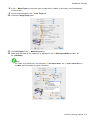
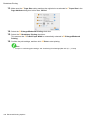
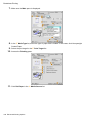
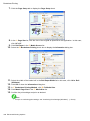
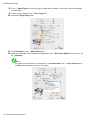
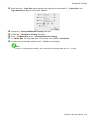
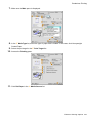
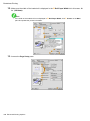
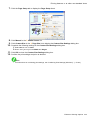
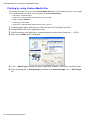
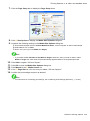
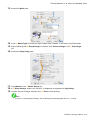
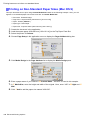
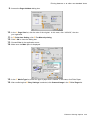
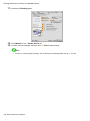
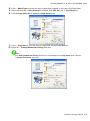
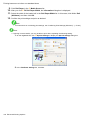
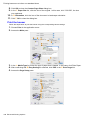
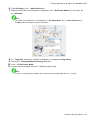
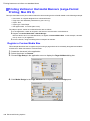
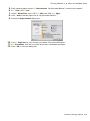
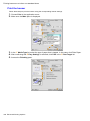
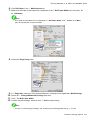
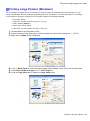
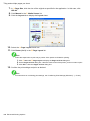
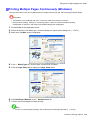
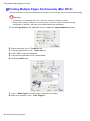
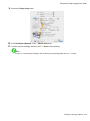
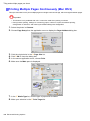
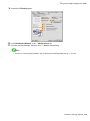
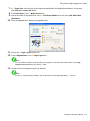
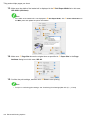
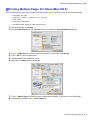
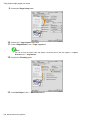
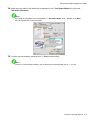
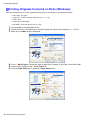
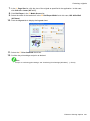
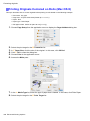
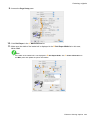
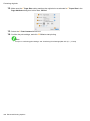
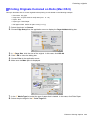
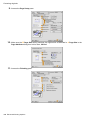
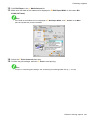
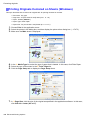
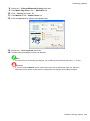
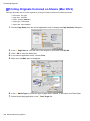
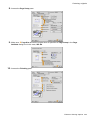
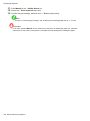
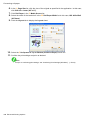
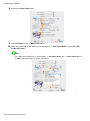
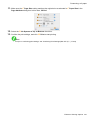
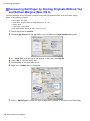
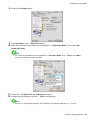
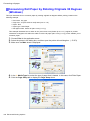
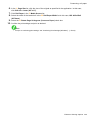
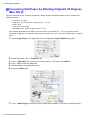
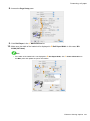
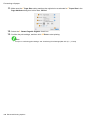
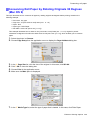
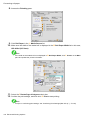
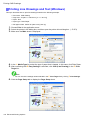
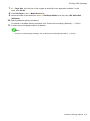
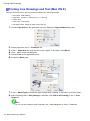
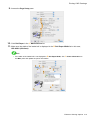
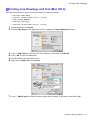
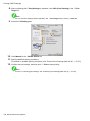
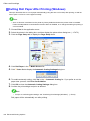
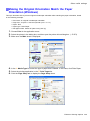
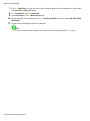
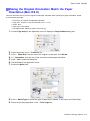
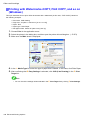
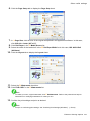
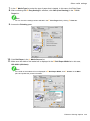
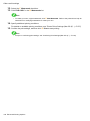
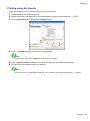
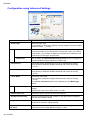
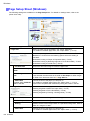
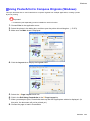
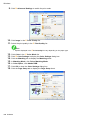
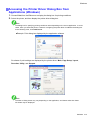
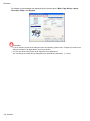
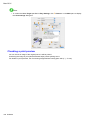
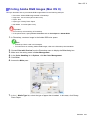
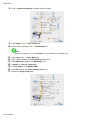
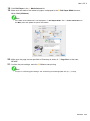
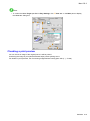
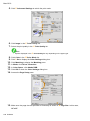
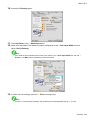
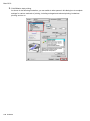
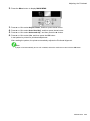
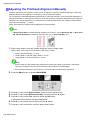
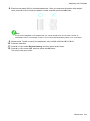
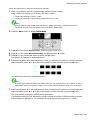
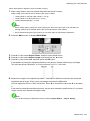
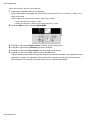
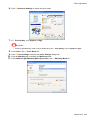
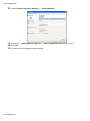
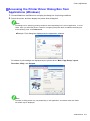
Printing enlargements or reductions 7. 8. Click Roll Paper in the L Media Source list. Select the width of the loaded roll in the M Roll Paper Width list-in this case, ISO A2/A3 Roll (420.0mm). 9. In the A Page Size list, click the size of the original as specied in the application. In this case, click ISO A4. 10. 11. 12. 13. Select the C Enlarged/Reduced Printing check box. Select the D Fit Media Size check box. Click ISO A3 in the G Media Size list. Conrm the print settings and print as desired. Note • For tips on conrming print settings, see “Conrming Print Settings (Windows)”. (→P.443) 270 Enhanced Printing Options