1
Chapter 3: Configuring the System
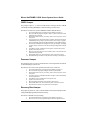
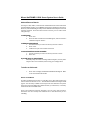
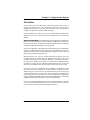
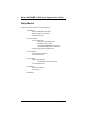
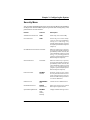
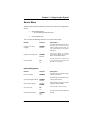
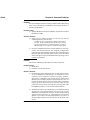
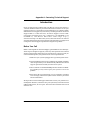
Main Menu, SCSISelect
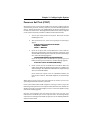
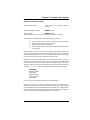
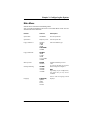
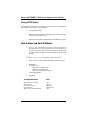
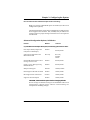
The main SCSISelect menu shows the name of the host adapter and its address:
<Host adapter> at Bus:Device xx:xxh. There are two menu options.
Options
Comment
Configure/View Host
Adapter Settings
Press <Enter> to display the Configuration menu.
SCSI Disk Utilities
Press <Enter> to display the SCSI Disk Utilities menu.
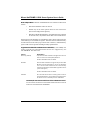
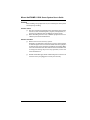
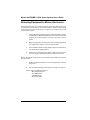
The utility scans for all SCSI devices installed in the
system and lists them. Press <Enter> to select the device
you want to run utilities on.
The default ID for the SCSI host adapter is #7. If you
select the host adapter, you will see only a message stating
that fact; you cannot specify any options for the host
adapter from the utilities menu.
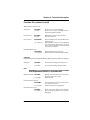
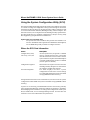
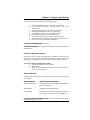
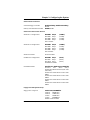
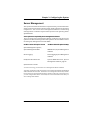
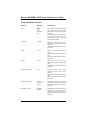
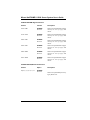
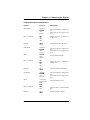
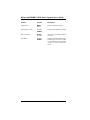
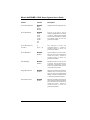
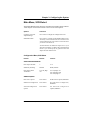
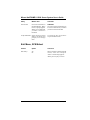
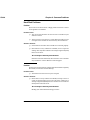
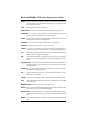
Configuration Menu, SCSISelect
Feature
Default
Choices
SCSI Bus Interface Definitions
Host Adapter SCSI ID
7
0 - 15
SCSI Parity Checking
Enabled
Enable/Disable
Host Adapter SCSI
Termination
Low ON/High
ON
Low ON/High ON
Low OFF/High OFF
Low OFF/High On
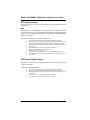
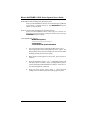
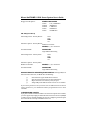
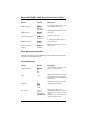
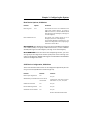
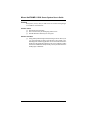
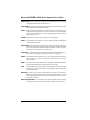
Boot Device Options
Press <Enter>
See Boot Device Options, SCSISelect.
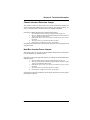
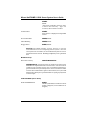
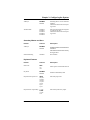
SCSI Device Configuration
Press <Enter>
See SCSI Device Configuration,
SCSISelect.
Advanced Configuration
Options
Press <Enter>
See Advanced Configuration
Options, SCSISelect.
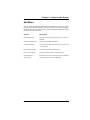
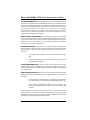
Additional Options
Micron Electronics, Inc.
3-39