1
Names and Functions of Components
Names and Functions of Components
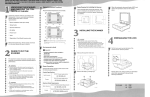
This section explains the names and functions of various controls used to operate the scanner.
1
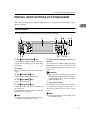
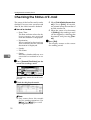
Control Panel
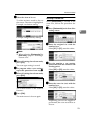
This illustration shows the product with options installed.
ZHFS010N
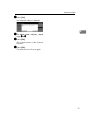
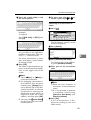
1. The {User Tools/Counter}} key
6. Main power indicator, power in-
Use to change default values or operation
parameters according to the operating
conditions.
dicator
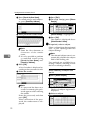
2. Display
Shows operation status and various messages.
3. The {Check Modes}} key
Press to check the current settings.
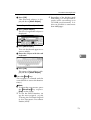
4. The {Clear Modes}} key
Use to cancel settings.
5. The {Energy Saver}} key
Press this key for about one second to begin warm-up.
Pressing this key again while in warm-up
mode cancels warm-up.
Note
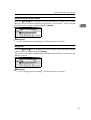
❒ This key is inactive while scanning or
setting scanner default values.
The main power indicator lights up when
the main power switch is set to On. The
power indicator lights up when this machine is on.
Important
❒ Do not turn off the main power
while the power indicator is blinking. Doing so may cause a failure
of the hard disk.
7. Operation Switch
Pressing this switch turns the machine
on. The power indicator lights up. To
turn the machine off, press this switch
again.
Note
❒ This key is inactive while setting scanner default values.
11