1
Delivering Stored Scan Data by the Network Delivery Scanner
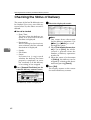
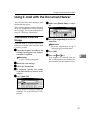
Checking the Status of Delivery
The status of the last 50 deliveries can
be checked. For every new delivery
record after 50, the oldest record is
deleted.
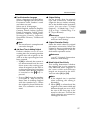
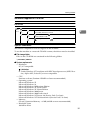
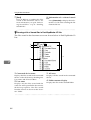
❖ Items to be checked
• Date/Time
The time when the delivery request was received from this
machine is displayed.
• Destination
When multiple destinations
were selected, the first selected
destination is displayed.
• Sender
• File Name
• Status
Information is registered
whether the delivery has been
properly completed, an error
has occurred, or if the delivery
is in waiting or has stopped.
5
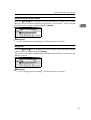
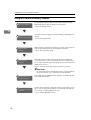
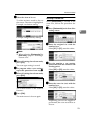
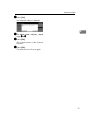
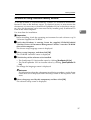
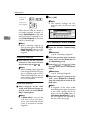
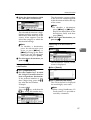
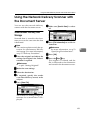
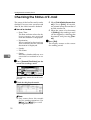
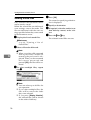
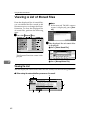
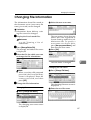
A Press [Scanned Files Status] on the
network delivery scanner screen.
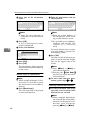
The delivery status is displayed.
62
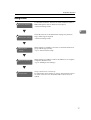
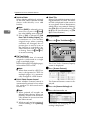
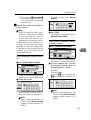
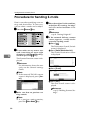
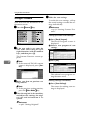
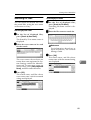
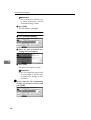
B Check the displayed records.
Note
❒ One screen shows the records
for five delivery operations. Use
[U
U Prev.] or [T
T Next] to scroll
through the screen.
❒ When [Print & Delete Scanner Journal] is set to [Print], the whole
journal is printed when the
number of delivery operations
reaches 50.
❒ When the status of a document
is [Waiting], the delivery can be
stopped by selecting that document and pressing [Cancel].
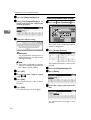
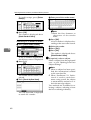
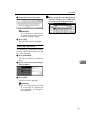
C Press [Exit].
The display returns to the screen
for network delivery scanner.