1
Setup-F3_FM.book Page 53 Friday, October 5, 2001 8:27 PM
Macintosh
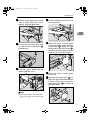
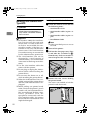
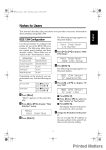
D Click [Setup].
E Click the printer description file you want to use, and then click [Select].
The PPD file is set up, and the [Adobe PS] icon appears at the left of the machine name in the list. Next, follow the procedure on p.53 “Setting Up Options” to make the option settings, or close the [Chooser] dialog box.
Setting Up Options
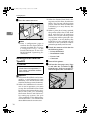
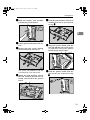
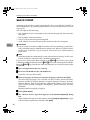
A On the [Apple] menu, select [Chooser].
B Click the [Adobe PS] icon.
C In the [Select the PostScript Printer:] list, click the name of the machine you
4
want to use, and then click [Setup].
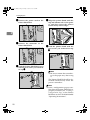
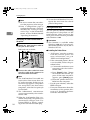
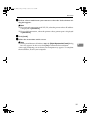
D Click [Configure].
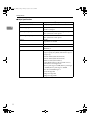
A list of options appears.
E Select the option you want to set up and select the appropriate setting for it.
Note
❒ If the option you want to set up is not displayed, the PPD file might not be
set up correctly. Check the name of the PPD file shown in the dialog box.
F Click [OK].
The list of options closes.
G Click [OK].
The [Chooser] dialog box appears.
H Close the [Chooser] dialog box.
Reference
For information about installing the Printer Utility for Mac, see the PostScript 3 Operating Instructions Supplement.
53