1
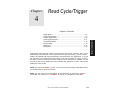
Chapter
Scanner Setup
7
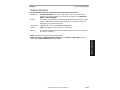
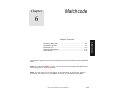
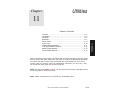
Chapter Contents
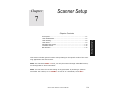
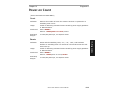
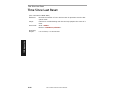
This section includes general scanner setup relating to the specific needs of the scanning application and environment.
Note: The characters NULL <> and , can only be entered through embedded menus,
not through ESP or serial commands.
Note: You can learn the current setting of any parameter by inserting a question
mark after the number, as in <K100?> To see all “K” commands, send <K?>.
MS-3 Laser Scanner User’s Manual
7-1
7–Scanner Setup
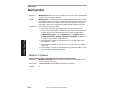
Scan Speed .................................................................................................7-4
Laser On/Off Status.....................................................................................7-5
Laser Framing .............................................................................................7-6
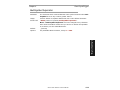
Laser Power ................................................................................................7-9
Automatic Gain Control .............................................................................7-10
Transition Counter .....................................................................................7-12
Bar Detection.............................................................................................7-13