1
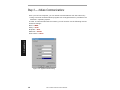
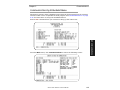
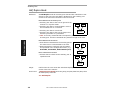
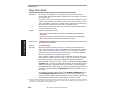
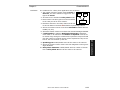
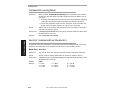
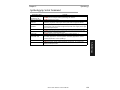
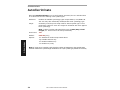
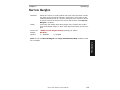
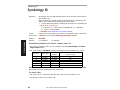
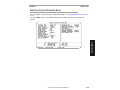
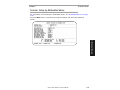
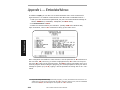
Appendix L — Embedded Menus In addition to ESP, you can also use a communications menu such as Microsoft’s HyperTerminal to establish communication with Microscan’s embedded menus.1 1. With your host connected to Quadrus EZ, set your host communications settings as follows: 9600 baud, 7 Data Bits, 1 Stop Bits, and None Parity. 2. Set Flow Control to None. 3. Make the communications port selection. (Usually COM 1 for Windows OS.) A–Appendices Upon connection, send a <D> command to bring up the main menu. Menu navigation commands are case sensitive. Use the space bar or N to advance to the next item, CR (return key) to select a highlighted item, B to return to the previous item, M to return to the previous menu, and ESC to return to the Main menu or to exit the program. When exiting the program, you will be prompted to save your active settings for power up (Y or N). Typing Y will be equivalent to saving with a <Z> command. 1. If you are using Microsoft’s HyperTerminal program, you may find that the initial screen is not visible when you call up the program with the <D> command. If this occurs, exit the embedded menu with a ESC, E, and N sequence and repeat the <D> command. A-22 MS-3 Laser Scanner User’s Manual