1
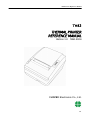
TH82 Series Reference Manual
1 CHAPTER 1 SET UP
1.1 UNPACKING
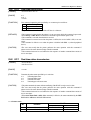
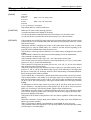
Check for the following items in your box.
1
2
3
4
thermal printer
roll paper
AC adapter
AC cord
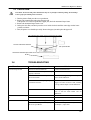
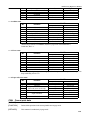
1.2 PRINTER COMPONENTS
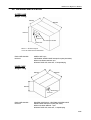
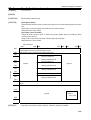
PRINTER COVER
COVER OPEN KNOB
CONTROL PANEL
PAPER CUTTER COVER
POWER SWITCH
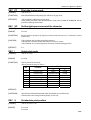
Before connecting any of the cables, please turn off the HOST device.
1.3 ATTACHING INTERFACE CABLE TO THE PRINTER
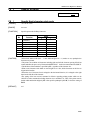
You need an appropriate interface cable. Refer to section 5.3.1 on page 13 for cable details.
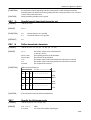
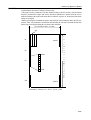
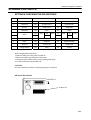
1: Plug the cable into the interface connector located on the back of the printer, as indicated below.
2: Firmly tighten the screws on both sides of the connector.
3: Attach the other end of the cable to the HOST.
5/5