1
Chapter 6 Maintaining Your Library
Maintenance Actions
Restoring Library Configuration
6
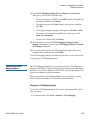
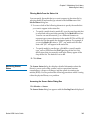
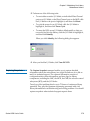
Use the Restore command to restore a library using a configuration image
that is saved on a remote file system.
If library configuration has occurred since the last time the image was
saved, those changes will be lost when the older configuration is restored.
The restore operation will succeed, but you will then need to reconfigure
the library, including the partitions and mappings. Therefore, it is
important to save the local rescue and/or remote restore image
periodically, especially following hardware configuration changes.
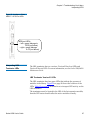
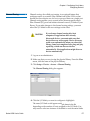
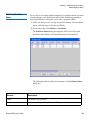
CAUTION
Be cautious if you plan to use a saved library
configuration image that is out of date. You
might restore configuration information that
you do not want, such as former passwords,
partitions, mappings, and hardware
configurations.
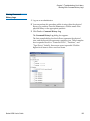
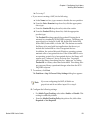
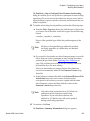
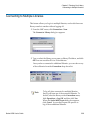
1 Log on as an administrator from the remote client. The Restore
command is not available from the library’s touch screen.
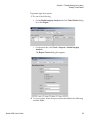
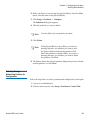
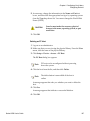
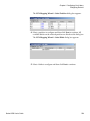
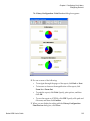
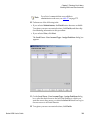
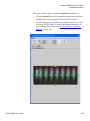
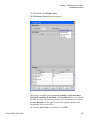
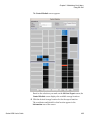
2 Make sure that you are viewing the physical library. From the View
menu, click the name of the physical library.
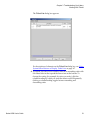
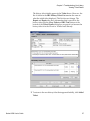
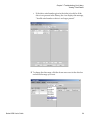
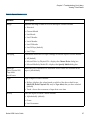
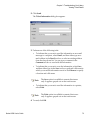
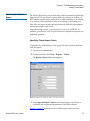
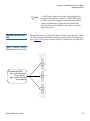
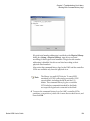
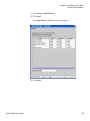
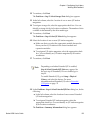
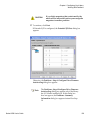
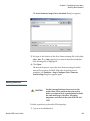
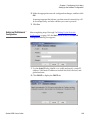
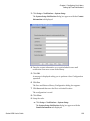
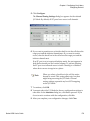
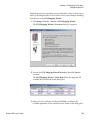
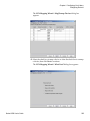
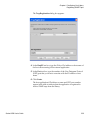
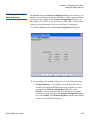
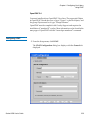
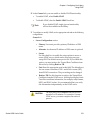
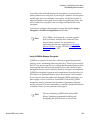
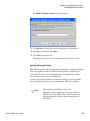
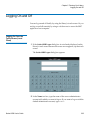
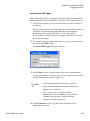
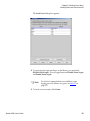
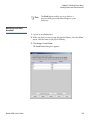
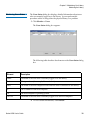
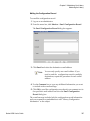
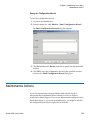
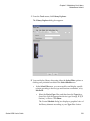
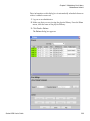
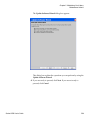
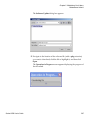
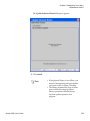
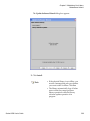
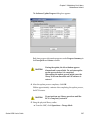
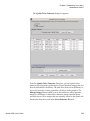
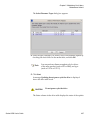
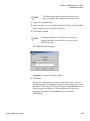
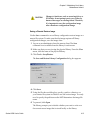
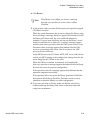
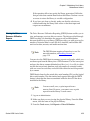
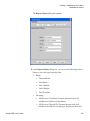
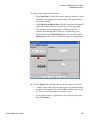
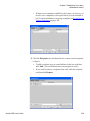
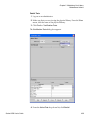
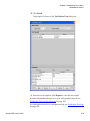
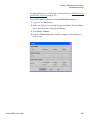
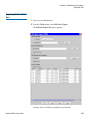
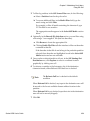
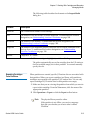
3 Click Tools > Save/Restore.
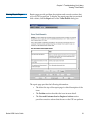
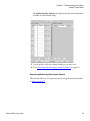
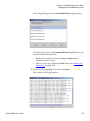
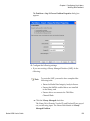
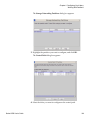
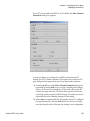
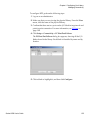
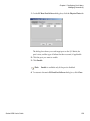
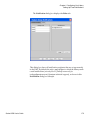
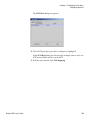
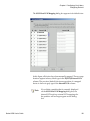
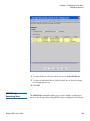
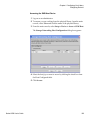
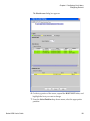
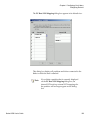
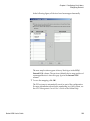
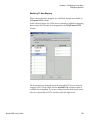
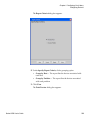
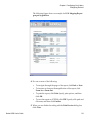
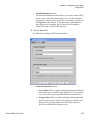
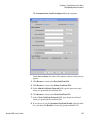
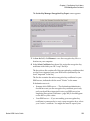
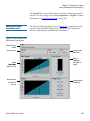
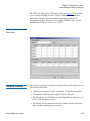
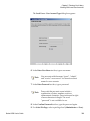
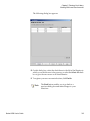
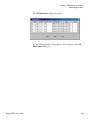
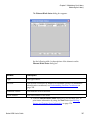
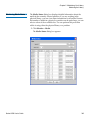
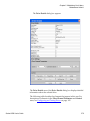
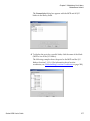
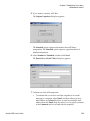
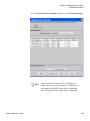
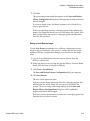
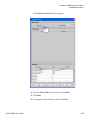
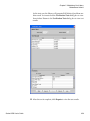
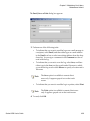
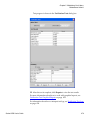
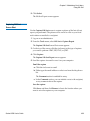
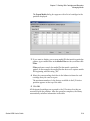
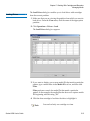
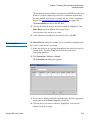
The Save and Restore Library Configuration dialog box appears.
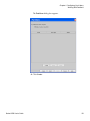
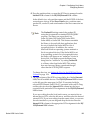
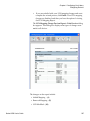
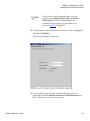
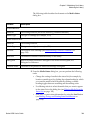
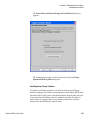
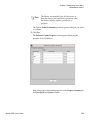
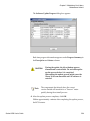
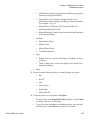
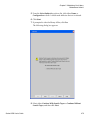
4 Click Restore.
Scalar i6000 User’s Guide
415