1
Chapter 6 Maintaining Your Library
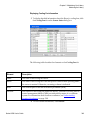
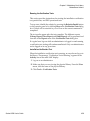
Monitoring the Library
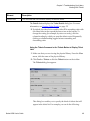
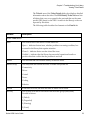
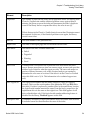
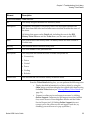
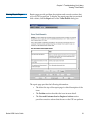
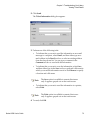
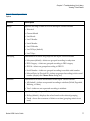
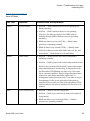
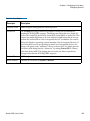
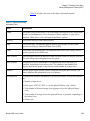
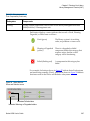
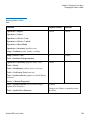
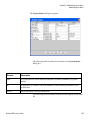
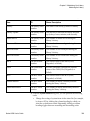
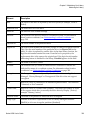
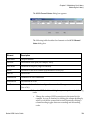
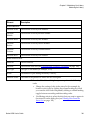
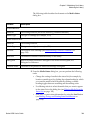
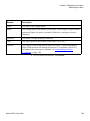
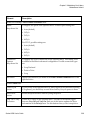
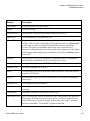
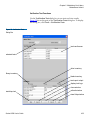
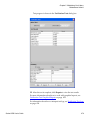
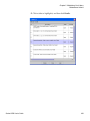
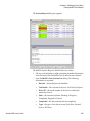
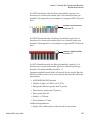
Element
Description
Type
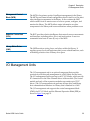
The type of I/O blade (“FC IOB” indicates an I/O blade).
Location
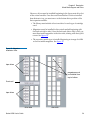
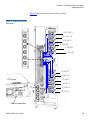
The location of the blade (see I/O Blade Locations on page 299).
Firmware
Version
The firmware version of the blade.
Serial Number
The serial number of the blade.
WWN
The World Wide Name of the blade.
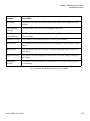
CC LUN
The Command and Control LUN (typically, the CC LUN is mapped to
LUN 0).
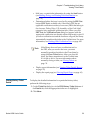
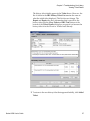
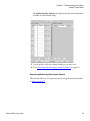
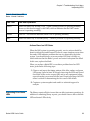
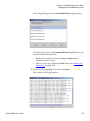
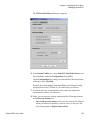
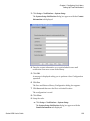
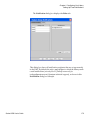
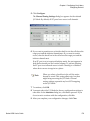
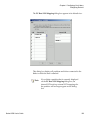
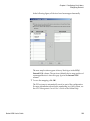
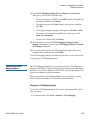
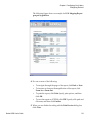
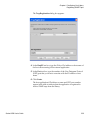
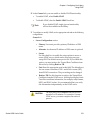
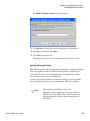
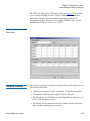
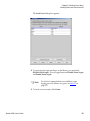
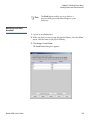
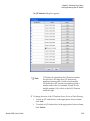
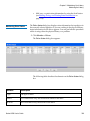
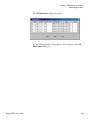
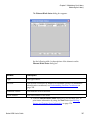
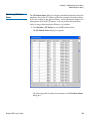
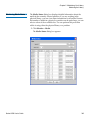
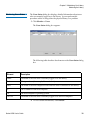
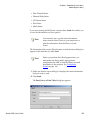
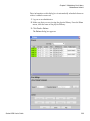
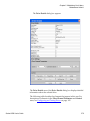
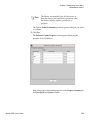
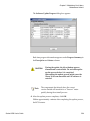
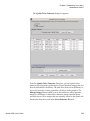
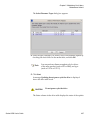
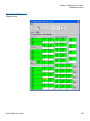
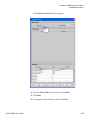
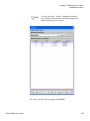
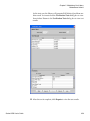
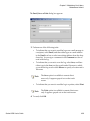
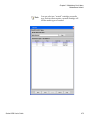
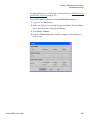
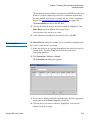
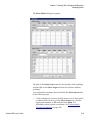
3 From the IO Blade Status dialog box, you can perform the following
tasks:
•
Change the sorting of I/O blades in the status list (for example,
by type or location) by clicking the column heading by which you
want the I/O blades sorted. Repeatedly clicking a column
heading toggles between ascending and descending order.
•
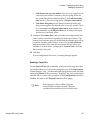
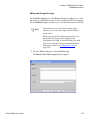
Mail, save, or print status information by using the Send button
(see Mailing, Saving, and Printing Status Information on
page 354.
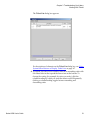
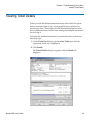
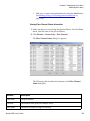
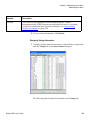
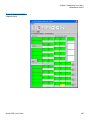
Viewing SCSI Channel Status Information
6
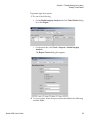
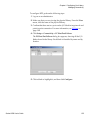
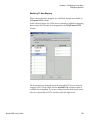
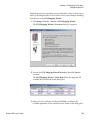
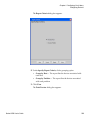
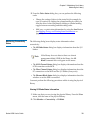
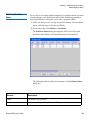
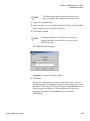
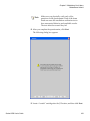
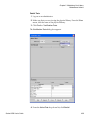
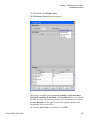
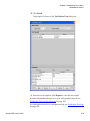
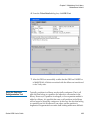
1 Make sure that you are viewing the physical library. From the View
menu, click the name of the physical library.
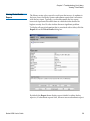
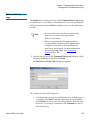
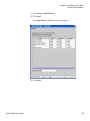
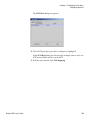
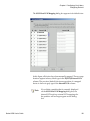
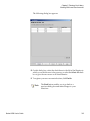
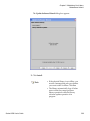
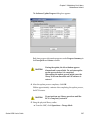
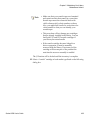
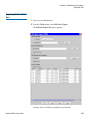
2 Click Monitor→ Connectivity→ SCSI Channel.
Scalar i6000 User’s Guide
333