1
Chapter 4 Configuring Your Library
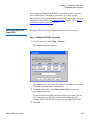
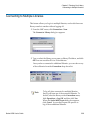
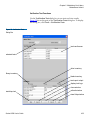
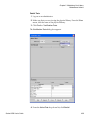
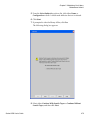
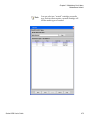
Configuring Drive Cleaning
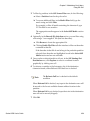
Note
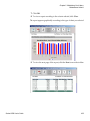
You cannot print reports or save them to a PDF file
using the touch screen.
Configuring Drive Cleaning
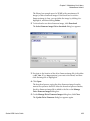
When you create or modify a partition, you can specify that tape drives in
that partition be automatically cleaned each time the drive requests a
cleaning operation.
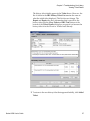
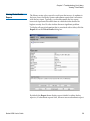
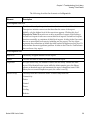
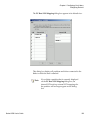
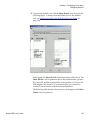
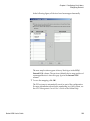
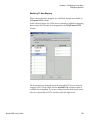
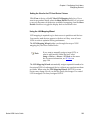
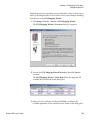
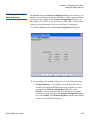
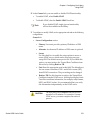
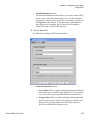
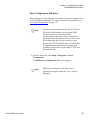
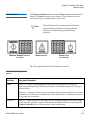
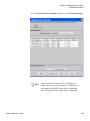
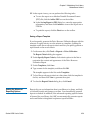
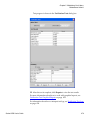
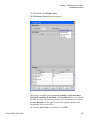
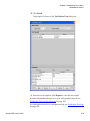
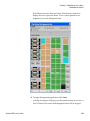
For automatic drive cleaning to function, you must configure drive
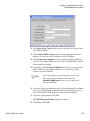
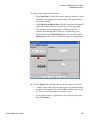
cleaning for the library. To configure drive cleaning, first assign cleaning
magazines, and then import cleaning media. Designated cleaning media
can also be used when manually cleaning drives. (Cleaning magazines
and media are not part of any logical partition, and so are not visible to the
host application.)
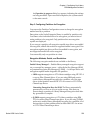
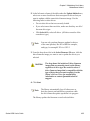
If cleaning magazines are no longer needed, you can unassign them. In
addition, you can export expired cleaning media to remove it from the
library.
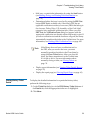
Note
Automatic drive cleaning should be enabled for
partitions only if the host application does not
support the coordination of drive cleaning. If drive
cleaning functionality is enabled on the host
application, do not enable automatic drive cleaning
for any partitions in the library.
For more information about enabling automatic
drive cleaning for a partition, see Working With
Partitions on page 112 on page 171. For more
information about manually cleaning drives, see
Cleaning a Drive on page 374.
Scalar i6000 User’s Guide
214