1
Chapter 4 Configuring Your Library
EKM Management Solutions
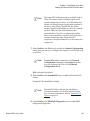
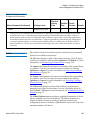
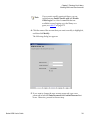
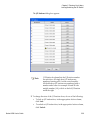
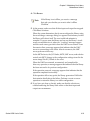
Note
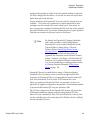
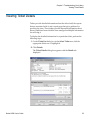
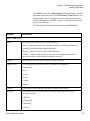
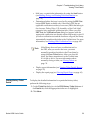
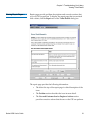
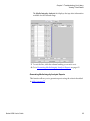
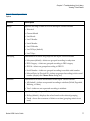
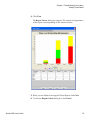
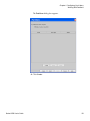
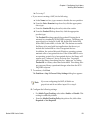
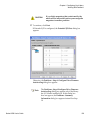
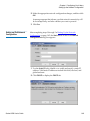
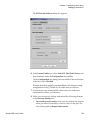
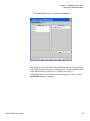
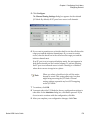
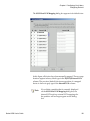
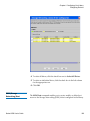
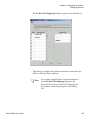
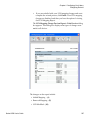
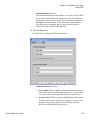
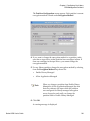
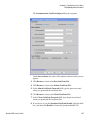
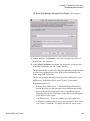
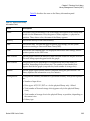
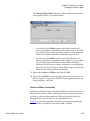
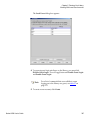
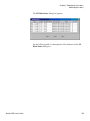
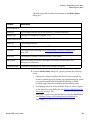
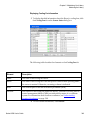
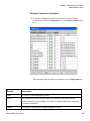
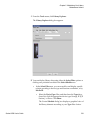
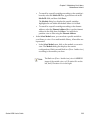
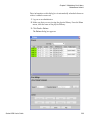
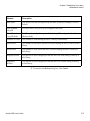
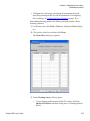
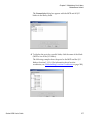
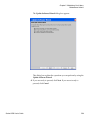
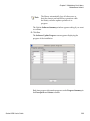
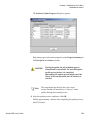
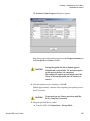
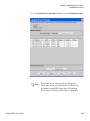
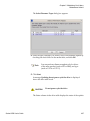
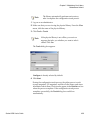
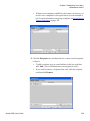
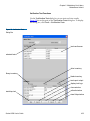
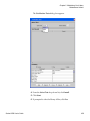
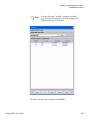
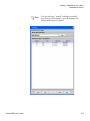
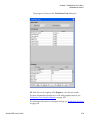
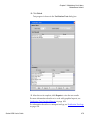
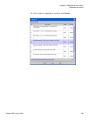
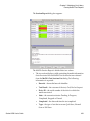
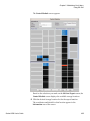
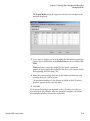
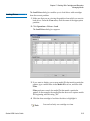
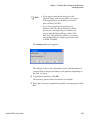
If you have current certificates, they are listed in
the Current Certificates section
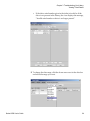
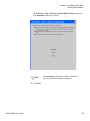
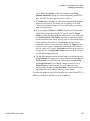
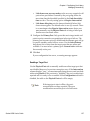
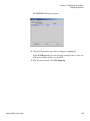
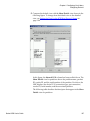
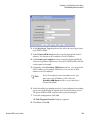
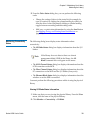
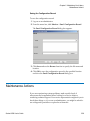
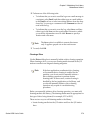
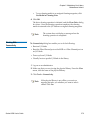
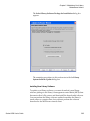
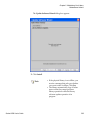
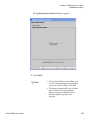
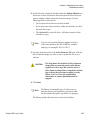
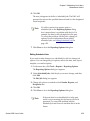
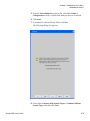
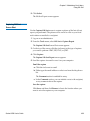
9 Click OK.
4
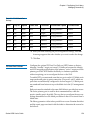
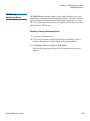
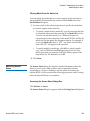
Importing Encryption Certificates
The encryption certificate contains a public key that is used to wrap
(encrypt) encryption keys prior to transporting them to another SKM
server. When sharing tape cartridges, or when performing a backup in the
event of SKM server failure, you need to import the encryption key
certificate of the destination SKM server.
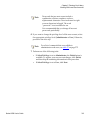
Note
This function is available to users with
administrator-level privileges and only applies to
SKM servers. Both SKM servers must be connected
and operational in order to import encryption key
certificates.
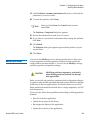
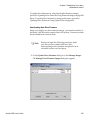
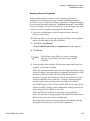
Before starting this process, read and follow the sequence of steps outlined
in Sharing Encryption Tape Cartridges—page 248.
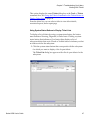
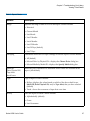
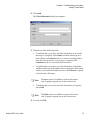
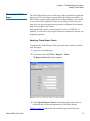
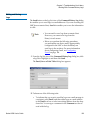
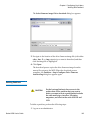
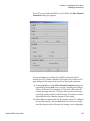
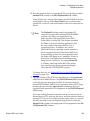
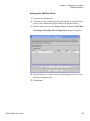
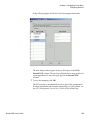
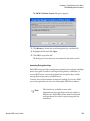
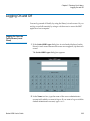
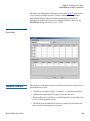
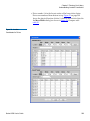
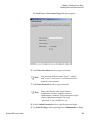
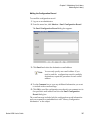
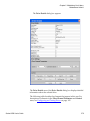
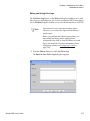
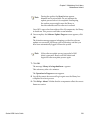
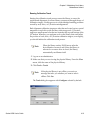
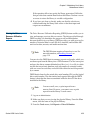
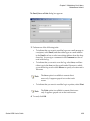
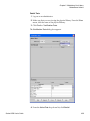
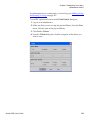
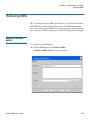
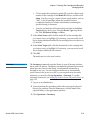
1 Receive the encryption key certificate file from the destination SKM
server administrator and save it to a known location on your
computer.
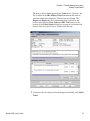
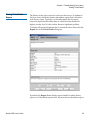
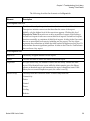
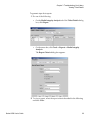
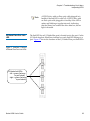
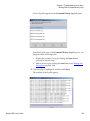
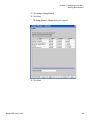
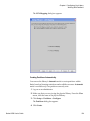
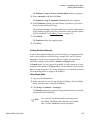
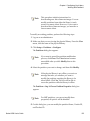
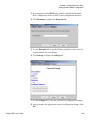
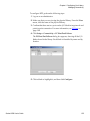
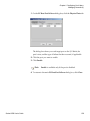
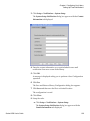
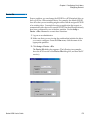
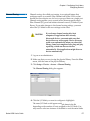
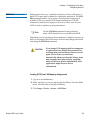
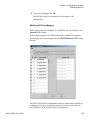
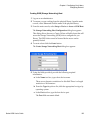
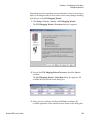
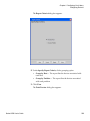
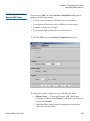
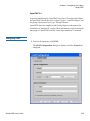
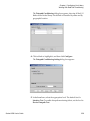
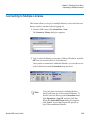
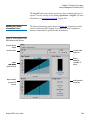
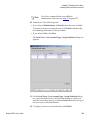
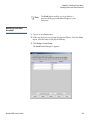
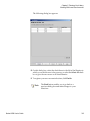
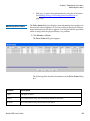
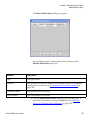
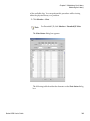
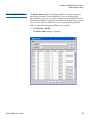
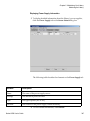
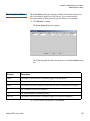
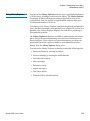
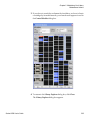
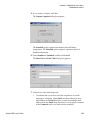
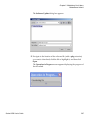
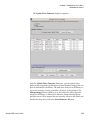
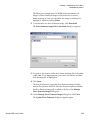
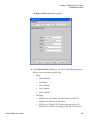
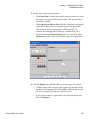
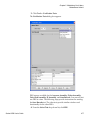
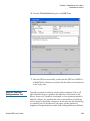
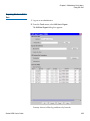
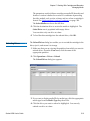
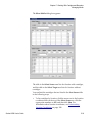
2 From the Tools menu, select EKM Management > Encryption
Certificate > Import.
Scalar i6000 User’s Guide
248