1
48 Series 150 Operator’s Guide
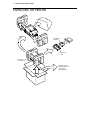
CHANGING THE PRINT HEAD
Replace the print head when the characters are consistently misprinting.
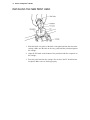
REMOVING THE USED PRINT HEAD
Caution:
The print head can get very hot.
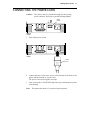
Power
Switch
On Off
Back of
Printer
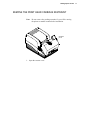
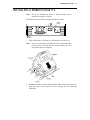
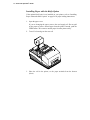
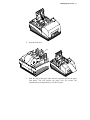
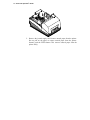
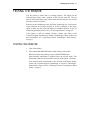
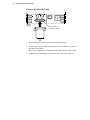
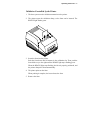
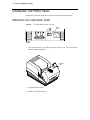
1. Turn off the printer, and allow the print head to cool for at least three
minutes before replacing it.
Cassette
Cover
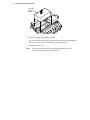
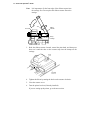
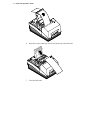
2. Open the cassette cover.
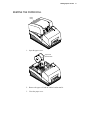
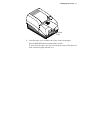
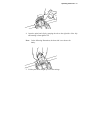
3. Remove the ribbon cassette.