1
Impact Reference Guide
New Image
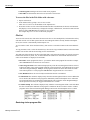
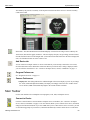
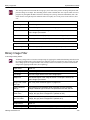
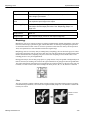
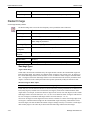
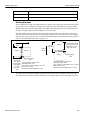
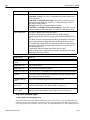
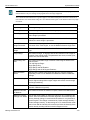
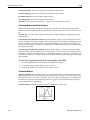
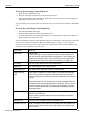
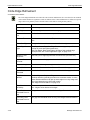
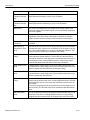
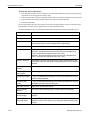
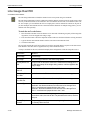
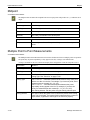
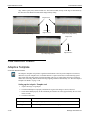
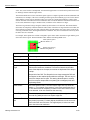
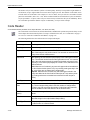
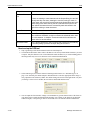
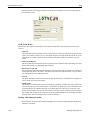
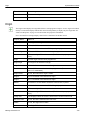
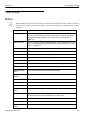
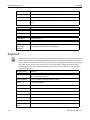
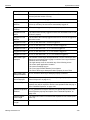
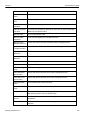
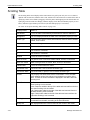
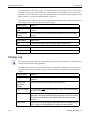
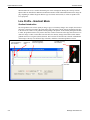
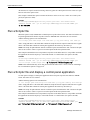
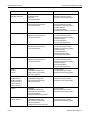
The Morphology Erode tool performs a standard erosion on the white parts of an image. (See “Morphology”
on page 3-52 for more details.)
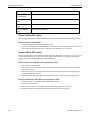
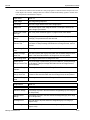
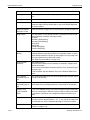
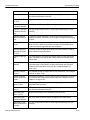
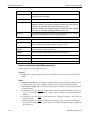
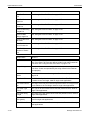
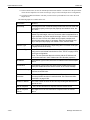
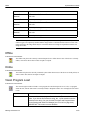
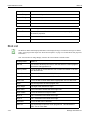
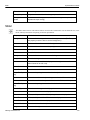
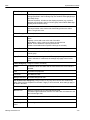
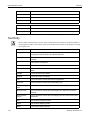
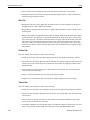
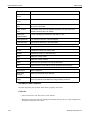
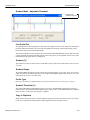
Input Name
What it is
Input Image
Linked Image
Tool Origin
The tool’s origin relative to the entire image space
Shape List
The desired region of the image to search. If no shape is defined, the
entire image is processed.
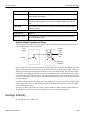
Number of Iterations
The number of times to perform the operation. If zero is entered, the tool
just copies the input image to the output.
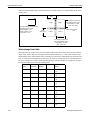
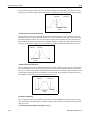
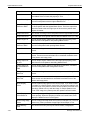
Morphology Shape
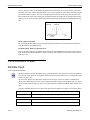
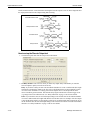
Defines the shape of the neighborhood around each pixel that is
searched to find the output pixel value. See “Morphology Shape” on
page 3-53.
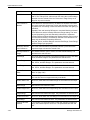
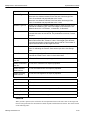
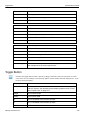
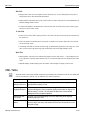
Output Name
What it is
Output Image
Morphed Image (may be viewed on the Output Image tab).
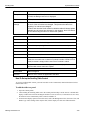
New Image
In the Image Filtering Drawer
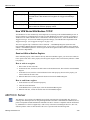
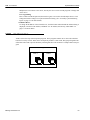
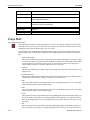
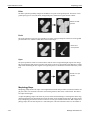
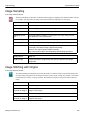
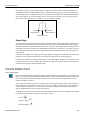
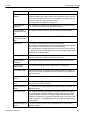
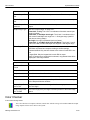
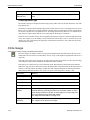
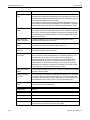
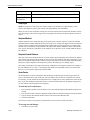
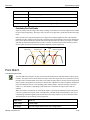
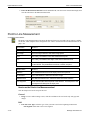
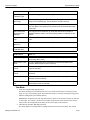
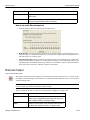
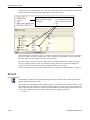
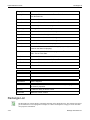
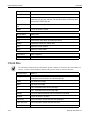
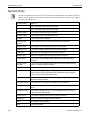
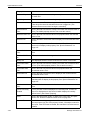
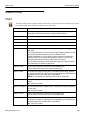
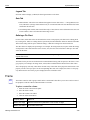
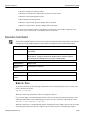
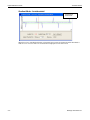
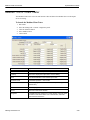
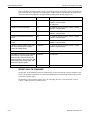
The New Image tool creates a new image based on the size and width properties each time it runs. The new
image is filled with a user-defined greyscale value. The tool does not save the image with the vision program
file or alter other images. Its main use is to create a blank image to fill with the Pixel Fill tool.
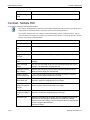
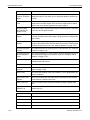
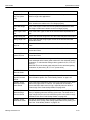
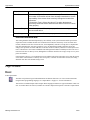
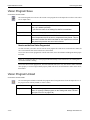
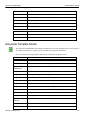
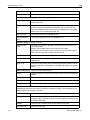
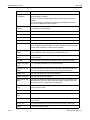
Input Name
What it is
Width In Pixels
The width of the new image in pixels
Height In Pixels
The height of the new image in pixels
Fill Value
The greyscale value that fills the image (0-100)
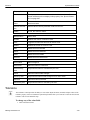
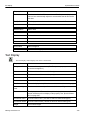
Output Name
What it is
Output Image
The filled new image
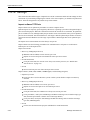
Pixel Fill
In the Image Filtering Drawer
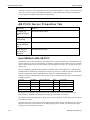
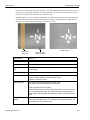
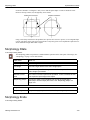
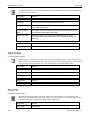
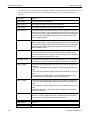
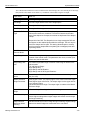
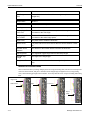
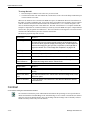
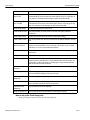
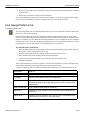
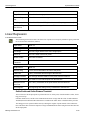
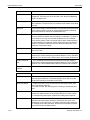
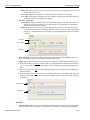
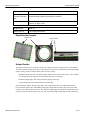
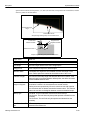
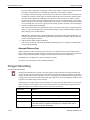
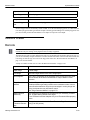
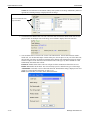
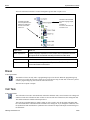
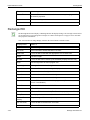
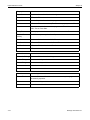
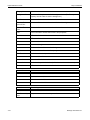
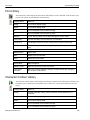
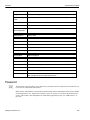
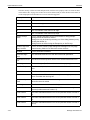
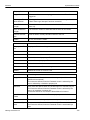
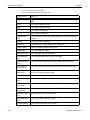
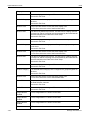
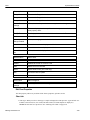
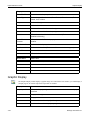
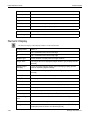
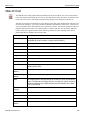
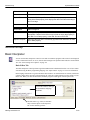
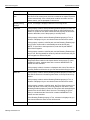
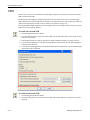
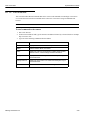
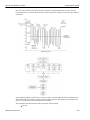
The Pixel Fill tool fills portions of a greyscale image with a specified grey level. The Find Shape List
defines the area to be filled. The area is filled with the grey level from black (zero) to white (100) specified
in the Fill Value property. The filled area appears on the output image.
3-55
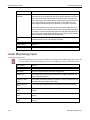
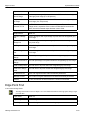
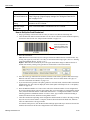
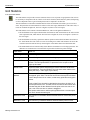
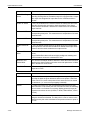
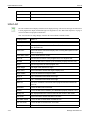
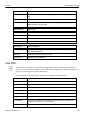
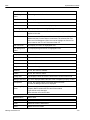
Input Name
What it is
Input Image
Linked Image
Datalogic Automation Inc.