1
Impact Reference Guide
Change Log
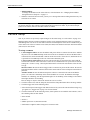
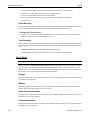
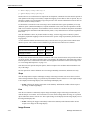
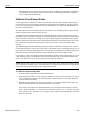
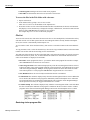
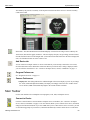
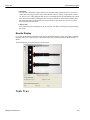
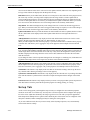
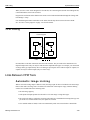
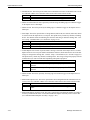
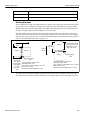
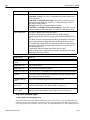
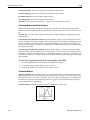
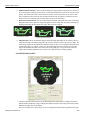
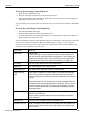
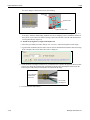
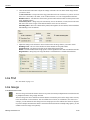
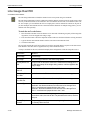
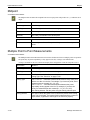
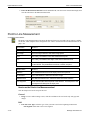
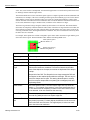
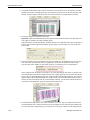
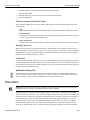
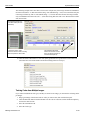
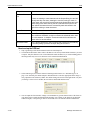
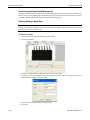
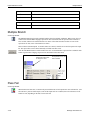
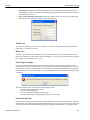
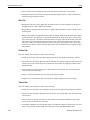
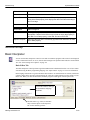
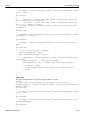
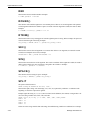
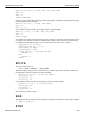
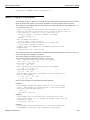
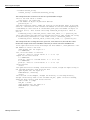
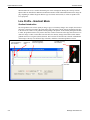
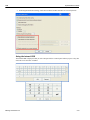
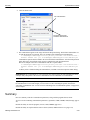
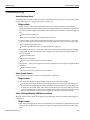
In the example above, the variable "count" is incremented each time the tool runs, then reset to zero when it
reaches five. When you type the variable name "count," the Basic tool automatically creates an input with
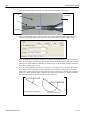
that name. You can set the variable’s type in the Type drop-down. For more details about entering text in the
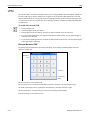
Editor window, see “Typing in the Editor Window” on page 5-1).
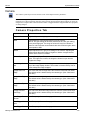
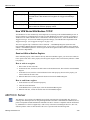
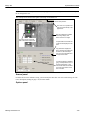
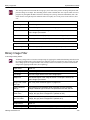
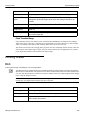
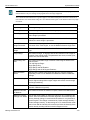
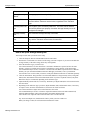
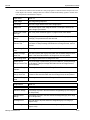
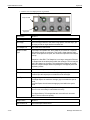
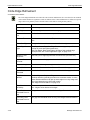
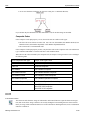
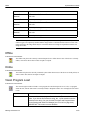
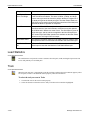
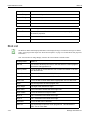
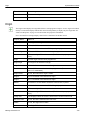
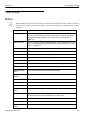
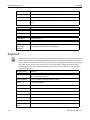
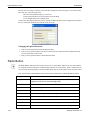
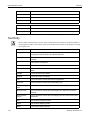
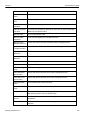
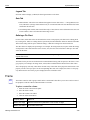
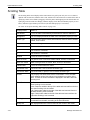
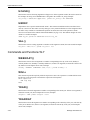
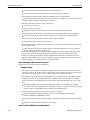
When CPM is in Run mode, the code is executed when the Run method is called, or when the Run On Variable Change property is True and any of the variables change.
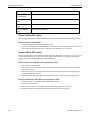
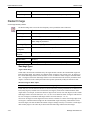
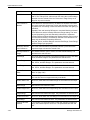
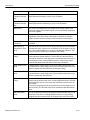
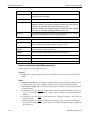
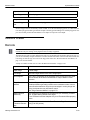
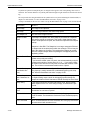
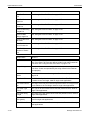
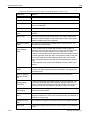
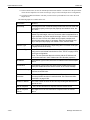
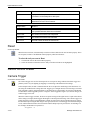
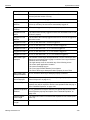
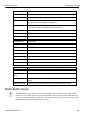
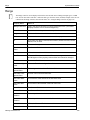
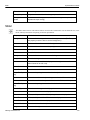
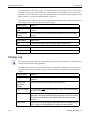
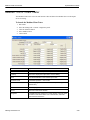
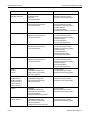
Property Name
What it is
User-defined variables
You can set the data type for each variable defined in the BASIC Editor
window.
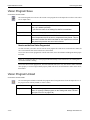
Run On Variable
Change
If True, the Basic code is executed once whenever any of the variables
change.
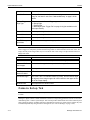
Method Name
What it does
Run
Executes all the Basic code in the Basic Editor window once.
Event Name
When it happens
Run Completed
When all the Basic code has been executed.
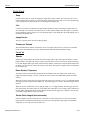
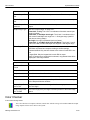
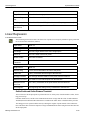
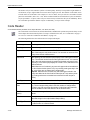
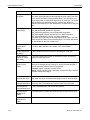
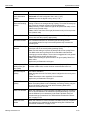
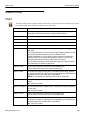
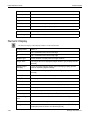
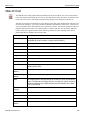
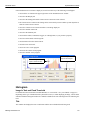
Change Log
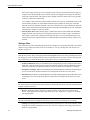
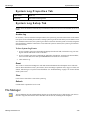
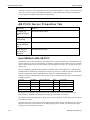
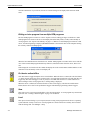
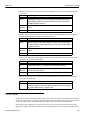
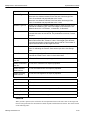
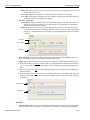
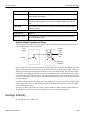
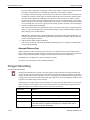
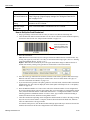
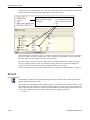
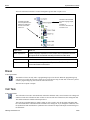
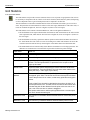
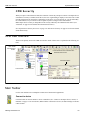
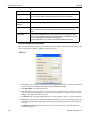
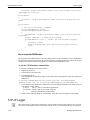
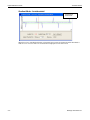
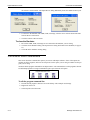
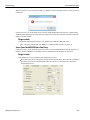
The Change Log control provides the option to track changes generated by Impact device changes and user
interaction with the control panel application.
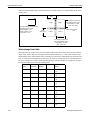
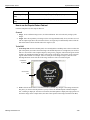
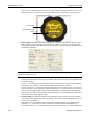
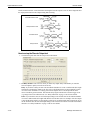
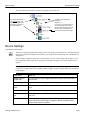
The changes are written in a secure Protected Document Format (PDF) or XMLfile. For more details, see
“How the Change Log Control Works” on page 4-104. This control is not displayed on the Control Panel
Canvas.
4-103
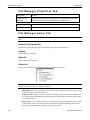
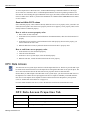
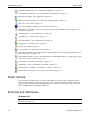
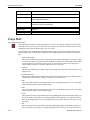
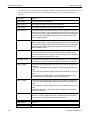
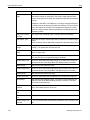
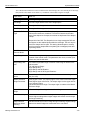
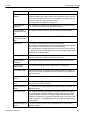
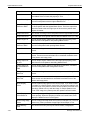
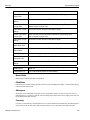
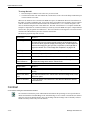
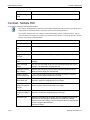
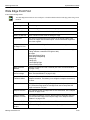
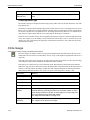
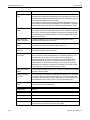
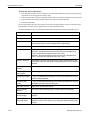
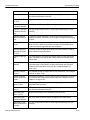
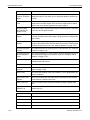
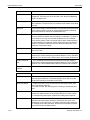
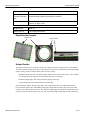
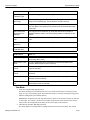
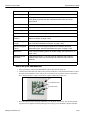
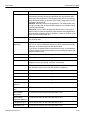
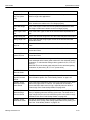
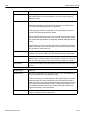
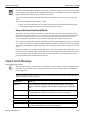
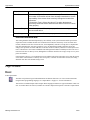
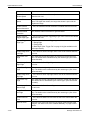
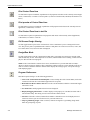
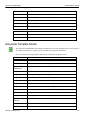
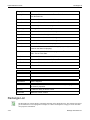
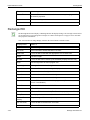
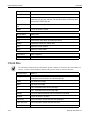
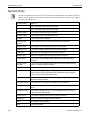
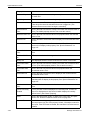
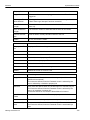
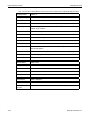
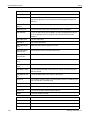
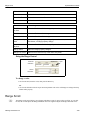
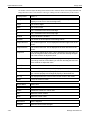
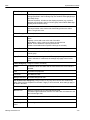
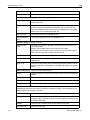
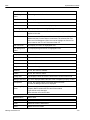
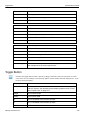
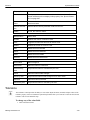
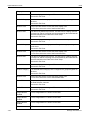
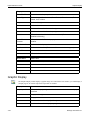
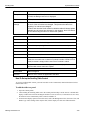
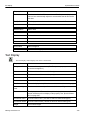
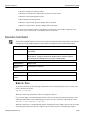
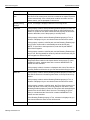
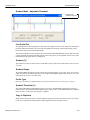
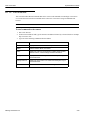
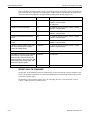
Property Name
What it is
Custom Text
This text is written as a log entry when the Insert Custom Text method is
activated.
Custom Text
Timestamp
Enabled
If True, a timestamp will be added to the custom text.
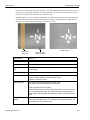
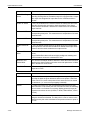
Last Error Logged
The most recent error entry in the Change Log file. This is not necessarily
the most recent entry.
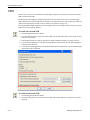
Log File Name
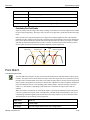
The base name of the Change Log file, without an extension. A number is
appended to this base name and incremented when a new file is created.
For example, ChangeLog001.pdf. IMPORTANT: File names are case
sensitive.
Log File Path
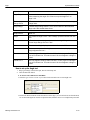
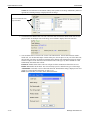
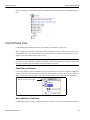
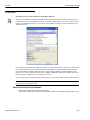
The path to the file in the Log File Name property. See “*Creating the Log
File” on page 4-105. IMPORTANT: File names are case sensitive.
Datalogic Automation Inc.