1
File Camera
Impact Reference Guide
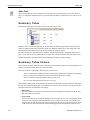
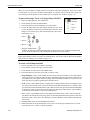
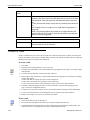
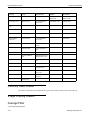
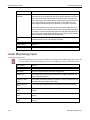
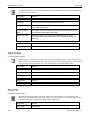
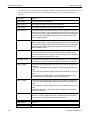
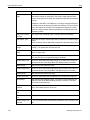
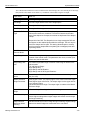
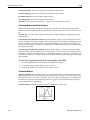
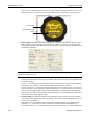
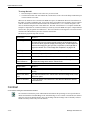
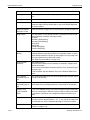
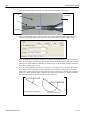
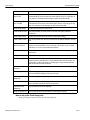
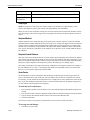
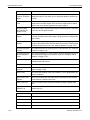
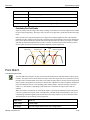
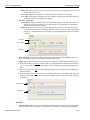
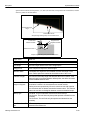
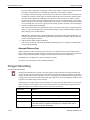
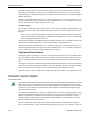
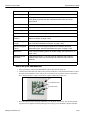
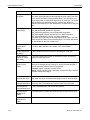
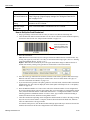
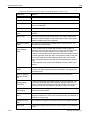
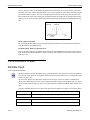
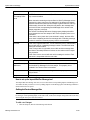
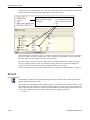
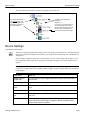
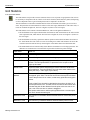
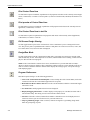
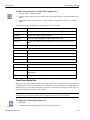
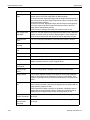
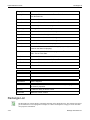
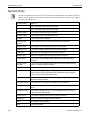
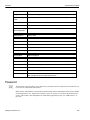
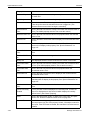
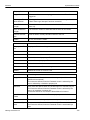
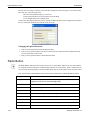
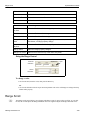
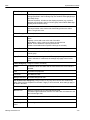
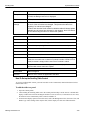
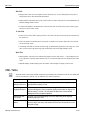
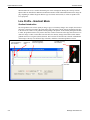
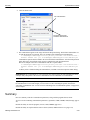
• Line Points: The X and Y beginning and ending coordinates of the measurement line are indicated.
• Real World Length: The length of the calibration line in real units.
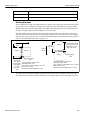
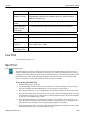
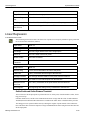
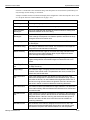
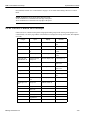
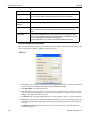
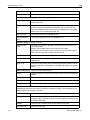
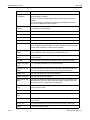
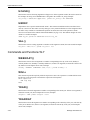
Common Calibration Settings
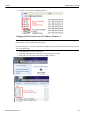
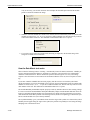
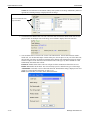
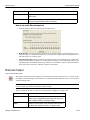
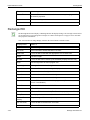
Backup and Restore Calibration
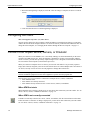
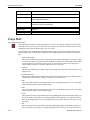
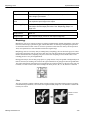
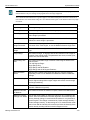
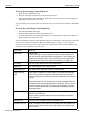
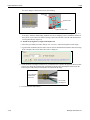
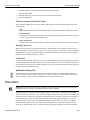
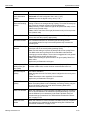
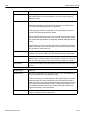
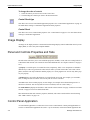
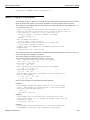
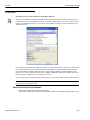
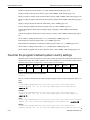
If Backup With Time Stamp is selected when you click the Backup Calibration button, the current calibration data is saved to a calibration file on the device and the client PC, and also copied to a file on the client
PC with a file name that includes the current date and time. The date and time format is based on the current
client PC settings in the format: IMPORTANT: File names are case sensitive.
CameraCalibration_date_time.xml
If Backup With Time Stamp is selected when you click the Restore Calibration button, you are able to select
from time stamped files.
If Backup With Time Stamp is not selected, the calibration data file is saved without the date and time
included in the file name.
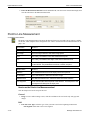
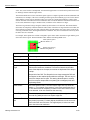
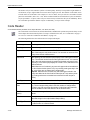
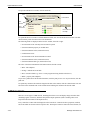
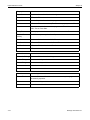
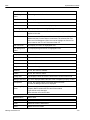
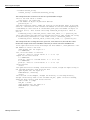
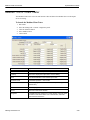
Current Calibration
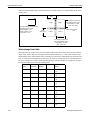
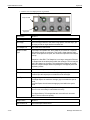
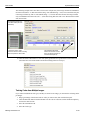
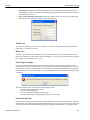
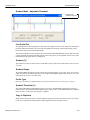
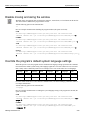
This section indicates the calibrated values for the image displayed.
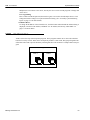
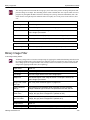
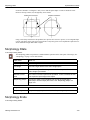
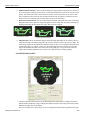
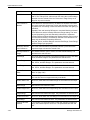
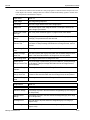
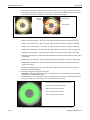
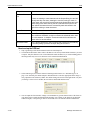
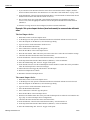
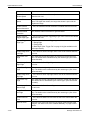
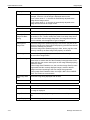
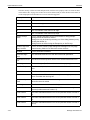
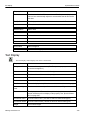
• Lens Distortion: When a camera is calibrated, the calibration process can account for the natural distortion present in the camera lens. When an image is saved, the distortion information can be stored
with it.
• Units per Pixel: This is the number of units represented by one pixel in the displayed image.
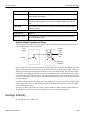
• Real World Origin: This is the X and Y coordinates (in pixels), and the rotation angle (in degrees) of
the images upper left corner relative to the upper left corner of the image display.
File Camera
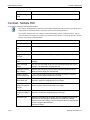
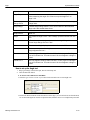
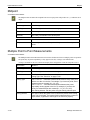
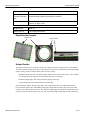
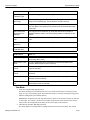
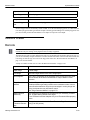
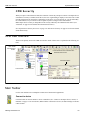
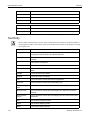
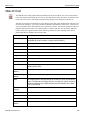
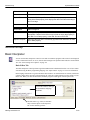
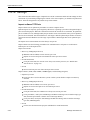
The File Camera system object accesses the device’s system memory where file images are stored.
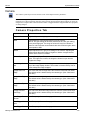
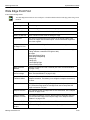
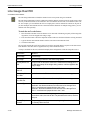
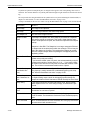
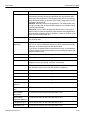
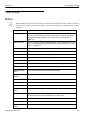
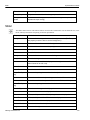
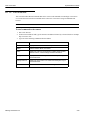
F i l e C a m e r a P r o p e r t i e s Ta b
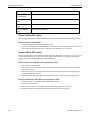
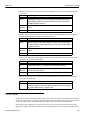
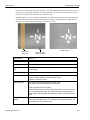
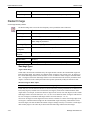
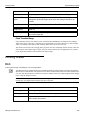
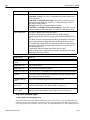
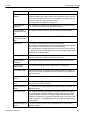
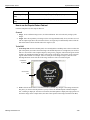
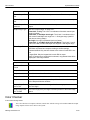
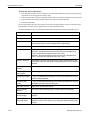
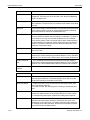
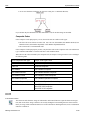
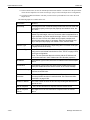
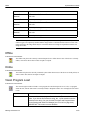
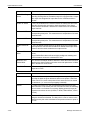
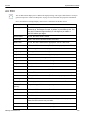
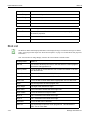
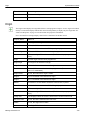
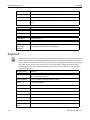
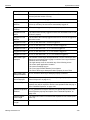
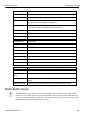
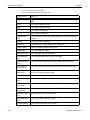
Output Name
What it is
Number of Active
Images
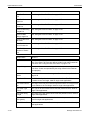
The number of images currently in the device’s RAM
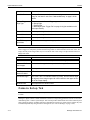
F i l e C a m e r a S e t u p Ta b
NOTE: Access to functions on this tab may be limited based on a user’s access level and while the device is
online.
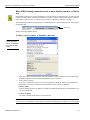
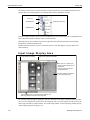
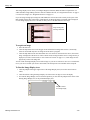
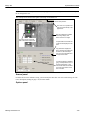
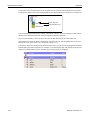
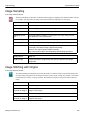
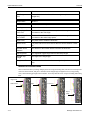
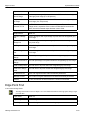
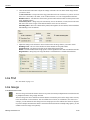
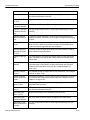
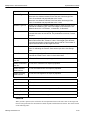
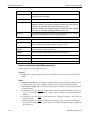
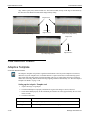
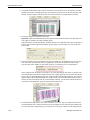
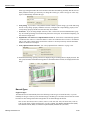
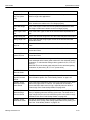
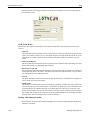
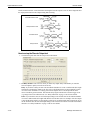
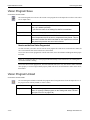
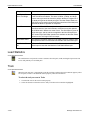
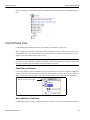
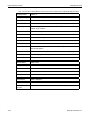
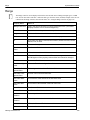
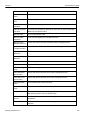
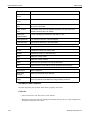
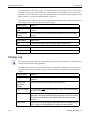
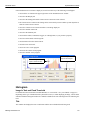
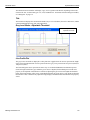
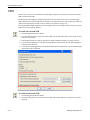
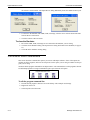
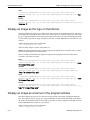
This tab lets you configure a device to work without a camera. Previously captured images in PNG format
can be selected in the File Camera tab, then the Active selected images are displayed in the image window
when the device is triggered. The following section describes each of the tab parameters in detail.
Datalogic Automation Inc.
2-34