1
145
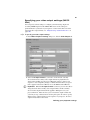
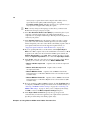
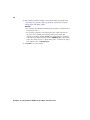
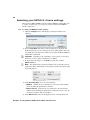
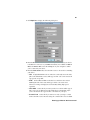
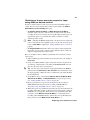
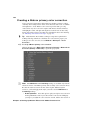
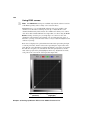
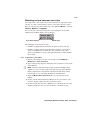
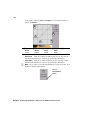
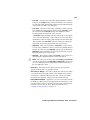
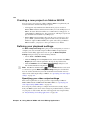
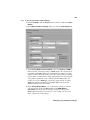
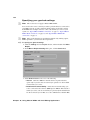
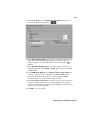
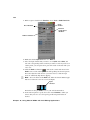
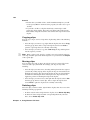
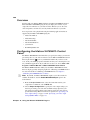
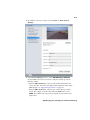
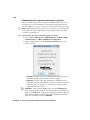
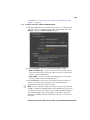
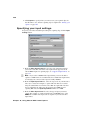
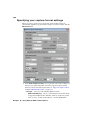
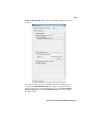
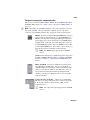
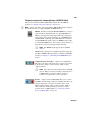
° To specify your video output settings:
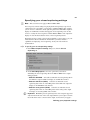
1 Click the Settings tab in the Project window, and then double-click Video
Output.
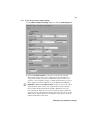
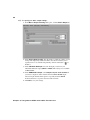
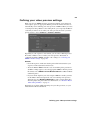
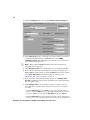
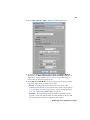
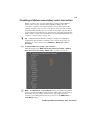
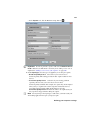
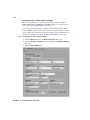
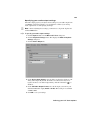
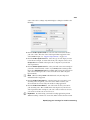
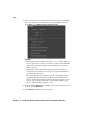
2 In the Matrox Playback Settings dialog box, click the Video Output tab.
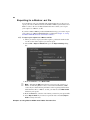
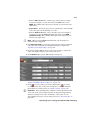
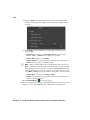
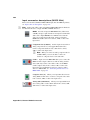
3 Under Main Output and Secondary Output, you can specify the settings
you want for your main and secondary outputs from MXO2. Depending on
your project’s video format, you may not be able to change some of the
settings.
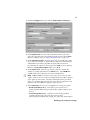
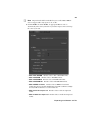
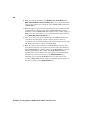
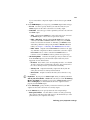
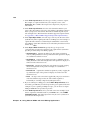
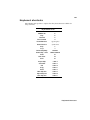
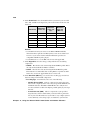
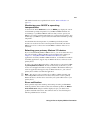
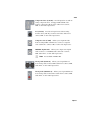
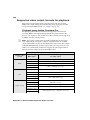
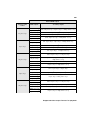
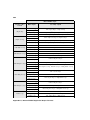
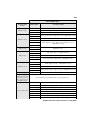
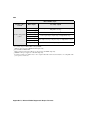
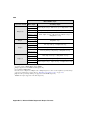
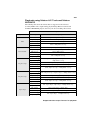
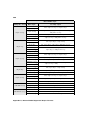
Use this to select the video format you want for your outputs.
Be aware that the format you select may not be supported on all the
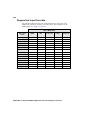
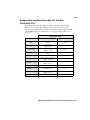
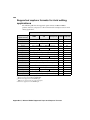
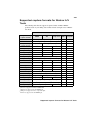
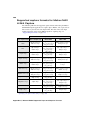
MXO2 outputs. For a list of the supported video output formats, see
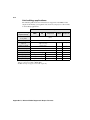
“Playback using Avid editing applications” on page 305.
$
Format
$
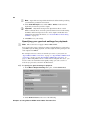
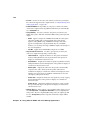
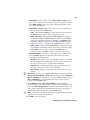
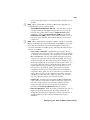
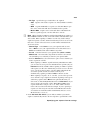
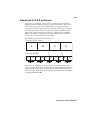
Pulldown Method Depending on your project’s frame rate and the
current video output format, the pulldown method may be automatically
set to Standard 2:3.
$
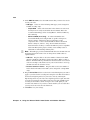
Aspect Ratio Conversion
Use this to specify how you want your
video to be output when upscaling or downscaling:
Defining your playback settings