1
215
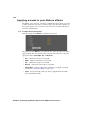
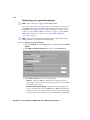
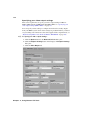
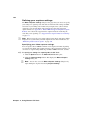
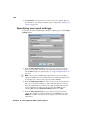
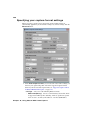
Specifying your settings for Matrox ISO
recording
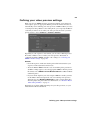
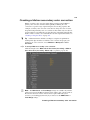
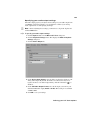
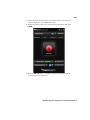
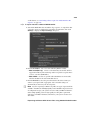
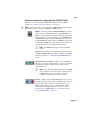
Your Matrox hardware not only sends your source feeds to Wirecast for
streaming (see “Specifying your settings for media streaming” on page 212), it
can also simultaneously record your original feeds to disk using the Matrox ISO
recording tool. You can, however, record your feeds without streaming.
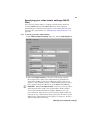
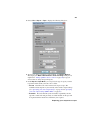
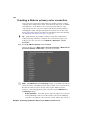
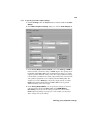
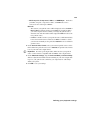
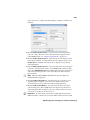
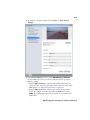
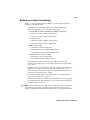
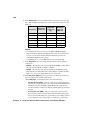
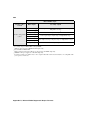
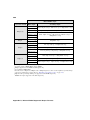
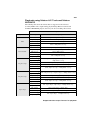
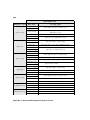
You can choose to record your input sources to disk using various Matrox codecs.
You can use the Matrox MPEG-2 I-frame codec to create .avi files, a Matrox DV
codec, such as DVCPRO or DVCPRO HD, to create .mov files, and the Matrox
MAX H.264 codec on Matrox I/O devices that have MAX technology to create
.mp4 files.
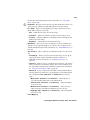
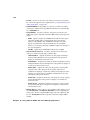
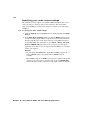
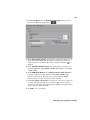
Depending on your selected audio source, you can also choose to record up to
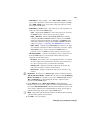
eight audio channels as separate mono or stereo .wav or .aac files. A log file
(Record.Log) is generated after every recording session, wherein you can view
the events for each recording (see “Record log file” on page 226).
¦
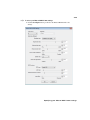
Note All settings in the Matrox ISO Record dialog box are automatically
saved.
Specifying your settings for Matrox ISO recording