1
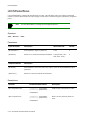
BUSStat
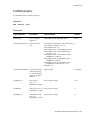
Console Commands
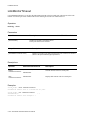
BUSStat
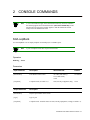
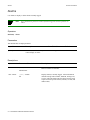
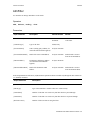
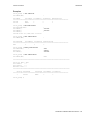
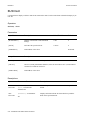
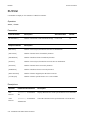
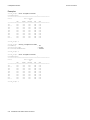
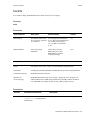
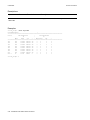
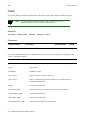
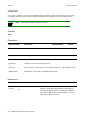
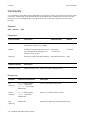
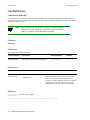
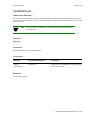
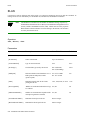
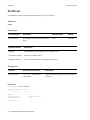
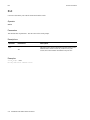
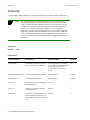
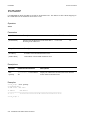
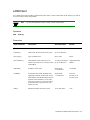
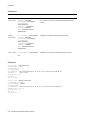
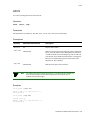
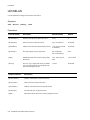
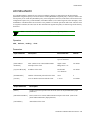
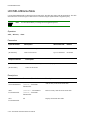
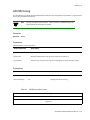
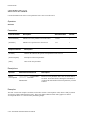
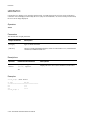
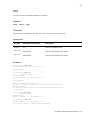
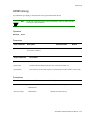
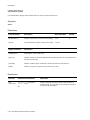
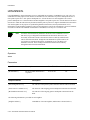
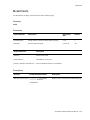
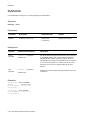
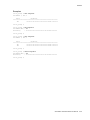
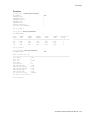
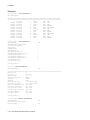
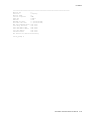
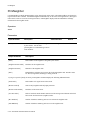
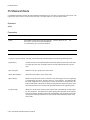
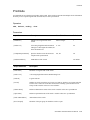
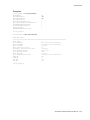
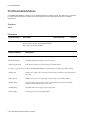
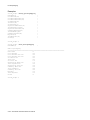
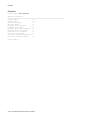
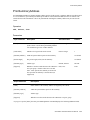
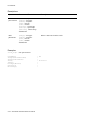
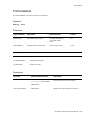
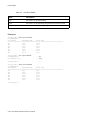
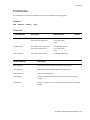
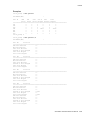
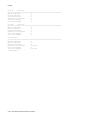
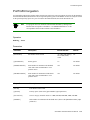
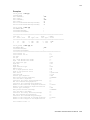
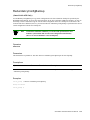
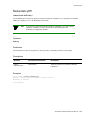
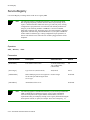
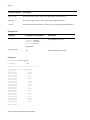
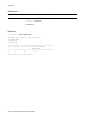
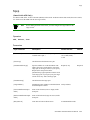
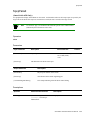
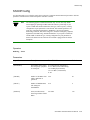
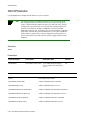
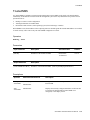
Use BUSStat to display or clear statistics of a BUS for an ELAN.
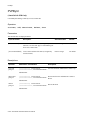
Operators
show, clear
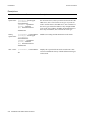
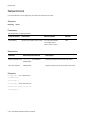
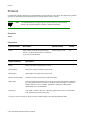
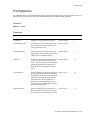
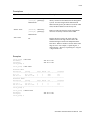
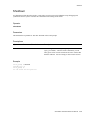
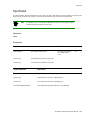
Parameters
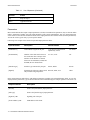
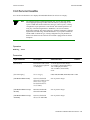
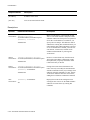
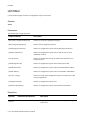
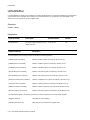
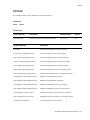
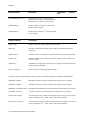
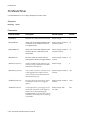
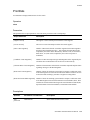
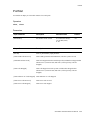
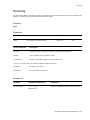
Input Parameter
Description
Value/Field Size
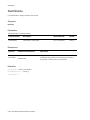
[ELANNumber]
Number of the ELAN to which the BUS belongs. 0-125 or All
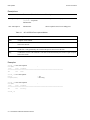
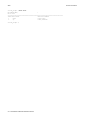
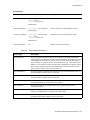
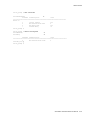
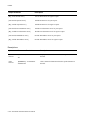
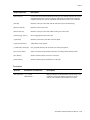
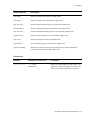
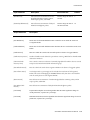
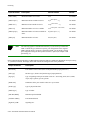
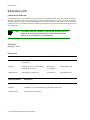
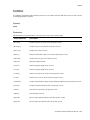
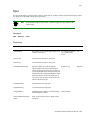
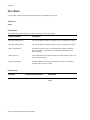
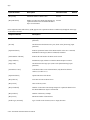
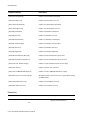
Output Parameter
Description
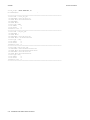
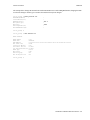
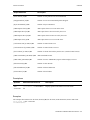
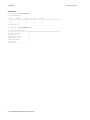
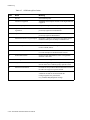
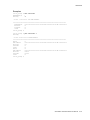
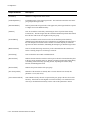
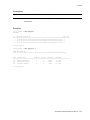
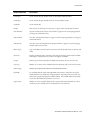
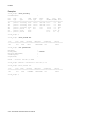
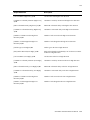
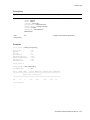
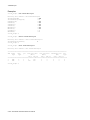
[Out Octets]
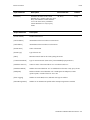
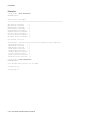
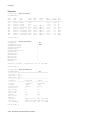
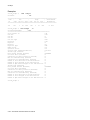
Number of octets (bytes) the BUS has sent since its initialization.
[Out Unicast]
Number of unicast frames forwarded by the BUS.
[Out Multicast]
Number of multicast frames forwarded by the BUS.
[In Octets]
Number of octets (bytes) the BUS has received since its initialization.
[In Unicast]
Number of unicast frames received by the BUS.
[In Multicast]
Number of multicast frames received by the BUS.
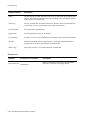
[Frame Timeouts]
Number of frames dropped by the BUS due to timeout.
[VCC Rejects]
Number of frames rejected because VCC is not available.
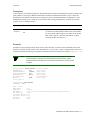
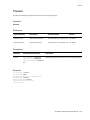
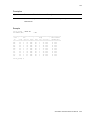
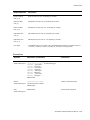
Default
All
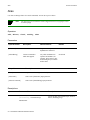
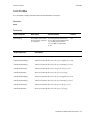
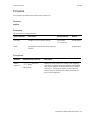
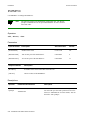
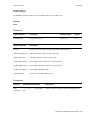
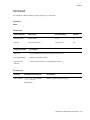
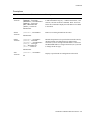
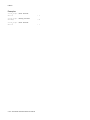
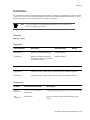
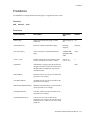
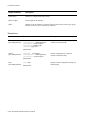
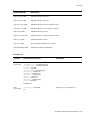
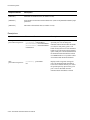
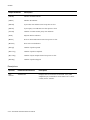
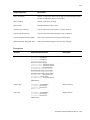
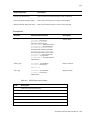
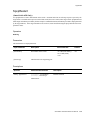
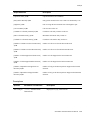
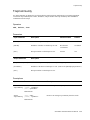
Descriptions
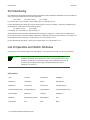
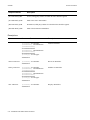
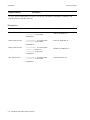
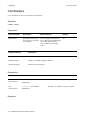
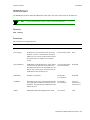
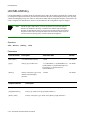
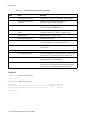
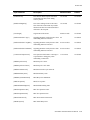
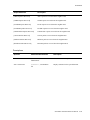
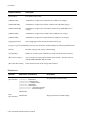
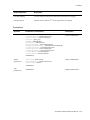
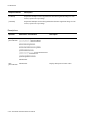
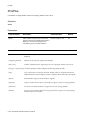
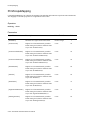
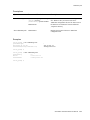
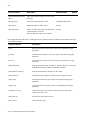
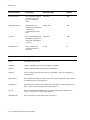
Operator
Parameters/Permissions
Description
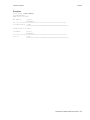
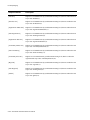
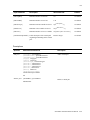
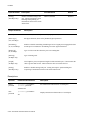
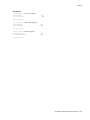
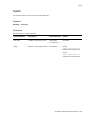
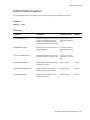
show
[ELANNumber] <elannumber>
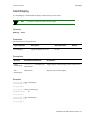
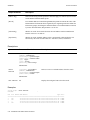
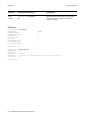
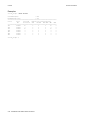
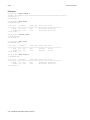
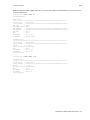
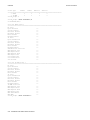
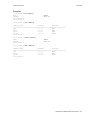
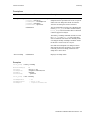
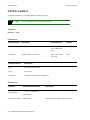
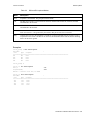
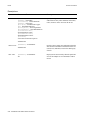
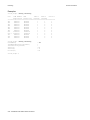
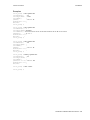
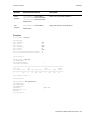
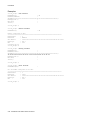
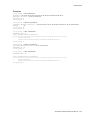
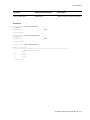
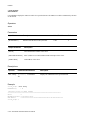
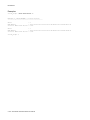
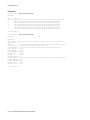
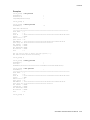
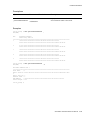
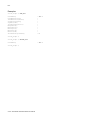
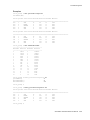
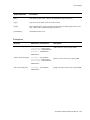
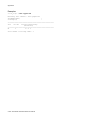
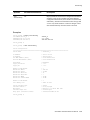
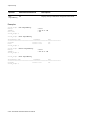
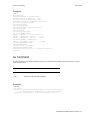
Displays BUS statistics for the specified ELAN or for all ELANs.
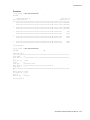
busstat
All
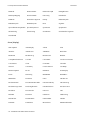
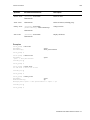
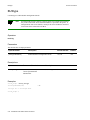
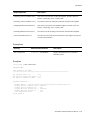
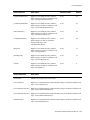
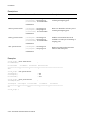
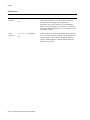
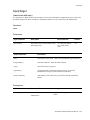
clear
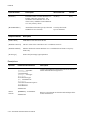
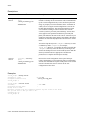
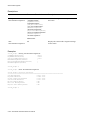
[ELANNumber] <elannumber>
busstat
Administrator
2-30 SmartSwitch ATM Switch Reference Manual
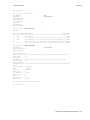
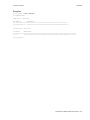
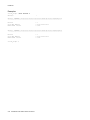
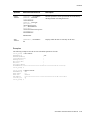
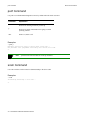
Clears BUS statistics for the specified ELAN or for all ELANs.