1
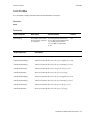
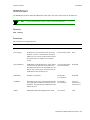
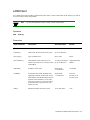
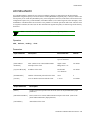
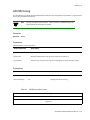
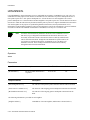
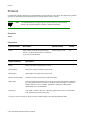
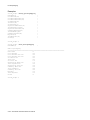
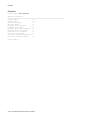
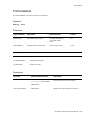
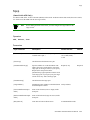
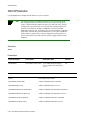
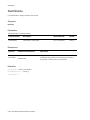
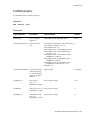
Console Commands
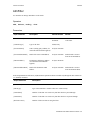
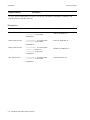
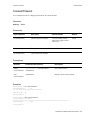
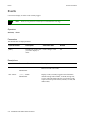
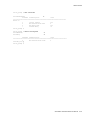
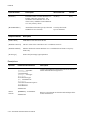
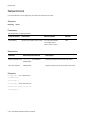
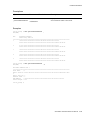
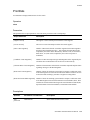
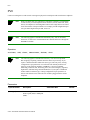
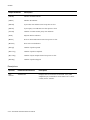
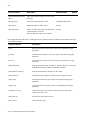
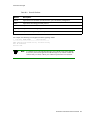
Client
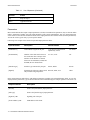
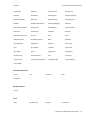
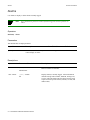
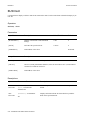
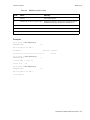
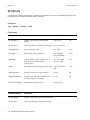
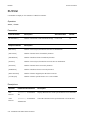
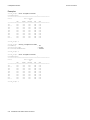
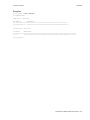
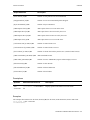
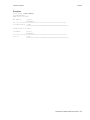
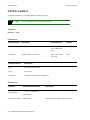
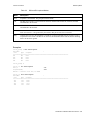
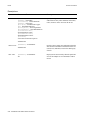
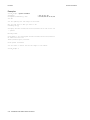
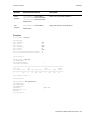
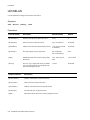
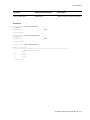
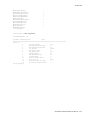
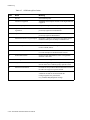
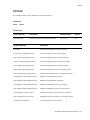
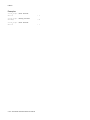
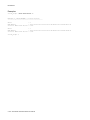
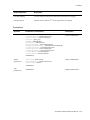
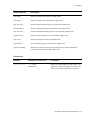
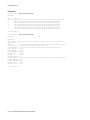
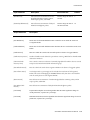
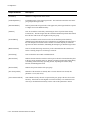
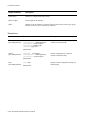
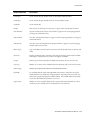
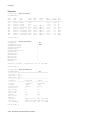
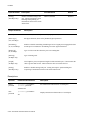
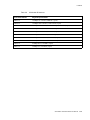
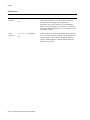
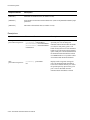
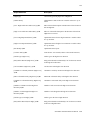
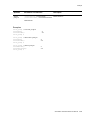
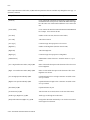
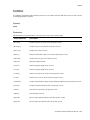
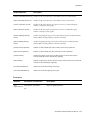
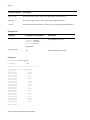
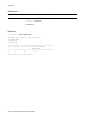
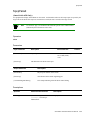
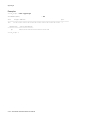
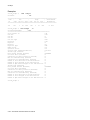
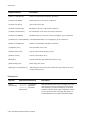
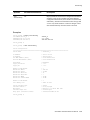
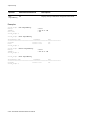
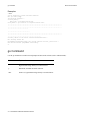
Output Parameter
Description
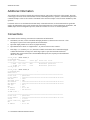
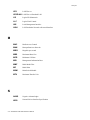
[LECS Address] </d>
ATM address of the LECS.
[LES Address] </d>
ATM address of the LES.
[LAN Type] </d>
Type of ELAN.
[MTU] </d>
Maximum transfer unit assigned for this client.
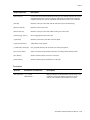
[IP NetMask] </d>
IP netmask assigned to the client.
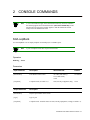
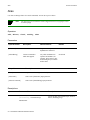
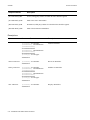
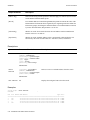
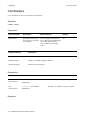
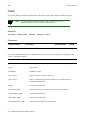
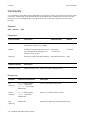
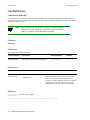
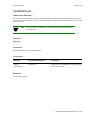
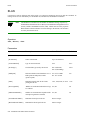
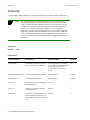
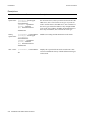
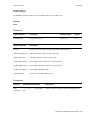
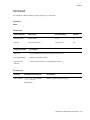
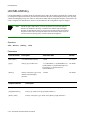
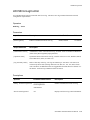
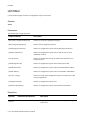
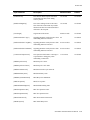
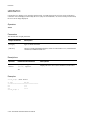
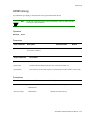
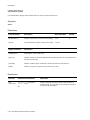
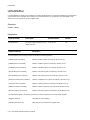
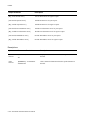
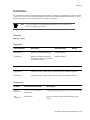
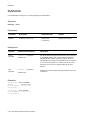
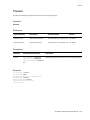
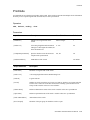
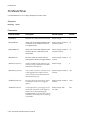
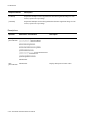
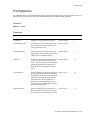
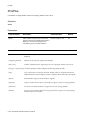
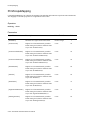
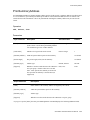
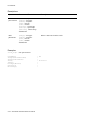
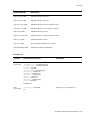
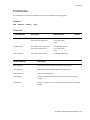
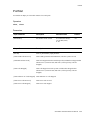
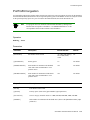
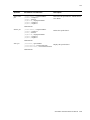
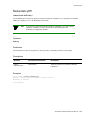
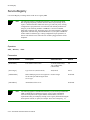
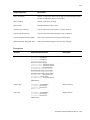
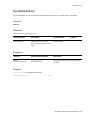
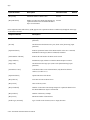
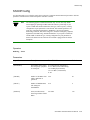
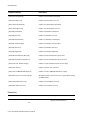
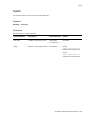
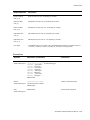
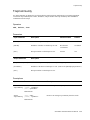
Descriptions
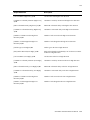
Operator
Parameters/Permissions
Description
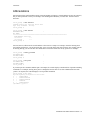
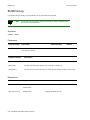
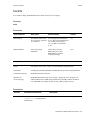
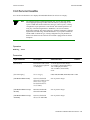
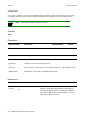
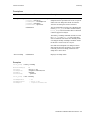
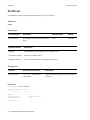
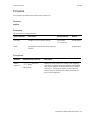
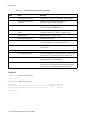
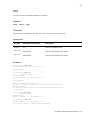
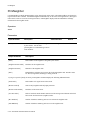
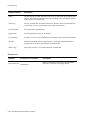
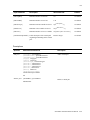
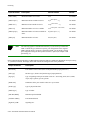
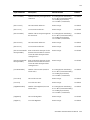
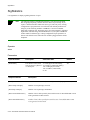
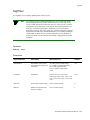
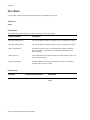
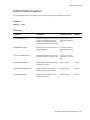
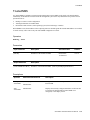
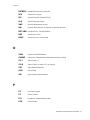
activate
client
[ClientNumber] <clientnumber>
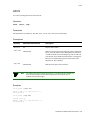
Activates a client on the switch (same as the restart
command).
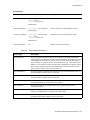
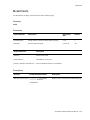
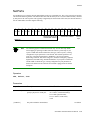
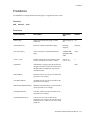
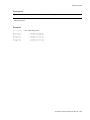
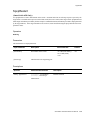
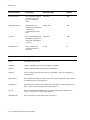
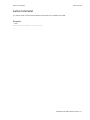
deactivate
client
[ClientNumber] <clientnumber>
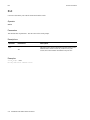
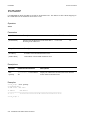
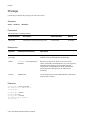
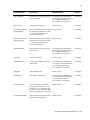
delete
[ClientNumber] <clientnumber>
client
Administrator
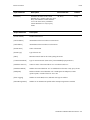
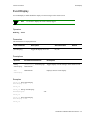
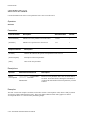
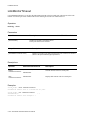
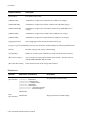
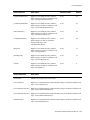
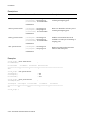
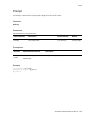
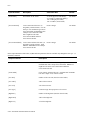
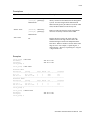
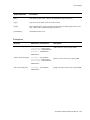
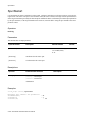
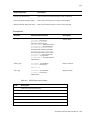
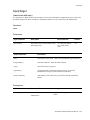
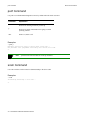
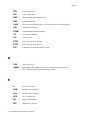
restart
[ClientNumber] <clientnumber>
client
Administrator
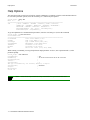
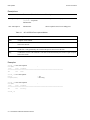
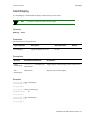
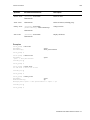
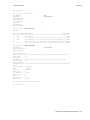
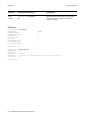
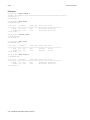
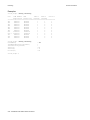
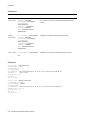
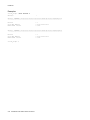
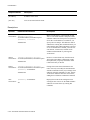
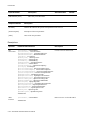
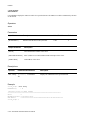
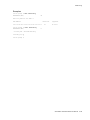
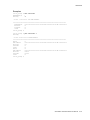
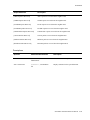
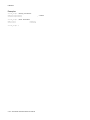
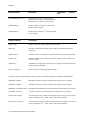
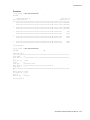
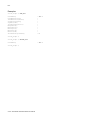
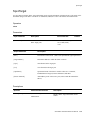
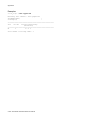
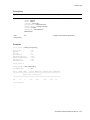
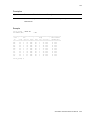
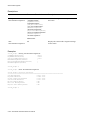
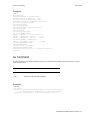
show client
[ClientNumber] <clientnumber>
(/d)
All
Administrator
client
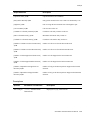
Deactivates a client on the switch.
Administrator
Removes a client from the switch.
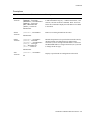
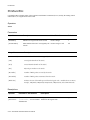
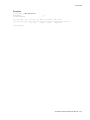
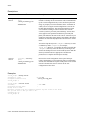
Restarts a client on the switch. If a client fails to successfully
join a VLAN, you can restart the client to retry. The switch
software, on a periodic basis, automatically tries to restart
clients that have not successfully joined. Enter show client
to confirm that the client(s) have restarted.
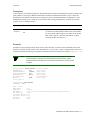
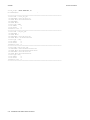
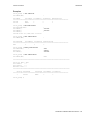
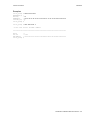
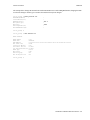
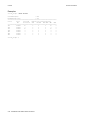
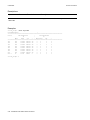
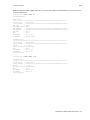
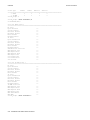
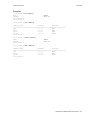
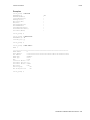
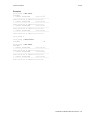
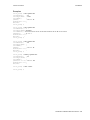
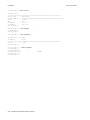
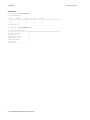
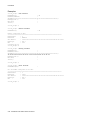
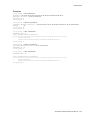
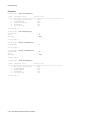
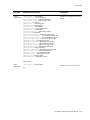
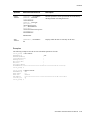
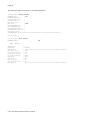
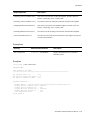
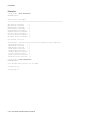
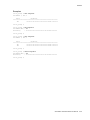
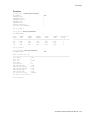
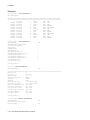
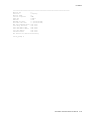
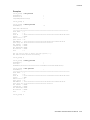
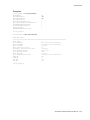
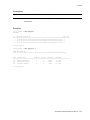
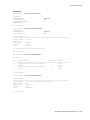
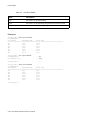
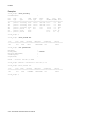
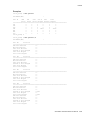
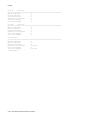
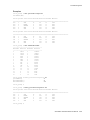
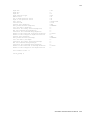
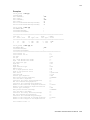
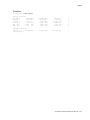
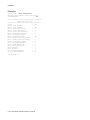
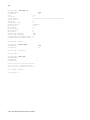
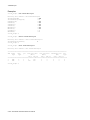
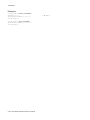
Displays the details of a client on the switch. You can obtain
more details of all the clients on the switch by adding /d to
the end of the command. For example, show client /d.
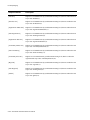
SmartSwitch ATM Switch Reference Manual 2-45