1
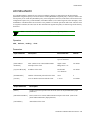
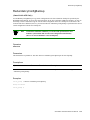
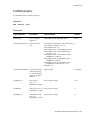
SpvcAddress
SpvcAddress
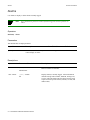
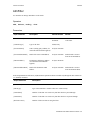
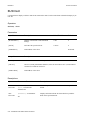
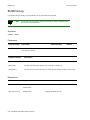
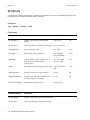
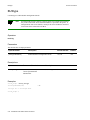
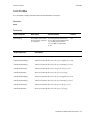
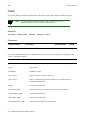
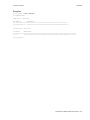
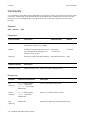
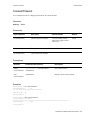
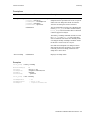
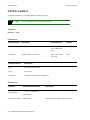
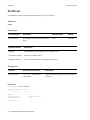
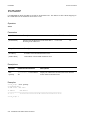
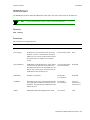
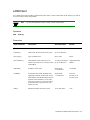
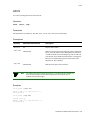
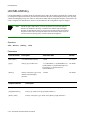
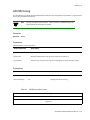
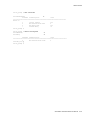
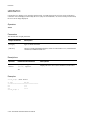
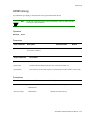
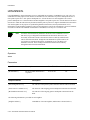
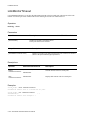
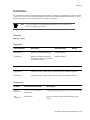
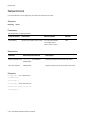
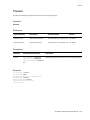
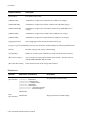
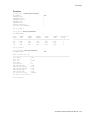
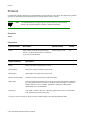
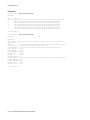
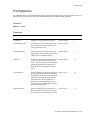
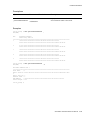
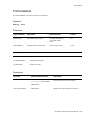
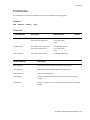
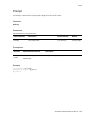
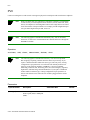
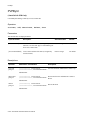
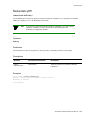
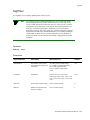
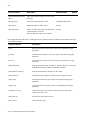
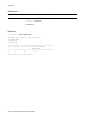
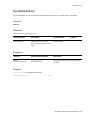
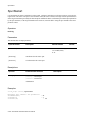
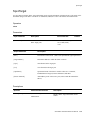
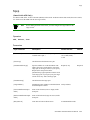
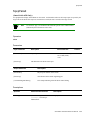
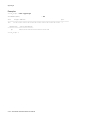
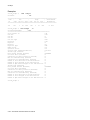
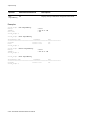
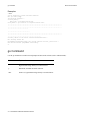
Use SPVCAddress to configure a target address on the switch. The target address allows the switch to act as the target
switch in an SPVC or SPVP connection. The SPVC or SPVP is established (added) at the source switch.
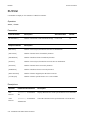
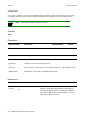
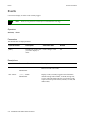
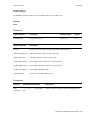
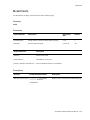
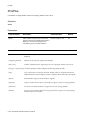
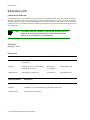
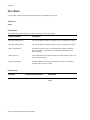
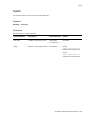
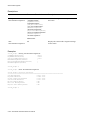
Operators
add, delete, show
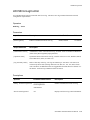
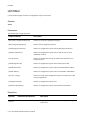
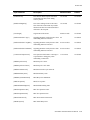
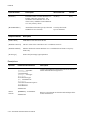
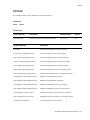
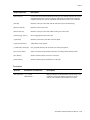
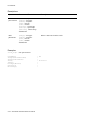
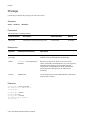
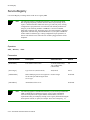
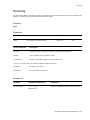
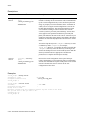
Parameters
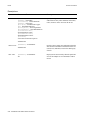
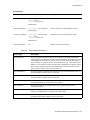
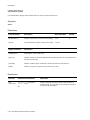
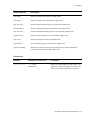
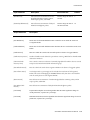
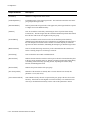
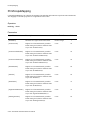
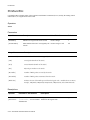
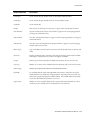
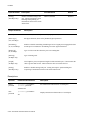
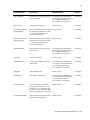
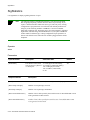
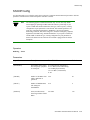
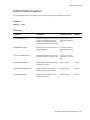
Input Parameter
Description
Value/Field Size
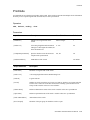
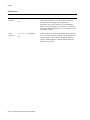
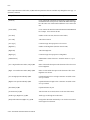
[PortNumber]
Port number on the switch. (Number A1 to B4 (2500 family),
of the physical port used as the
1A1 to 8B4 (6500),
SPVC or SPVP target port.)
or Al
[AtmAddress]
Destination address to which the
SPVC or SPVP should attempt to
connect (the target address).
Default
All
20-byte address
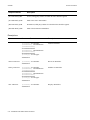
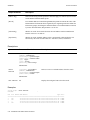
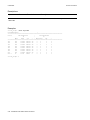
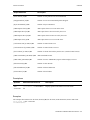
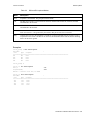
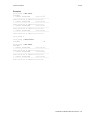
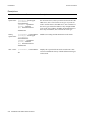
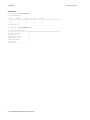
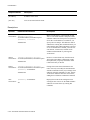
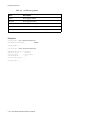
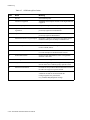
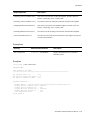
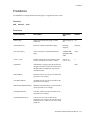
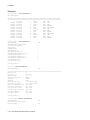
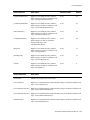
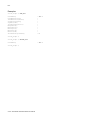
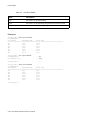
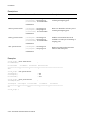
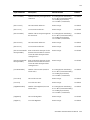
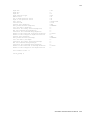
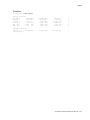
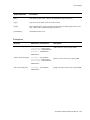
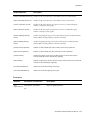
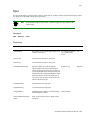
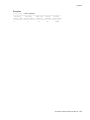
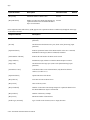
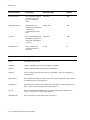
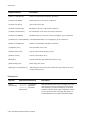
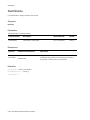
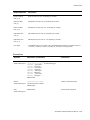
Output Parameter
Description
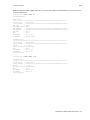
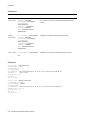
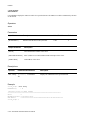
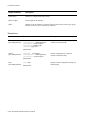
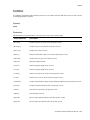
[Port]
Physical port number on the switch. (Same as the [PortNumber] input
parameter.)
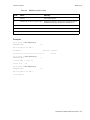
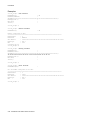
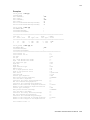
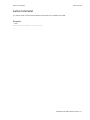
[SPVC Target Address]
Destination address to which the SPVC or SPVP should attempt to connect.
(Same as the [AtmAddress] input parameter.)
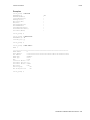
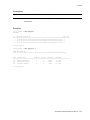
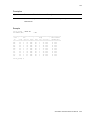
[Total number of SPVC Addresses]
Number of SPVC or SPVP addresses.
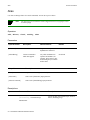
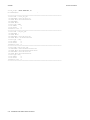
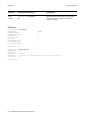
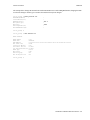
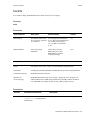
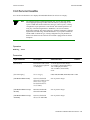
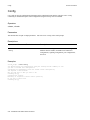
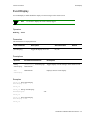
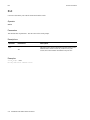
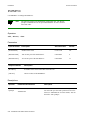
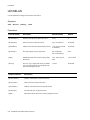
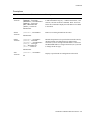
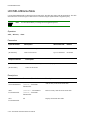
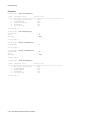
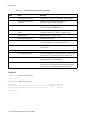
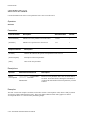
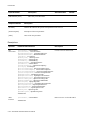
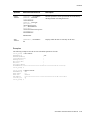
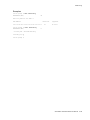
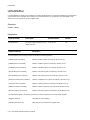
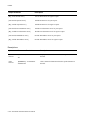
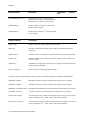
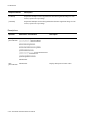
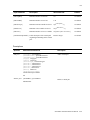
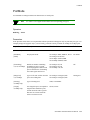
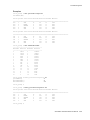
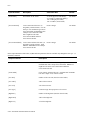
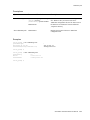
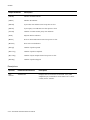
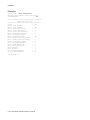
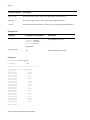
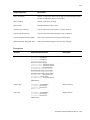
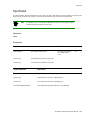
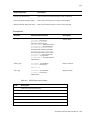
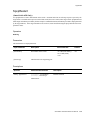
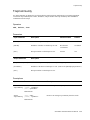
Descriptions
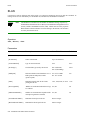
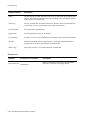
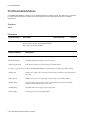
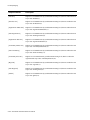
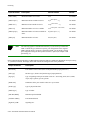
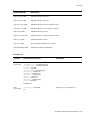
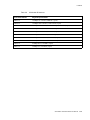
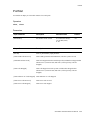
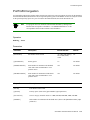
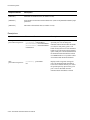
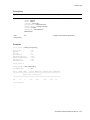
Operator
Parameters/Permissions
Description
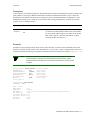
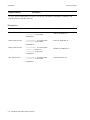
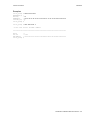
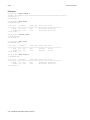
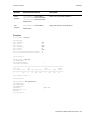
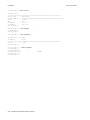
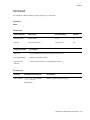
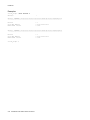
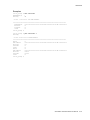
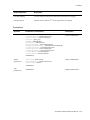
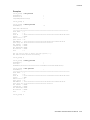
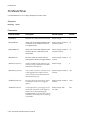
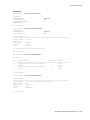
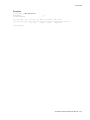
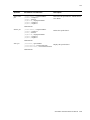
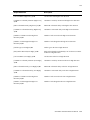
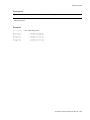
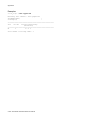
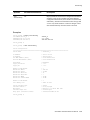
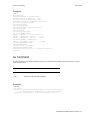
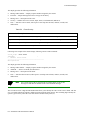
add spvcaddress
[PortNumber] <portnumber>
[AtmAddress] <atmaddress>
Adds a target address.
Administrator
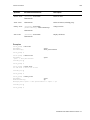
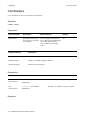
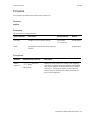
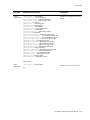
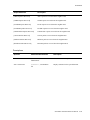
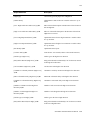
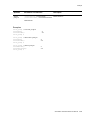
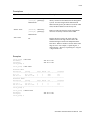
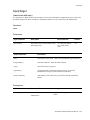
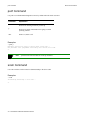
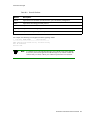
delete spvcaddress
[PortNumber] <portnumber>
[AtmAddress] <atmaddress>
Administrator
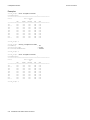
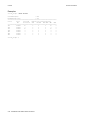
2-290 SmartSwitch ATM Switch Reference Manual
Deletes a target address.