1
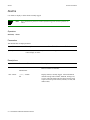
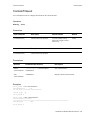
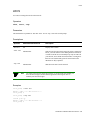
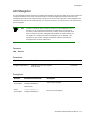
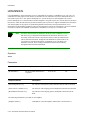
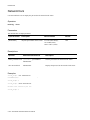
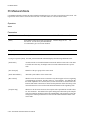
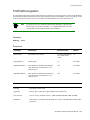
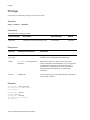
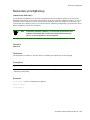
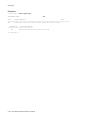
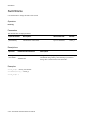
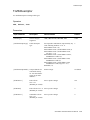
Privilege
Privilege
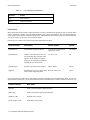
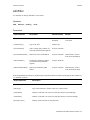
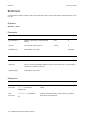
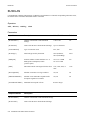
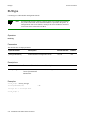
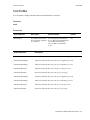
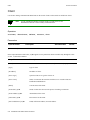
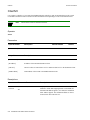
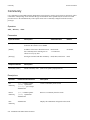
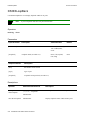
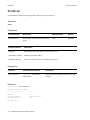
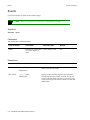
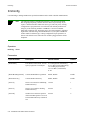
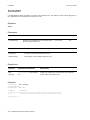
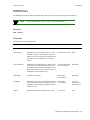
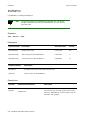
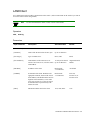
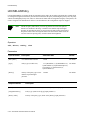
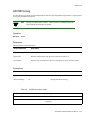
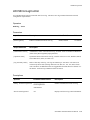
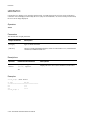
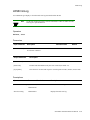
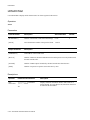
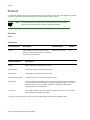
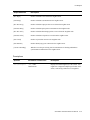
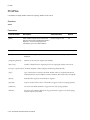
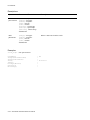
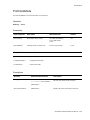
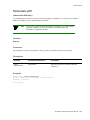
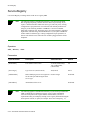
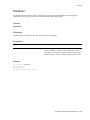
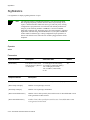
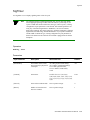
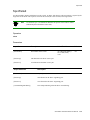
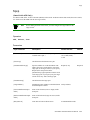
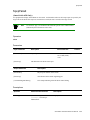
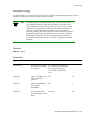
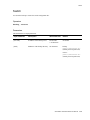
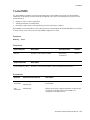
Use Privilege to manage the privilege level of the current user.
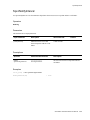
Operators
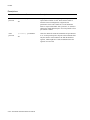
show, enable, disable
Parameters
This attribute has no output parameters.
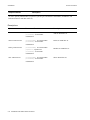
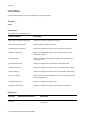
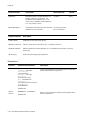
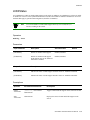
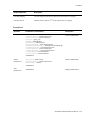
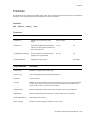
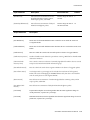
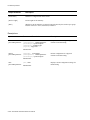
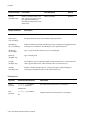
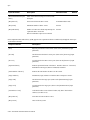
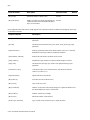
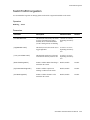
Input Parameter
Description
Value/Field Size
Default
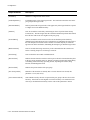
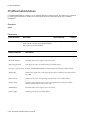
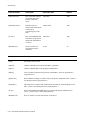
[Password]
Current password for that privilege level.
0-8 characters
No default
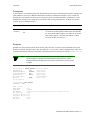
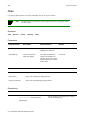
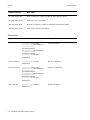
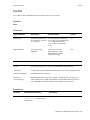
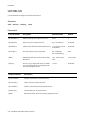
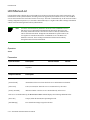
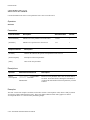
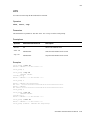
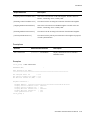
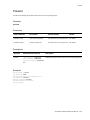
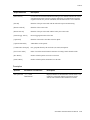
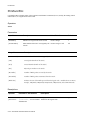
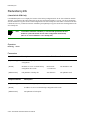
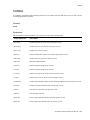
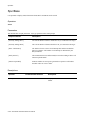
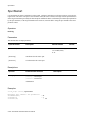
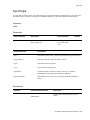
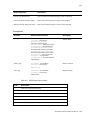
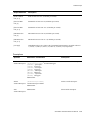
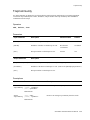
Descriptions
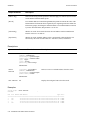
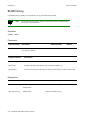
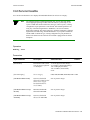
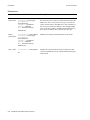
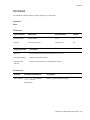
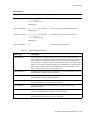
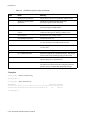
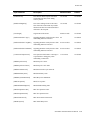
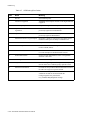
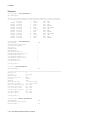
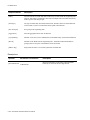
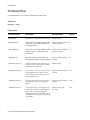
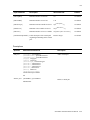
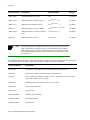
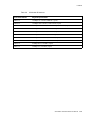
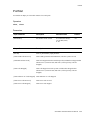
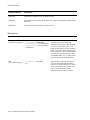
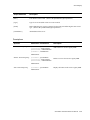
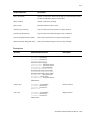
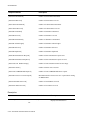
Operator
Parameters/Permissions
Description
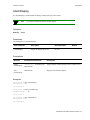
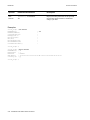
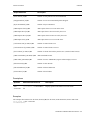
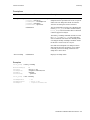
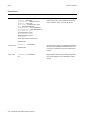
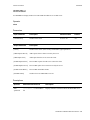
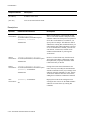
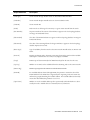
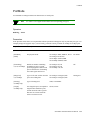
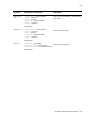
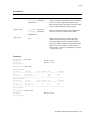
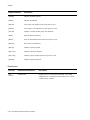
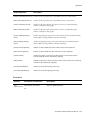
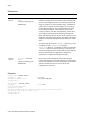
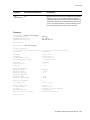
show
privilege
All
Displays the privilege level of the current user. The two
available levels are Administrator and Read Only.
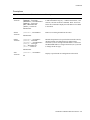
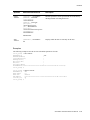
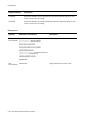
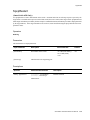
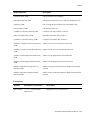
enable
[Password] <currentpassword>
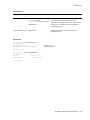
Raises the privilege level. There are two levels in the
switch—Read-Only and Administrator. If you are logged on
with a Read-Only privilege status and then issue this
command, the switch prompts you for the Administrator
[Password] before allowing access to Administrator
commands.
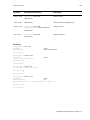
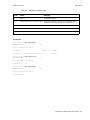
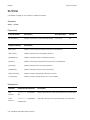
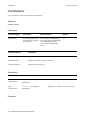
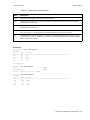
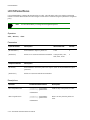
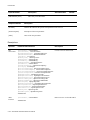
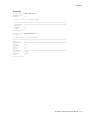
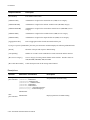
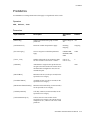
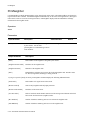
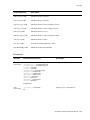
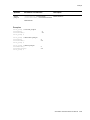
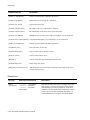
Read Only
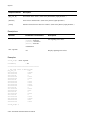
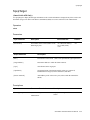
disable
Administrator
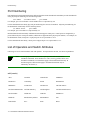
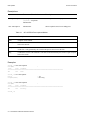
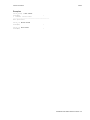
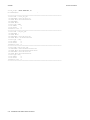
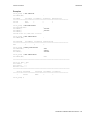
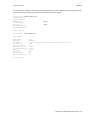
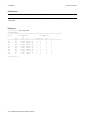
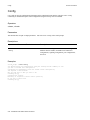
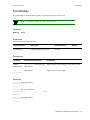
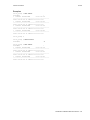
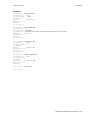
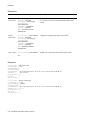
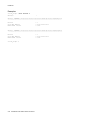
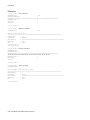
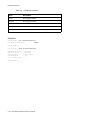
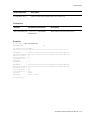
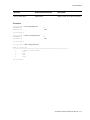
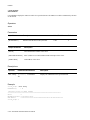
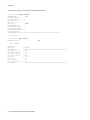
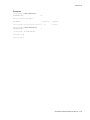
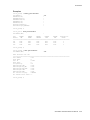
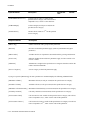
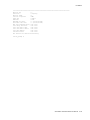
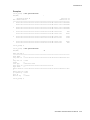
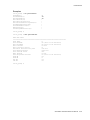
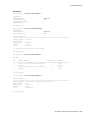
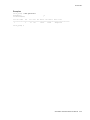
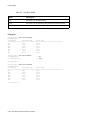
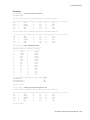
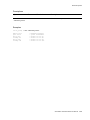
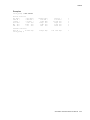
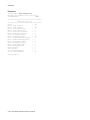
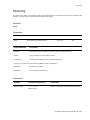
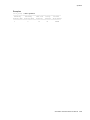
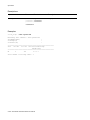
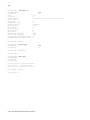
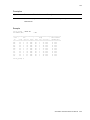
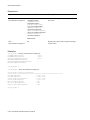
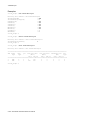
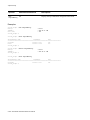
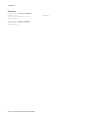
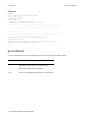
Examples
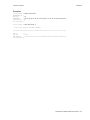
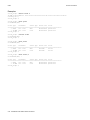
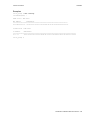
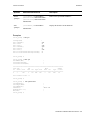
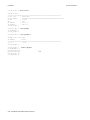
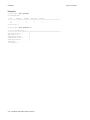
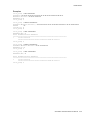
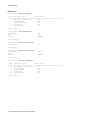
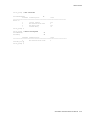
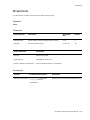
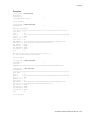
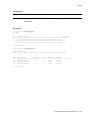
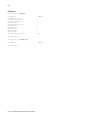
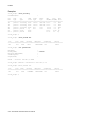
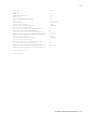
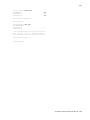
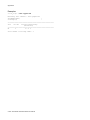
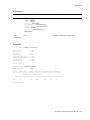
switch_prompt # show privilege
The current user is Administrator
switch_prompt #
switch_prompt # enable
password: ********
switch_prompt # disable
The current user is ReadOnly
switch_prompt #
2-238 SmartSwitch ATM Switch Reference Manual
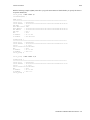
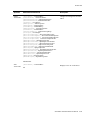
Lowers the privilege level from Administrator to Read Only.
No password is required.