1
Console Commands
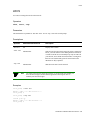
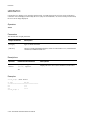
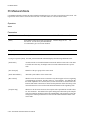
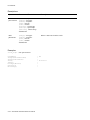
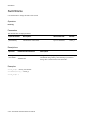
IPAddress
IPAddress
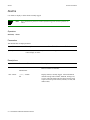
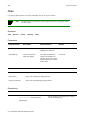
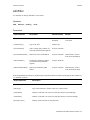
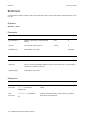
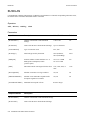
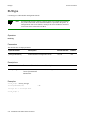
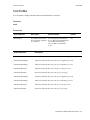
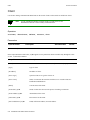
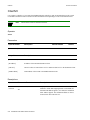
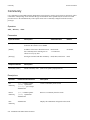
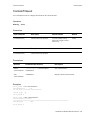
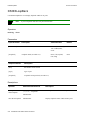
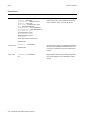
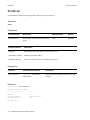
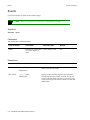
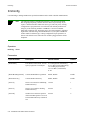
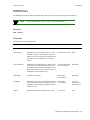
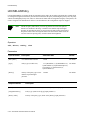
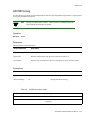
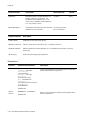
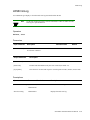
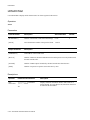
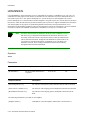
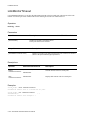
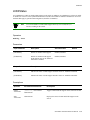
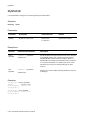
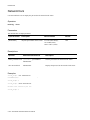
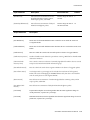
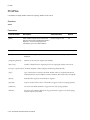
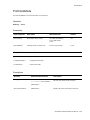
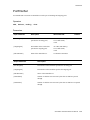
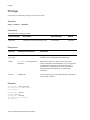
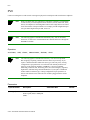
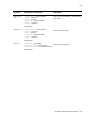
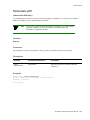
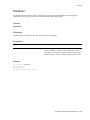
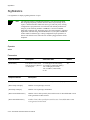
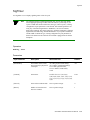
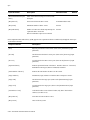
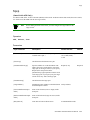
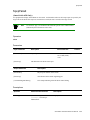
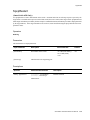
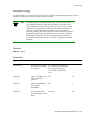
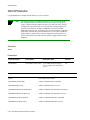
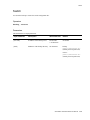
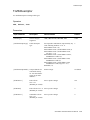
Use IPAddress to change IP addresses of the Ethernet port and IP netmask on the switch.
Operators
modify
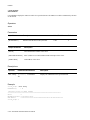
Parameters
This attribute has no output parameters.
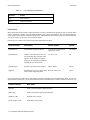
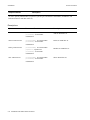
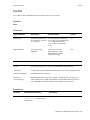
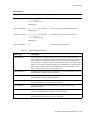
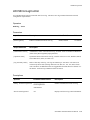
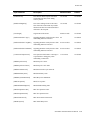
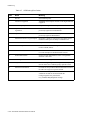
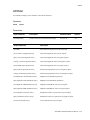
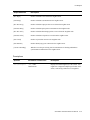
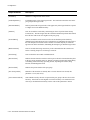
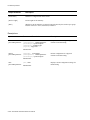
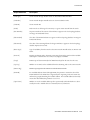
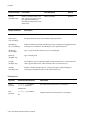
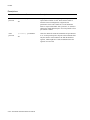
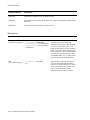
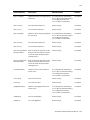
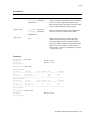
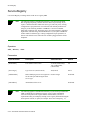
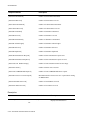
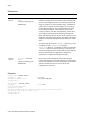
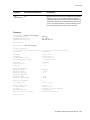
Input Parameter
Description
Value/Field Size
Default
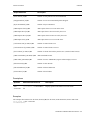
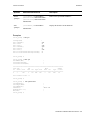
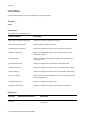
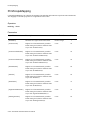
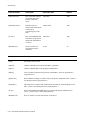
[IPAddress]
IP address of the Ethernet port.
Dot decimal/
7-15 characters
No Default
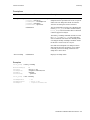
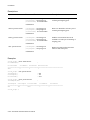
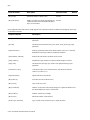
[IPNetMask]
IP netmask of the Ethernet port. Defaults to Dot decimal/
the appropriate netmask, based on the class of 7-15 characters
the IP address. Calculated from the first two
high bits of the IP address, so it is either
255.0.0.0, 255.255.0.0, or 255.255.255.0.
Must be specified only if IP subnets are being
used.
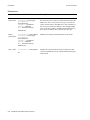
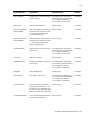
255.0.0.0,
255.255.0.0 or
255.255.255.0.
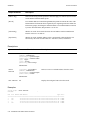
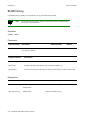
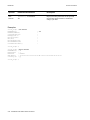
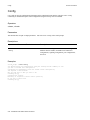
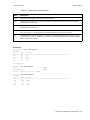
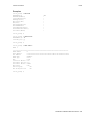
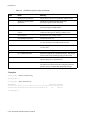
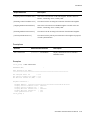
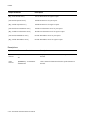
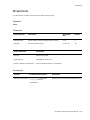
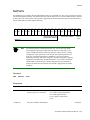
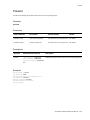
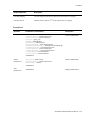
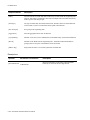
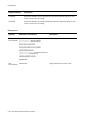
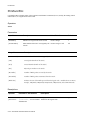
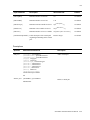
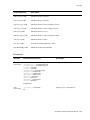
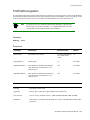
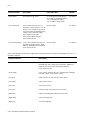
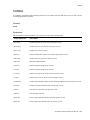
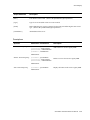
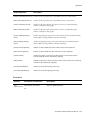
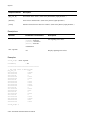
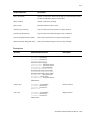
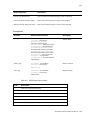
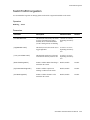
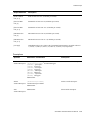
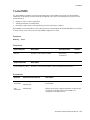
Descriptions
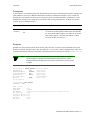
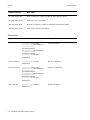
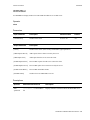
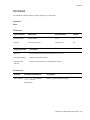
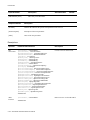
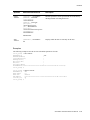
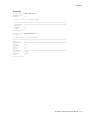
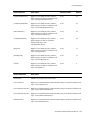
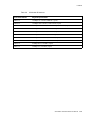
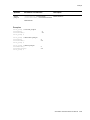
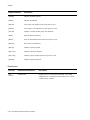
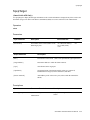
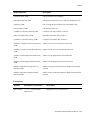
Operator
Parameters/Permissions
Description
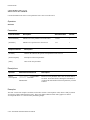
modify
[IPAddress] <ipaddress>
[IPNetMask] <ipnetmask>
Sets the IP address of the Ethernet port and the IP netmask.
You should accept the IP netmask default unless you are
experienced with configuring IP subnets.
ipaddress
Administrator
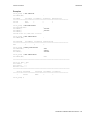
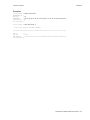
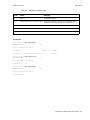
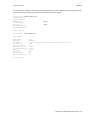
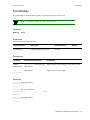
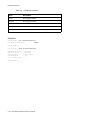
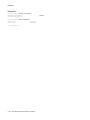
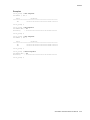
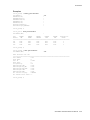
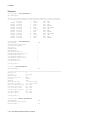
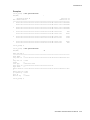
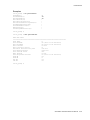
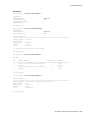
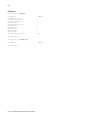
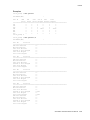
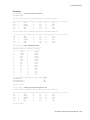
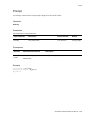
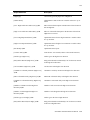
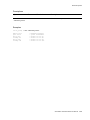
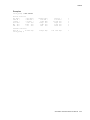
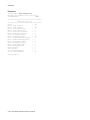
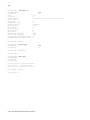
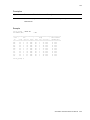
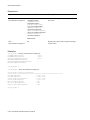
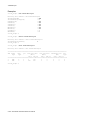
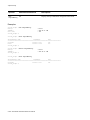
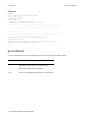
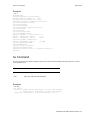
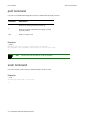
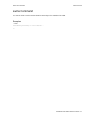
Examples
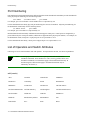
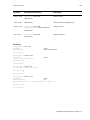
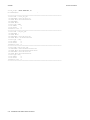
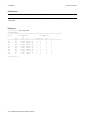
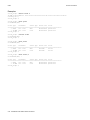
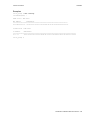
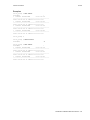
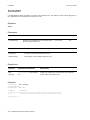
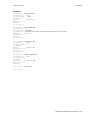
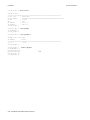
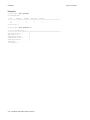
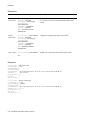
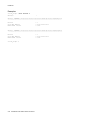
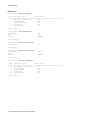
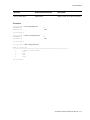
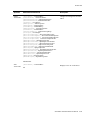
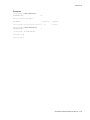
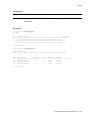
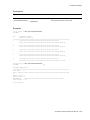
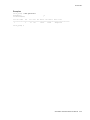
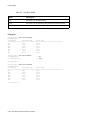
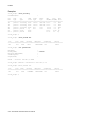
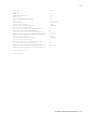
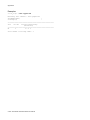
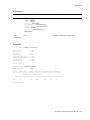
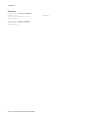
switch_prompt # modify ipaddress
IPAddress(200.30.72.122) : 1.1.1.11
IPNetMask(255.255.255.0) :
Confirm(y/n)?: y
Changing IP Address on System. Telnet Session (if any) will be lost.
switch_prompt #
SmartSwitch ATM Switch Reference Manual 2-81