1
IPATMPVC
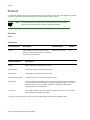
Console Commands
IPATMPVC
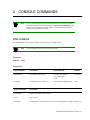
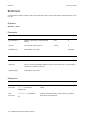
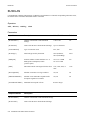
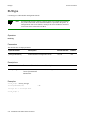
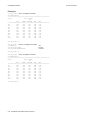
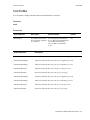
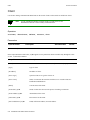
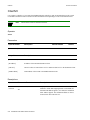
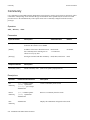
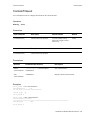
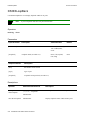
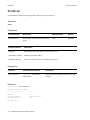
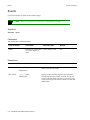
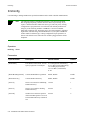
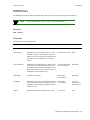
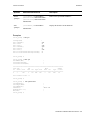
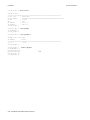
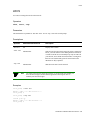
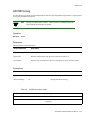
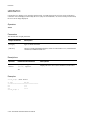
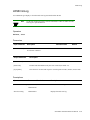
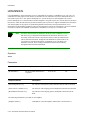
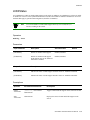
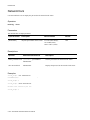
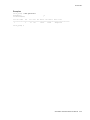
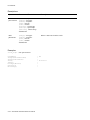
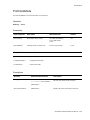
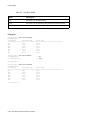
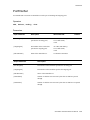
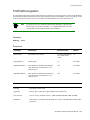
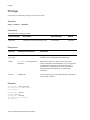
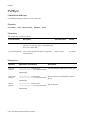
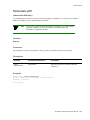
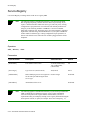
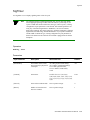
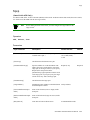
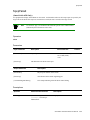
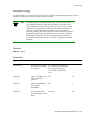
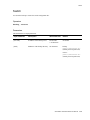
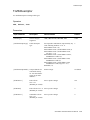
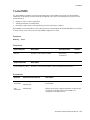
Use IPATMPVC to manage IP/ATM PVCs.
Note
The following applies to the SmartSwitch 2500 family only: The delete
ipatmpvc command removes the specified IPATMPVC as well as the PVC
associated with it.
Operators
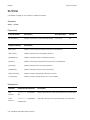
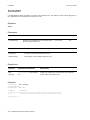
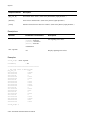
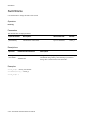
add, delete, show
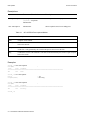
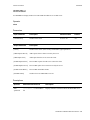
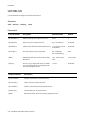
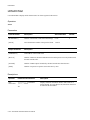
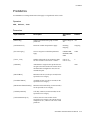
Parameters
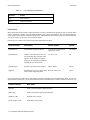
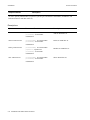
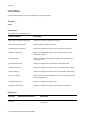
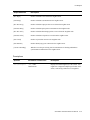
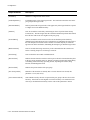
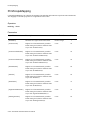
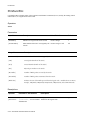
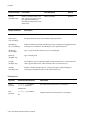
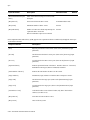
Input Parameter
Description
Value/Field Size
Default
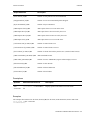
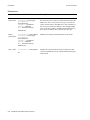
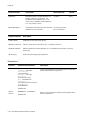
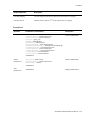
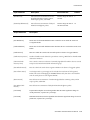
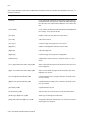
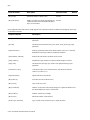
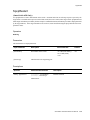
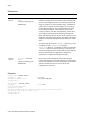
[ClientNumber]
Number of the client.
0-125 or All
All
[DestinationVPI]
VPI on CPU port of the attached PVC.
0-maximum
0
[DestinationVCI]
VCI on CPU port of the attached PVC.
0-maximum
33
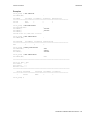
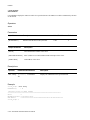
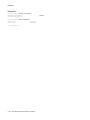
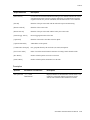
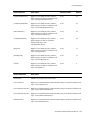
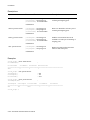
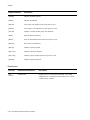
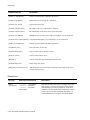
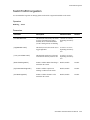
Output Parameter
Description
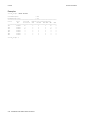
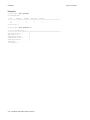
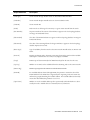
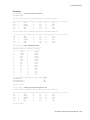
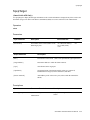
[IP Address]
IP address of the client on the other end of the PVC.
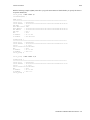
[VPI/VCI]
VPI/VCI values of the IPATMPVC.
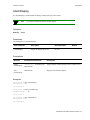
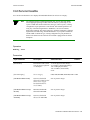
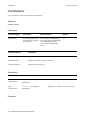
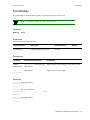
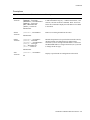
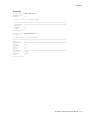
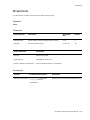
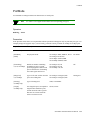
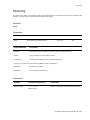
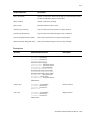
Descriptions
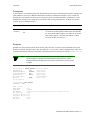
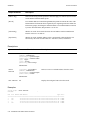
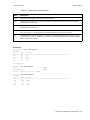
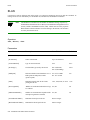
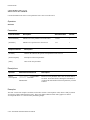
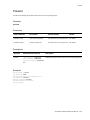
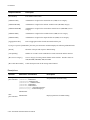
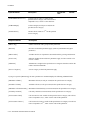
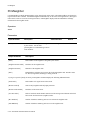
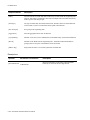
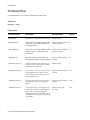
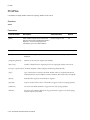
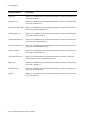
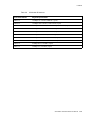
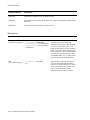
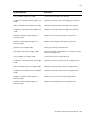
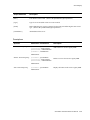
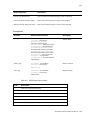
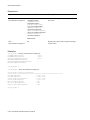
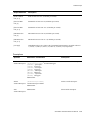
Operator
Parameters/Permissions
Description
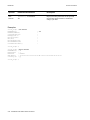
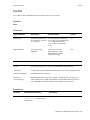
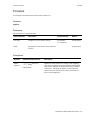
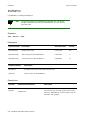
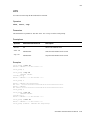
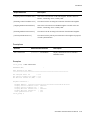
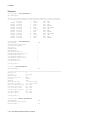
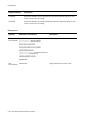
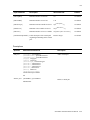
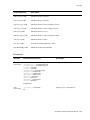
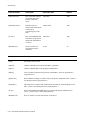
add
[ClientNumber] <clientnumber>
ipatmpvc
Administrator
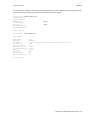
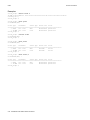
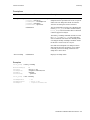
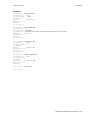
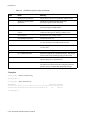
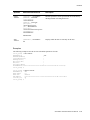
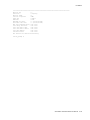
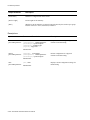
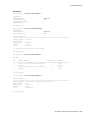
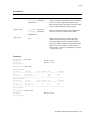
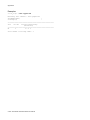
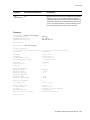
Creates an IP/ATM PVC. To achieve this, you must
first enter add pvc then add ipatmclient for a new
client (see “IPATMClient” for more details). You can
then enter add ipatmpvc.
2-86 SmartSwitch ATM Switch Reference Manual