1
MaxAttach NAS 6000 Administration Guide
Chapter #4 - Overview - NAS 6000 Disk Array
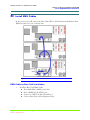
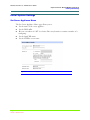
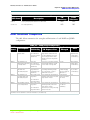
Base Unit User Data Arrays
Base Unit User Data Arrays
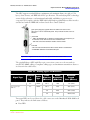
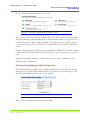
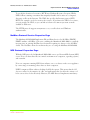
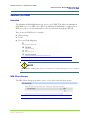
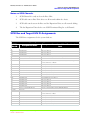
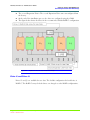
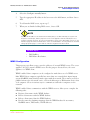
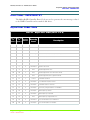
The remainder of the MaxAttach NAS 6000 Base Unit disk space is for user data arrays.
The array for drive E:\ cannot be changed because it shares physical disks with the
operating system logical drives. Drive F:\ can be changed.
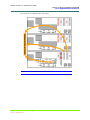
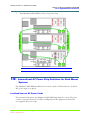
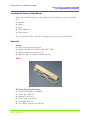
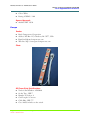
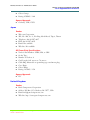
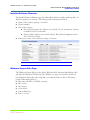
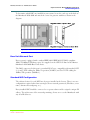
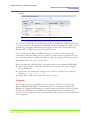
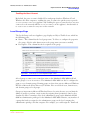
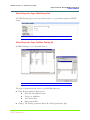
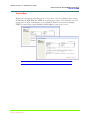
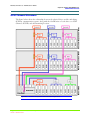
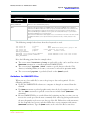
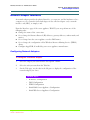
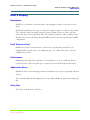
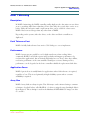
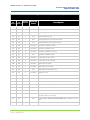
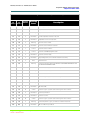
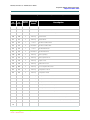
Figure #7
Base Unit User Data Drive Arrays
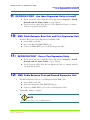
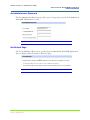
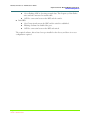
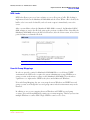
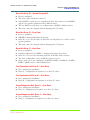
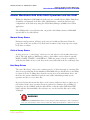
Drive E:\
Drive E:\ is available for user data but cannot be changed in size or configuration from the
factory configured RAID 5 - Striping with distributed parity.
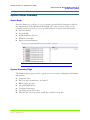
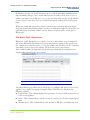
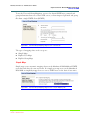
Drive F:\
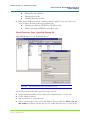
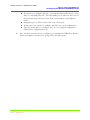
Drive F:\ is available for user data and CAN be changed in size or configuration from the
factory configured RAID 5. Possibilities include RAID 0 - Striping, RAID 1 - Mirroring,
RAID 0+1 - Striping with mirroring, RAID 3 - striping with dedicated drive parity, or set
to JBOD (just a bunch of disks), or create smaller arrays with one or more Hot Standby
Drives.
Chapter #4 - Overview - NAS 6000 Disk Array
11/07/01 -- Revision 2.0.03A
125
000001628